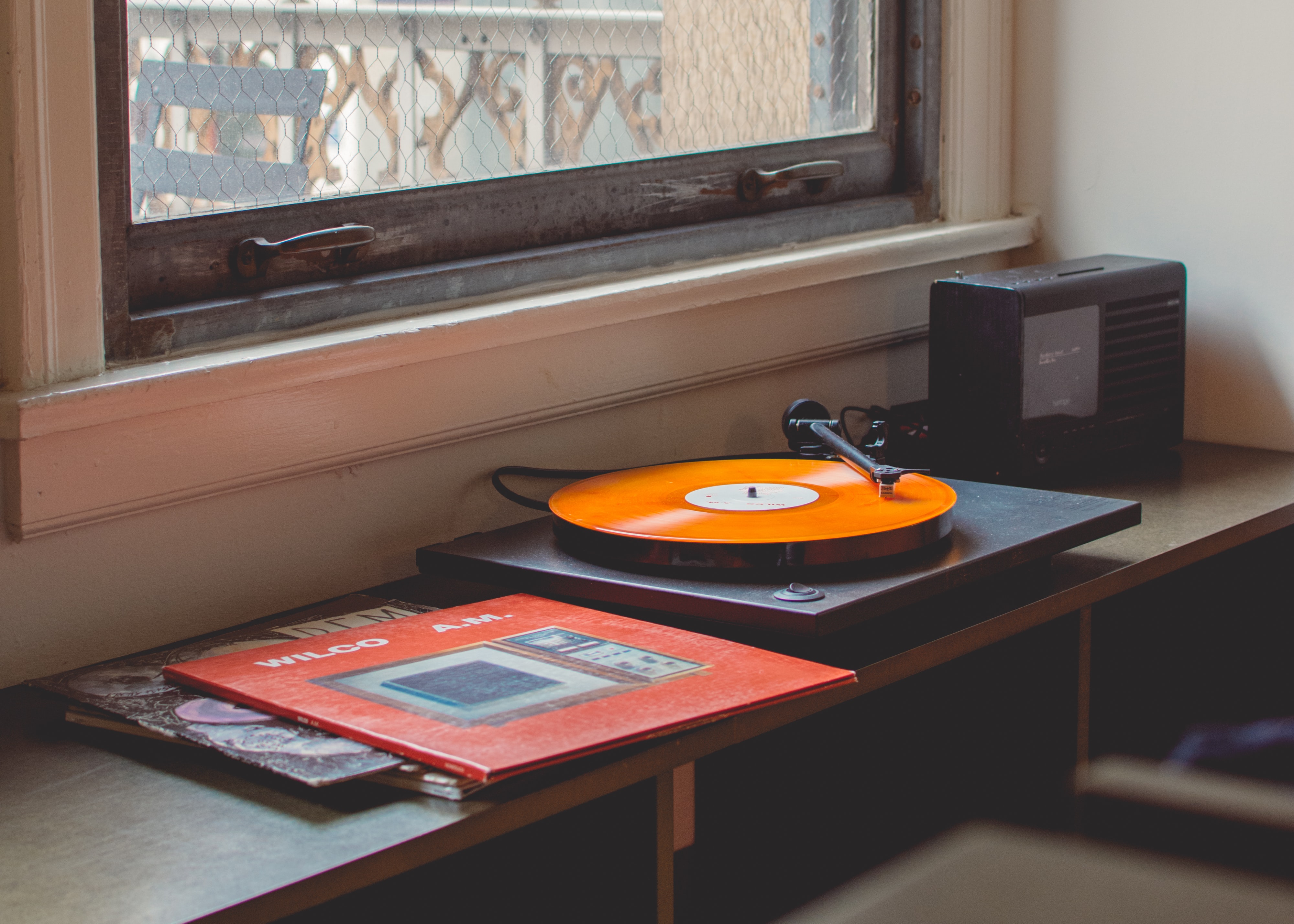
Mini stereo amplifiers keep showing up on alternative shopping guides for good reason, they hit the price-to-quality curve that used to demand a full separates rack. What most of them share is a networked control surface, and the desktop app you pair with your amp decides how much of what that box can do you actually get to. We tested seven of the most-used desktop HiFi control apps against a mixed setup (integrated amp with DLNA renderer, a headphone DAC, and two active speakers over UPnP) to sort through them.
What to look for in a HiFi control app
- Protocol coverage. DLNA/UPnP handles most amps built after 2015. AirPlay 2 covers Apple’s side. Roon RAAT and Squeezelite are proprietary but well-supported by boutique brands.
- Bit-perfect output. If it resamples silently before your DAC gets the file, that’s not what you want.
- Library management. Some apps live and die on how they organize your library, others treat it as a browse-only afterthought.
- Streaming service integration. Tidal, Qobuz, Deezer, Apple Music, and Spotify Connect all have varying levels of native support.
- Multi-room. If you have more than one endpoint you’ll want synchronized playback that actually stays synced.
Quick comparison
| App | Best for | Platforms | Price |
|---|---|---|---|
| Roon | Full-catalogue library engine | Windows, macOS, Linux | ~$150/yr or $830 lifetime |
| JRiver Media Center | Power-user media management | Windows, macOS, Linux | ~$60 one-time |
| Audirvana Studio | Sound quality with subscription streaming | Windows, macOS | ~$70/yr |
| HQPlayer Desktop | Audiophile upsampling and DSP | Windows, macOS, Linux | ~$260 one-time |
| Foobar2000 | Lightweight local playback | Windows, macOS | Free |
| Volumio | Headless streamer OS with web control | Linux | Free / ~$5/mo Premium |
| Logitech Media Server | Squeezebox ecosystem | Windows, macOS, Linux | Free, open source |
1. Roon — Best library and control engine
Roon is the app most people mean when they say “a proper HiFi setup.” It runs Roon Core on one machine (Windows, macOS, or Linux), indexes your local library and Tidal or Qobuz, and sends bit-perfect audio to any endpoint that speaks RAAT, AirPlay 2, Chromecast, or Squeezebox. The library UI, with liner-notes-level metadata and connections between artists, is the reason people pay for it.
Multi-room is the smoothest we’ve used. Setting up per-zone DSP (parametric EQ, headphone convolution) takes minutes.
Where it falls short: the pricing (around $150/year or $830 lifetime). If your library is small and you don’t need multi-room, that’s a lot.
Download: Roon
Bottom line: the default if you want one app to run every zone and index every service.
2. JRiver Media Center — Best power-user media suite
JRiver Media Center does more than audio. It handles video, images, TV tuners, and full DLNA server duties. The audio pipeline supports bit-perfect output, convolution filters, and per-zone routing. The library engine is deep and the tag editor is far ahead of Roon’s.
The interface looks like it was designed in 2010, because it was, but every setting you care about is exposed.
Where it falls short: the UI is not what you show off. The learning curve is real.
Download: JRiver Media Center
Bottom line: the app to install if you’d rather tune settings than have them decided for you.
3. Audirvana Studio — Best sound quality with subscription streaming
Audirvana Studio stakes its reputation on audio quality first. Native support for Tidal, Qobuz, and (via bridging) Apple Music, plus MQA rendering (where the DAC supports it) and SoX-based upsampling. The interface is calmer than JRiver’s and easier than Roon’s.
Pricing is a subscription (about $70/year) or a Studio 3.5 perpetual license path on the Origin tier.
Where it falls short: multi-room support exists but is a step behind Roon. Linux isn’t supported.
Download: Audirvana Studio
Bottom line: the best single-zone sound quality with cloud streaming baked in.
4. HQPlayer Desktop — Best for upsampling and DSP
HQPlayer Desktop is the specialist. It exists for people who want to upsample PCM to DSD256 or DSD512 with their choice of filters, apply room correction convolution, and route to a networked NAA endpoint. It doesn’t try to be your library manager, it tries to be the last stage in your signal path.
Pair it with Roon (as the audio output) if you want Roon’s library plus HQPlayer’s DSP.
Where it falls short: the price is steep (around $260 one-time) and the UI expects you to know what a minimum-phase filter is.
Download: HQPlayer
Bottom line: the right pick if the phrase “poly-sinc-gauss-long” means something to you.
5. Foobar2000 — Best free desktop player
Foobar2000 is the free classic. Component-based, endlessly customizable, and bit-perfect output over WASAPI, ASIO, or Kernel Streaming. UPnP output plays to networked amps.
The default look is spartan and it stays that way unless you install a skin. That’s why longtime users prefer it.
Download: Foobar2000
Bottom line: the free option that respects your audio path, then gets out of the way.
6. Volumio — Best for a dedicated streamer box
Volumio is a Linux distribution designed to turn a Raspberry Pi or old PC into a dedicated network streamer. Web-based control from any device, DLNA/AirPlay/Spotify Connect renderers, and Tidal/Qobuz integration.
For desktop use, you can run Volumio on a headless machine and control it from your laptop’s browser.
Download: Volumio
Bottom line: the shortest path from spare box to serious streamer.
7. Logitech Media Server — Best for Squeezebox users and Squeezelite endpoints
Logitech Media Server (still developed as a community project after Logitech stopped) is the server behind Squeezebox and every Squeezelite/piCorePlayer endpoint. Free, open source, runs on Windows, macOS, Linux, and NAS units.
If you own Squeezeboxes or any of the Raspberry Pi-based Squeezelite setups, this is the app that talks to them.
Download: Lyrion Media Server
Bottom line: essential for any Squeezebox-adjacent setup.
How to pick
- You want one app that just works and covers everything. Roon.
- You have a mixed library (audio, video, tuner) and hate paying subscriptions. JRiver.
- You care most about single-zone sound quality with Tidal/Qobuz. Audirvana Studio.
- You upsample everything to DSD. HQPlayer.
- You want free and lightweight. Foobar2000.
- You want a dedicated streamer. Volumio on a Pi.
- You own a Squeezebox. Lyrion (LMS).
FAQ
Do I need a HiFi control app if my amp has its own?
Manufacturer apps handle the basics (source, volume, on/off). They rarely handle a large local library or streaming integration well. A dedicated desktop app is what most enthusiasts run for library and streaming, then use the manufacturer app for quick control.
Does Roon actually sound better than Foobar2000?
At bit-perfect output to the same DAC, no. The differences are in what happens before that stage: upsampling, DSP, filtering. Roon’s advantage is library and multi-room, not the DAC signal itself.
Which of these support Apple Music?
Audirvana Studio has the deepest Apple Music integration on desktop. Roon does not (as of writing). Foobar2000 and JRiver can play local Apple Lossless files but do not stream Apple Music directly.