
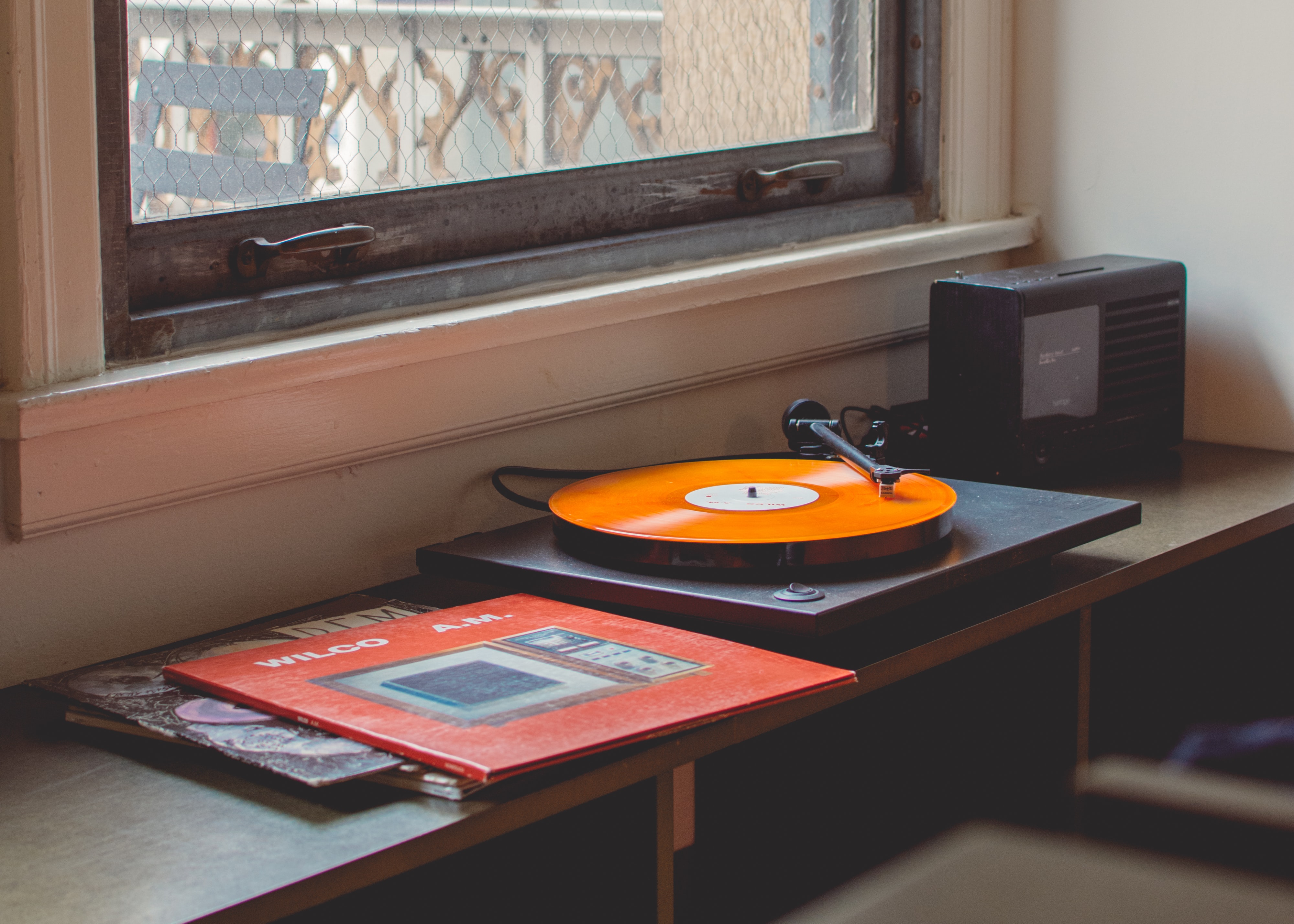
The XDA piece on replacing Plex with an open-source alternative caught attention because the broader story is true on the music side too. Spotify keeps raising prices, the Plex Pass lifetime tier just got more expensive, and the value of owning your collection has climbed back up. If you have a music library worth more than your subscription, a self-hosted music streaming server gives you Spotify-style access on every device without renting access to your own files.
We tested seven self-hosted music streaming apps that run on Windows, macOS, and Linux. The list spans the lightweight Subsonic-API servers that have replaced the heavyweight options, the all-in-one media servers that handle music as one feature among many, the federated music network, and the cozy single-user picks.
What to look for in a self-hosted music streaming app
Pick a self-hosted music server that:
- Speaks the Subsonic API. It’s the de facto standard for self-hosted music in 2026, and choosing a server that supports it unlocks a wide catalog of mobile clients without writing your own.
- Reads tags from your existing library. Reorganising 80,000 tracks to match a server’s expected layout is not realistic. The best servers index whatever folder structure you already have.
- Streams transcoded audio. Phones over LTE want a smaller bitrate than your home network, and the server should do that work without you setting up FFmpeg by hand.
- Supports multiple users. Even single-person households want a guest account for visitors. Per-user playlists keep the family library tidy.
- Ships a Docker image. Native installs are still possible, but Docker is the path of least resistance and the maintained projects all support it.
Quick comparison
| App | Best for | Platforms | Free plan | Starting price |
|---|---|---|---|---|
| Navidrome | Lightweight Subsonic-API server | Linux, Windows, macOS, Docker | Yes, fully | Free |
| Jellyfin | All-in-one media server with music | Linux, Windows, macOS, Docker | Yes, fully | Free |
| Plex | Polished media server (paid Pass adds music sync) | Linux, Windows, macOS, Docker | Yes (limited music) | Plex Pass from ~$5/mo |
| Airsonic-Advanced | Heavy-weight Subsonic fork with podcast support | Linux, Windows, macOS, Docker | Yes, fully | Free |
| Funkwhale | Federated music network with discovery | Linux, Docker | Yes, fully | Free |
| Polaris | Single-user music server, dead simple | Linux, Windows, macOS | Yes, fully | Free |
| Owncast | Self-hosted live audio and video streaming | Linux, Docker | Yes, fully | Free |
The 7 best self-hosted music streaming apps for desktop
1. Navidrome — best lightweight Subsonic server
Navidrome is the Go-based music server that has eaten the Subsonic-API category over the past three years. It indexes your library quickly even at six-figure track counts, the web UI is the cleanest in this category, and any Subsonic client (DSub, Symfonium, play:Sub, substreamer) connects without configuration. The smart playlists added last year actually behave like smart playlists, and the now-playing scrobbling to Last.fm and ListenBrainz works out of the box.
Where it falls short: Strict scrobbling means partial-listen tracks don’t always log; this is a feature for some, a complaint for others. The mobile clients are all third-party (well-supported, but not first-party).
Platforms: Linux, Windows, macOS, Docker. Subsonic clients on iOS, Android, web, desktop.
Bottom line: The default pick for self-hosted music in 2026.
2. Jellyfin — best all-in-one media server
Jellyfin handles music as one of several media types alongside video, photos, and books. For households that already run Jellyfin for TV and movies, adding the music library is one configuration step rather than a separate server. The audio player is reasonable but less specialised than Navidrome’s, and the official mobile apps stream music as well as video.
Where it falls short: The music-specific features (smart playlists, advanced tag-based browsing, scrobbling) are less developed than Navidrome’s. The audio player UI feels secondary to the video features.
Platforms: Linux, Windows, macOS, Docker. Native clients for iOS, Android, smart TVs, Roku, Fire TV.
Bottom line: The right pick when you want one server for all media and music is a side dish, not the main course.
3. Plex — best polished experience
Plex is the commercial-grade media server that pioneered the polished self-hosted experience and remains the most accessible option for non-technical household members. The Plexamp companion app is genuinely good for music, the recommendation engine has years of refinement behind it, and Plex Pass unlocks library sync, loudness levelling, and sonic-similarity playlist features that no open-source alternative matches.
Where it falls short: The free tier no longer streams music remotely to devices outside your home network; that’s now Plex Pass-only. The server’s centralised authentication routes through Plex’s cloud even for local-network listening, which some self-hosters want to avoid.
Platforms: Linux, Windows, macOS, Docker. Native clients on iOS, Android, smart TVs, consoles.
Bottom line: The pick when you want the polish and you don’t mind paying Plex Pass for the music features.
4. Airsonic-Advanced — best feature-rich Subsonic fork
Airsonic-Advanced is the actively maintained fork of Airsonic, which itself was a fork of Subsonic. The result is a JVM-based server with podcast support, video streaming, jukebox mode (one player drives audio on the server’s local speakers), and a transcoding pipeline that handles every common codec. For libraries with weird format mixes (FLAC plus WAV plus Opus plus old MP3 vintage), this is the most forgiving server.
Where it falls short: The JVM heritage shows in the memory footprint; budget at least 1 GB of RAM, more for large libraries. The UI looks every bit of its age compared to Navidrome.
Platforms: Linux, Windows, macOS, Docker. Subsonic clients.
Bottom line: The right pick when you need podcast support, jukebox mode, or you want every Subsonic feature even at the cost of resource use.
5. Funkwhale — best federated music network
Funkwhale is the federated music server modelled after the ActivityPub network that powers Mastodon. Your library lives on your server, but the discovery layer pulls in publicly shared playlists, channels, and podcasts from other Funkwhale instances. The community curation is one of a kind: discovering new self-published indie music through Funkwhale feels like 2007 Last.fm.
Where it falls short: The federation features only matter if you’re interested in them; if you want a pure private library server, Navidrome is lighter. Mobile client support is narrower than Subsonic-API servers.
Platforms: Linux, Docker. Web client; some third-party mobile apps via the federation-aware API.
Bottom line: The pick when you want self-hosted music plus a community-discovery layer.
6. Polaris — best for single-user simplicity
Polaris is the music server that does the smallest possible amount of work. One user, one library, one local network. The Rust binary indexes your library in seconds, the web UI is minimal, and the resource use is so light it runs on a Raspberry Pi Zero. No transcoding, no scrobbling integrations to configure, no multi-user permission model. Sometimes that’s exactly what you want.
Where it falls short: Single-user means single-user. Households of more than one will outgrow it. No native mobile app; you stream from a web browser.
Platforms: Linux, Windows, macOS
Bottom line: The right pick when one person wants their music on their phone from their own server and the project should not be more than a Saturday afternoon to set up.
7. Owncast — best for self-hosted live audio
Owncast is the self-hosted live streaming platform that surprised us by being a great fit for music. If you DJ, run a community radio station, or want to stream a set to friends, Owncast handles the live audio side that the on-demand servers above don’t. It’s not a library server; it’s a server for live broadcasts.
Where it falls short: Not for replacing Spotify. This is for streaming live, scheduled, or improvised audio events to a chat-equipped audience.
Platforms: Linux, Docker. Audio (and video) accessed via any browser, no special client needed.
Bottom line: The pick when you want to host a live radio or DJ stream from your own server rather than Twitch or Mixcloud.
How to pick the right one
If you want a Subsonic-API library server and you want it to be lightweight: Navidrome.
If you already run a media server for video and want to add music: Jellyfin, or Plex if you’ll pay Plex Pass.
If your library is messy and you need every feature including podcasts and jukebox: Airsonic-Advanced.
If you want self-hosted music plus a discovery network: Funkwhale.
If you want the simplest possible single-user server: Polaris.
If you want to stream live audio events: Owncast.
If you have non-technical household members: Plex with Plex Pass, accepting that the centralised authentication is the cost.
FAQ
What’s the best free self-hosted music server? Navidrome for most households. Lightweight, actively maintained, broad Subsonic client support, scales to large libraries.
Can I use Subsonic clients with Navidrome? Yes. Navidrome implements the Subsonic API, so DSub, Symfonium, play:Sub, substreamer, and most other Subsonic-compatible apps connect without configuration.
Is Plex still worth it for music? If you’ll pay Plex Pass for Plexamp, yes. The recommendation engine and library-sync features are genuinely good. If you’d rather not pay a subscription, Navidrome plus Symfonium is the better answer.
Does Jellyfin support music well? Adequately. The library indexing works, the mobile apps stream, and the integration with the rest of Jellyfin is convenient. For pure music workloads, Navidrome is more refined.
Can I run a self-hosted music server on a Raspberry Pi? Navidrome, Polaris, and Airsonic-Advanced all run on a Raspberry Pi 4 with comfortable headroom. Jellyfin and Plex both work but want at least a Pi 4 with 4 GB of RAM, and transcoding pushes a Pi hard.
Is self-hosted music actually cheaper than Spotify? Once you already own the music, yes. The break-even point depends on hardware: a $35 Raspberry Pi plus a drive is less than two months of Spotify Family. The catch is sourcing the actual music files.
Does federation matter? Only if you want discovery beyond your own library. For private library streaming, the federation in Funkwhale is a feature you can ignore. For community curation, it’s the whole point.