
A year ago, researchers flagged a flaw in Apple’s Hide My Email that let a malicious site tie a masked address back to a user’s real inbox under specific conditions. Apple still has not shipped a fix. That’s a rough advertisement for a feature meant to keep a real email address out of circulation, and it’s pushed a fresh wave of people toward dedicated email masking tools that live on the desktop instead of buried inside one vendor’s ecosystem. We tested seven of the best options for 2026, from browser extensions to full alias-management platforms.
Email masking works the same way in every tool here: a site gets a random or custom alias instead of a real address, and mail forwards through to the real inbox behind it. The differences show up in reply support, custom domains, and how much of the plumbing is open to inspection.
What to look for in an email masking service
Not every masking tool covers the same ground, and the gaps matter once an alias handles anything beyond newsletter signups.
- Unlimited aliases. Free tiers that cap at five or ten masks run out fast for anyone signing up for more than a handful of services.
- Custom domains. Bringing a personal domain means aliases don’t all end in the same recognizable suffix.
- Open-source client. A published codebase means the masking logic can be audited rather than taken on faith.
- Reply support. The ability to reply from a masked address without exposing the real one behind it.
- Deletion granularity. One-click alias deactivation stops spam at the source instead of requiring a filter.
- PGP support. Encrypting forwarded mail end to end adds a layer most masking services skip entirely.
Quick comparison
| App | Best for | Free plan | Starting price/mo | Standout feature |
|---|---|---|---|---|
| SimpleLogin | Proton users wanting full control | 10 aliases | A modest monthly fee for unlimited | Open-source client and server |
| DuckDuckGo Email Protection | Simplicity and zero cost | Unlimited, fully free | Free | No paid tier at all |
| Firefox Relay | Firefox and Mozilla account holders | 5 masks | A modest monthly fee | Built into the Firefox toolbar |
| addy.io | Generous free tier | 20 aliases | A modest monthly fee for unlimited | Self-hostable open-source stack |
| Fastmail Masked Email | Existing Fastmail subscribers | None (requires paid mail) | Included with Fastmail mail plans | Deep inbox integration |
| Bitwarden Username Generator | Password manager users | Unlimited generation, free | Free (paid tiers optional) | Bundled into an existing vault |
| 1Password + Fastmail | 1Password subscribers wanting masked mail | None (requires paid mail) | Included with Fastmail integration | One-click alias creation in the vault |
1. SimpleLogin -- best for full control
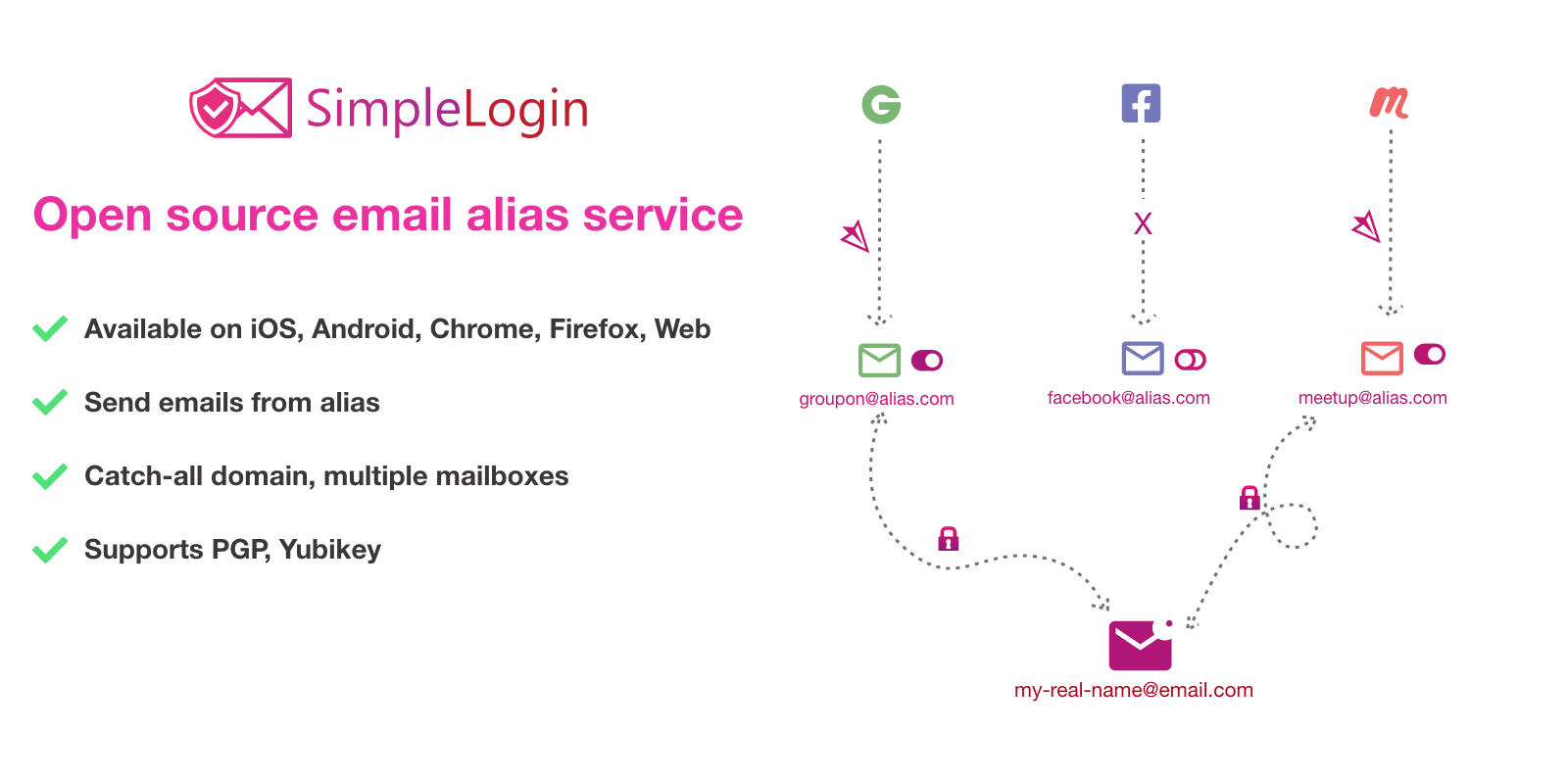
SimpleLogin is the alias service Proton acquired and kept running as a standalone open-source product, with browser extensions for Chrome, Firefox, and Edge alongside a full desktop-friendly web dashboard. Aliases can reply through the same masked address, custom domains attach directly, and the entire client and server codebase is published for anyone to audit.
Where it falls short: The free tier caps at ten aliases, which is workable for testing but tight for daily use across dozens of sites.
Pricing:
- Free: 10 aliases, core features
- Paid: A modest monthly fee for unlimited aliases and custom domains
Platforms: Windows, macOS, Linux (web dashboard and browser extensions)
Download: SimpleLogin
Bottom line: The most transparent option for anyone who wants to see exactly how the masking works under the hood.
2. DuckDuckGo Email Protection -- best free option
DuckDuckGo Email Protection ships as part of the DuckDuckGo browser and browser extension, generating unlimited @duck.com aliases at no cost and stripping known email trackers from forwarded messages before they reach the real inbox. Setup takes a minute inside the extension, and there’s no paid tier to upsell toward.
Where it falls short: No custom domains, and alias management lives entirely inside the DuckDuckGo ecosystem rather than a standalone dashboard.
Pricing:
- Free: Unlimited aliases, no paid tier
Platforms: Windows, macOS, Linux (via browser extension or DuckDuckGo browser)
Download: DuckDuckGo Email Protection
Bottom line: The easiest way to start masking email without paying anything or reading a pricing page.
3. Firefox Relay -- best for Firefox users
Firefox Relay attaches to a Mozilla account and generates masked addresses directly from the Firefox toolbar, forwarding mail while blocking trackers embedded in incoming messages. The free tier includes five masks, enough to try the workflow before deciding whether to pay for more.
Where it falls short: Five free masks run out quickly, and the premium tier is priced per mask rather than as a flat unlimited plan in some regions.
Pricing:
- Free: 5 masks
- Paid: A modest monthly fee for unlimited masks and a custom subdomain
Platforms: Windows, macOS, Linux (browser extension, Mozilla account dashboard)
Download: Firefox Relay
Bottom line: A natural fit for anyone already living inside the Firefox and Mozilla account ecosystem.
4. addy.io -- best generous free tier
addy.io (formerly Anonaddy) offers 20 free aliases before any payment is required, more than any other tool on this list, and the entire stack is open-source with a self-hosting option for anyone who wants to run it on their own server. Reply support and PGP encryption for forwarded mail are both included even on the free plan.
Where it falls short: The interface leans more technical than SimpleLogin’s, and self-hosting requires comfort with server maintenance.
Pricing:
- Free: 20 aliases, reply support, PGP
- Paid: A modest monthly fee for unlimited aliases and custom domains
Platforms: Windows, macOS, Linux (web dashboard, browser extensions, self-hosted option)
Download: addy.io
Bottom line: The best free allowance in this list, with a genuine self-hosting path for anyone who wants to own the infrastructure too.
5. Fastmail Masked Email
Fastmail Masked Email is built directly into Fastmail’s paid mail service, generating aliases from the compose window or browser extension without a separate app to manage. Because it lives inside the mailbox itself, filtering and deleting a compromised alias takes one click from the same inbox that receives it.
Where it falls short: Requires an active Fastmail subscription; there’s no free standalone tier, and the feature only works within Fastmail’s ecosystem.
Pricing:
- Paid: Included with Fastmail’s paid mail plans, starting at a modest monthly fee
Platforms: Windows, macOS, Linux (web app, browser extension)
Download: Fastmail
Bottom line: The tightest integration on this list for anyone who is already paying for Fastmail as their primary inbox.
6. Bitwarden Username Generator
Bitwarden’s built-in username and email generator creates masked addresses through integrations with SimpleLogin, addy.io, Fastmail, Firefox Relay, and other providers, all from inside the same vault that already stores passwords. It doesn’t run its own forwarding infrastructure; instead it calls out to whichever masking provider is connected via API key.
Where it falls short: Requires pairing with one of the other services on this list to actually forward mail. It’s a generator and organizer, not a standalone masking provider.
Pricing:
- Free: Full generator functionality
- Paid: Optional premium vault tiers for unrelated features
Platforms: Windows, macOS, Linux (desktop app and browser extension)
Download: Bitwarden
Bottom line: The right pick for anyone who wants masked email managed alongside passwords in one vault, rather than a separate app.
7. 1Password + Fastmail integration
1Password’s integration with Fastmail lets subscribers of both services generate a masked email address directly inside the 1Password vault during account signup, skipping the separate trip to Fastmail’s dashboard. The alias is saved alongside the generated password in the same vault item.
Where it falls short: Requires active subscriptions to both 1Password and Fastmail, and the integration only covers Fastmail, unlike Bitwarden’s broader provider support.
Pricing:
- Paid: Included with a 1Password subscription plus a Fastmail mail plan
Platforms: Windows, macOS, Linux (desktop app and browser extension)
Download: 1Password
Bottom line: A convenient option only for households already paying for both services.
A note on Hide My Email
Hide My Email, Apple’s built-in masking feature, remains the default for anyone deep in the Apple ecosystem, and the unresolved flaw doesn’t mean every alias is exposed. It means a specific edge case can link an alias back to a real address under conditions Apple hasn’t closed. Anyone relying on Hide My Email for sensitive signups now has good reason to route new aliases through one of the seven services above instead, or at minimum stop trusting Hide My Email as the sole barrier between a real inbox and the open web.
How to pick the right one
- If you already use Proton or want an open-source client with a clean interface: SimpleLogin
- If you want the simplest possible free option: DuckDuckGo Email Protection
- If you live inside Firefox: Firefox Relay
- If you want the most generous free tier and a self-hosting option: addy.io
- If you’re already paying for Fastmail as your main inbox: Fastmail Masked Email
- If you want masking bundled with your password manager: Bitwarden Username Generator
- If you use both 1Password and Fastmail: 1Password + Fastmail integration
- If you’re only using Hide My Email today: treat it as a starting point, not the final answer, given the unresolved flaw
Most people land on a combination: one masking provider for the forwarding infrastructure, plus a password manager that can generate and store those aliases without extra steps.
FAQ
What is email masking and how is it different from a disposable email? Email masking creates a permanent alias tied to a real inbox, so mail keeps forwarding indefinitely and replies can go out from the same alias. A disposable email address is typically temporary and gets abandoned after use, with no reply support and no long-term forwarding.
Is Apple’s Hide My Email still safe to use? Hide My Email still forwards mail correctly for most users. The unresolved flaw applies to a specific scenario where a malicious site can attempt to link an alias back to a real address, so anyone using it for sensitive accounts should weigh that risk against the convenience.
Which email masking service is completely free? DuckDuckGo Email Protection has no paid tier and generates unlimited aliases at no cost. Bitwarden’s generator is also free, though it needs to be paired with a masking provider to actually forward mail.
Can email masking services read the contents of forwarded mail? Most masking providers forward mail without storing message contents long-term, though the provider technically sits in the delivery path. Services like addy.io support PGP encryption for forwarded mail, which limits what the provider itself can read.
Do masked email addresses work for account recovery and two-factor codes? Yes, in most cases. Since masked addresses forward to a real inbox, verification codes and recovery emails arrive normally. The exception is services that block masked domains outright, which is rare but does happen.
Can I move my aliases if I switch masking providers? Not directly between most providers, since each generates its own domain and forwarding rules. Self-hostable options like addy.io make it easier to control the underlying domain, which reduces lock-in if a provider shuts down or changes pricing.


