Apple’s Hide My Email is a decent default for iCloud users, but a reported flaw around alias enumeration has now sat unfixed for over a year, and the service still ties every alias to a paid iCloud+ plan. That is fine on a Mac. It is less fine if you use Windows or Linux as your daily driver, or want aliases that route to a non-iCloud inbox. Email masking is one of those services where the choice compounds, because every alias you create today is one you will need to keep working for years.
We tested seven Apple Hide My Email alternatives that work on any desktop, from open-source pioneers to combined password-manager offerings.
Quick comparison
| App | Best for | Free plan | Starting price/mo | Standout feature |
|---|---|---|---|---|
| SimpleLogin | Full control, Proton ecosystem | 10 aliases | Around a low monthly fee | Own-domain support, PGP forwarding |
| addy.io | Self-hosters and power users | 20 aliases | Around a low monthly fee | Self-hostable, per-alias reply from |
| Firefox Relay | Casual Firefox users | 5 aliases | Around a low monthly fee | Built into Firefox account |
| DuckDuckGo Email Protection | Anonymous defaults | Unlimited aliases | Free | Strips trackers from forwarded mail |
| Fastmail Masked Email | Fastmail users | Bundled | Bundled with mailbox | Ties aliases to a real inbox provider |
| Bitwarden Username Generator | Password-manager users | 5+ aliases | Bundled with Bitwarden | Generates on the fly during signup |
| Forward Email | Custom domain owners | Free with a domain | Around a low monthly fee | Full open-source stack, no data storage |
Why people leave Hide My Email
Hide My Email is convenient, but the tradeoffs pile up if you look closely:
- iCloud+ required. No free plan, and cancelling breaks every alias you have.
- No custom domains without iCloud Custom Domain. Even then, you cannot bring your own MX records or run a mailing list from an alias.
- The unfixed flaw. A reported issue lets attackers enumerate aliases tied to an Apple ID under specific conditions. Apple has acknowledged it but has not shipped a fix.
- Desktop UX is Mac-only. Windows and Linux users manage aliases through icloud.com, which is clunkier than a native app or extension.
SimpleLogin
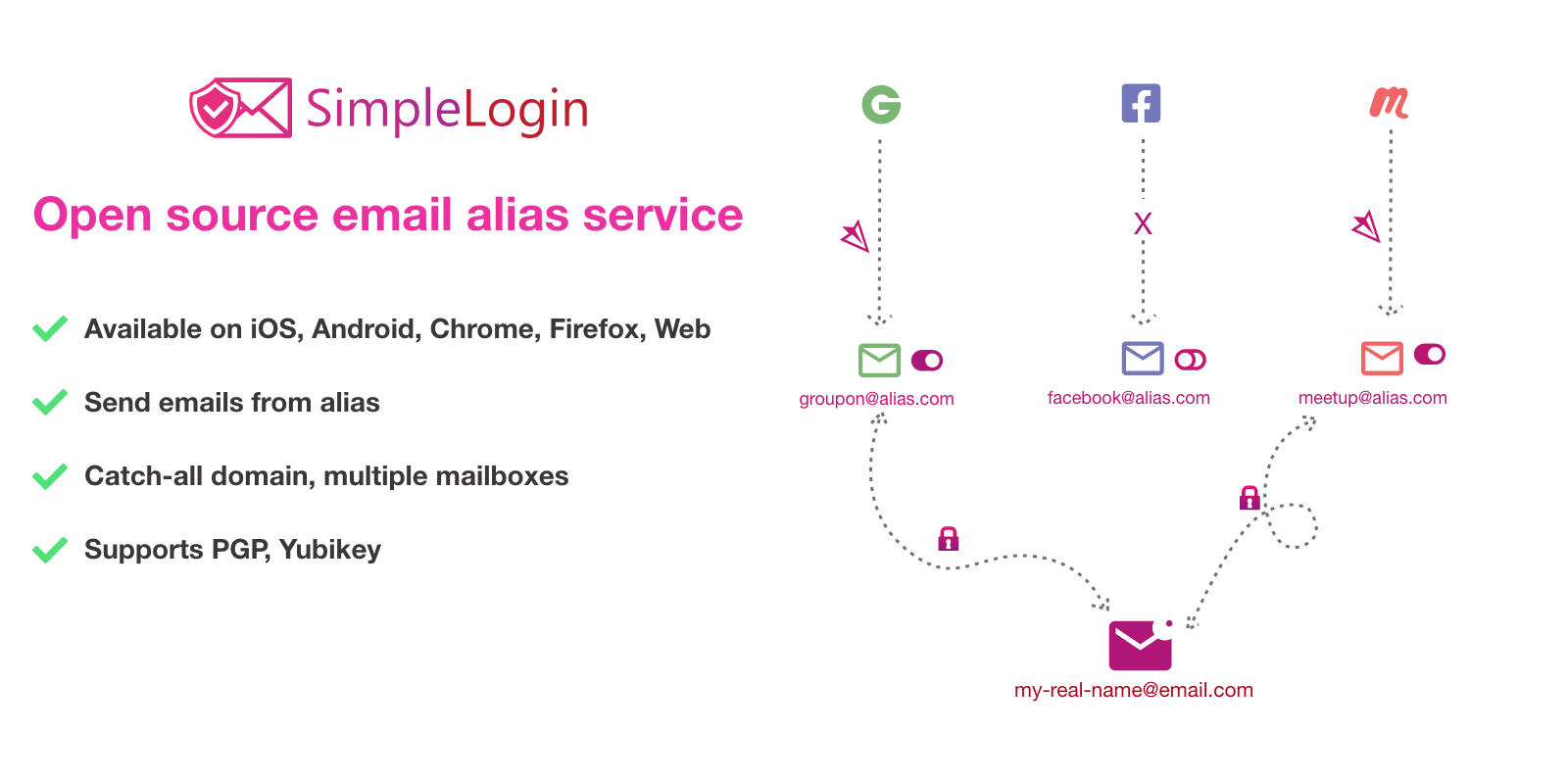
SimpleLogin is the alias service Proton acquired in 2022 and now bundles with Proton Unlimited. It supports custom domains, PGP encryption on forwarded mail, and reply-from-alias, which very few competitors do cleanly. The web UI, browser extension, and iOS and Android apps all stay in sync.
Where it falls short: Free tier caps at 10 aliases, and the desktop experience is browser-based rather than a native app.
Pricing: Free tier with 10 aliases. Paid unlocks unlimited aliases and custom domains for a modest monthly fee, and Proton Unlimited includes it.
Download: SimpleLogin
Bottom line: The strongest all-around Hide My Email alternative. Pick it if you want a real service you can extend.
addy.io
addy.io (formerly AnonAddy) is the open-source alternative for people who want to run their own alias server. The hosted plan is fine, but the appeal is that the entire stack is public and self-hostable in Docker on any small VPS.
Where it falls short: Setup takes some time if you self-host. Hosted plan features overlap heavily with SimpleLogin.
Pricing: Free tier with 20 aliases. Paid plans unlock custom domains and higher limits.
Download: addy.io
Bottom line: If you already self-host services and want your aliases under your own control, addy.io is the pick.
Firefox Relay
Firefox Relay is Mozilla’s take, built directly into your Firefox account and browser. Aliases forward to whatever email you have on file for Mozilla, and the browser autofills a fresh alias into any signup form.
Where it falls short: Free tier caps at 5 aliases. Custom domains and phone masking are behind Mozilla VPN’s Relay Premium tier.
Pricing: Free with 5 aliases. Relay Premium adds unlimited aliases and custom domains for a low monthly fee.
Download: Firefox Relay
Bottom line: If you already use Firefox, this is the shortest setup path.
DuckDuckGo Email Protection
DuckDuckGo Email Protection is free with no limit on aliases, and it strips known email trackers (pixels, click-tracked links) out of every forwarded message. You get one @duck.com address that hands out per-service aliases automatically through the DuckDuckGo browser extension.
Where it falls short: No custom domains, no reply-from-alias, no paid tier if you want more control.
Pricing: Free.
Download: DuckDuckGo Email Protection
Bottom line: For anyone who just wants unlimited aliases and does not want to pay. The tracker stripping is the surprise value.
Fastmail Masked Email
Fastmail Masked Email is bundled with any Fastmail mailbox and integrates with 1Password and Bitwarden for one-click alias creation. Aliases forward to your Fastmail inbox natively, so replies work like normal email.
Where it falls short: You need a Fastmail account for it to make sense.
Pricing: Bundled with any Fastmail personal plan.
Download: Fastmail Masked Email
Bottom line: The right pick for existing Fastmail users. Not worth switching providers for on its own.
Bitwarden Username Generator
Bitwarden Username Generator integrates with SimpleLogin, addy.io, Firefox Relay, DuckDuckGo, Fastmail, and Forward Email so you can create an alias directly from the Bitwarden password prompt during any signup. It does not host the aliases itself.
Where it falls short: You still need an account with the alias provider you choose. Bitwarden just orchestrates the call.
Pricing: Free with any Bitwarden account.
Download: Bitwarden
Bottom line: If Bitwarden is already your password manager, turn this on. It removes friction from every signup.
Forward Email
Forward Email is a fully open-source email service that forwards mail on custom domains. There is no vendor lock-in, no proprietary storage, and the entire codebase is on GitHub.
Where it falls short: No native app. You need your own domain to get real value from it.
Pricing: Free with a custom domain. Paid tiers for advanced routing and API access.
Download: Forward Email
Bottom line: For domain owners who want a transparent, no-storage forwarding stack.
How to choose
Pick SimpleLogin if you are already inside Proton’s ecosystem or you want the fullest feature set. Pick DuckDuckGo Email Protection if you want unlimited free aliases and do not care about advanced controls. Pick addy.io if you already self-host services and want to bring your aliases under the same tent. Pair Bitwarden Username Generator with whichever service you land on so signups fill the alias automatically. Stay on Hide My Email if you live inside Apple’s ecosystem and never touch a Windows or Linux machine, since the integration cost is negligible there.
FAQ
Can I move existing Hide My Email aliases to another service? No. Aliases are provider-specific. You have to switch new signups to the new service and keep Hide My Email running for legacy accounts.
Which service is fully open source? addy.io and Forward Email publish their entire stacks. SimpleLogin’s core is open source, though the hosted service has proprietary components.
Does DuckDuckGo Email Protection support custom domains? No. If you want [email protected], look at SimpleLogin, addy.io, Fastmail Masked Email, or Forward Email.
Is reply-from-alias important? It is the feature that lets you reply to a forwarded message and have the recipient see the alias as the sender, not your real address. Without it, replies leak your real inbox. SimpleLogin and addy.io both do this.