Apple’s Hide My Email has been the default answer for iCloud+ users who want a burner address for every signup. A recent report that a year-old flaw around alias enumeration is still unpatched sent people looking again at the alternatives, and Android users never had Hide My Email in the first place. We spent a week running seven email aliasing apps through the same real-world workflow: sign up for newsletters, retailers, and a couple of accounts we would rather not tie to a personal address, then track what leaks back.
The picture on Android is healthier than it looks. A couple of services now compete on features Apple never offered, from open-source self-hosting to per-alias replies and folder-level filters. What follows are the best apps for email aliasing on Android in 2026, ranked for how they behave when you actually use them daily.
What to look for in an email aliasing app
- Number of aliases on the free tier. Ten free aliases is the modern floor. Five is stingy. Unlimited is the mark of a mature service.
- Reply from the alias. If you cannot reply to the sender from the same alias, you have half a tool. Check for both inbound and outbound support.
- Custom domains. Aliases on a domain you own are harder for a leaker to correlate to a service. Free tiers rarely include this; check the paid plans.
- Two-way integration with your password manager. Autofill that creates an alias at signup time is the difference between using aliases every time and using them occasionally.
- Open source vs closed. Open-source services can be audited and self-hosted. Closed services trade that for polish and mobile apps.
- Deliverability. A cheap alias service that ends up on spam lists is worse than no alias. Look for services that maintain their own IP reputation.
Quick comparison
| App | Best for | Free aliases | Custom domain | Reply from alias | Price |
|---|---|---|---|---|---|
| Proton Pass | All-in-one privacy stack | 10 | Paid | Yes (paid) | Free, Plus $4.99/mo |
| SimpleLogin | Alias power users | 10 | Paid | Yes | Free, Premium $30/yr |
| DuckDuckGo Email | Zero-effort setup | Unlimited | No | Yes | Free |
| Firefox Relay | Firefox and Mozilla users | 5 | Paid | Yes (paid) | Free, Premium $0.99/mo |
| addy.io | Open source, self-hosting | Unlimited | Paid | Yes | Free, Lite $12/yr |
| Fastmail Masked Email | Fastmail subscribers | Unlimited | Yes | Yes | Bundled from $5/mo |
| Bitwarden | Password manager users | Depends on integration | N/A | Depends | Free, Premium $10/yr |
The apps
1. Proton Pass, best all-in-one privacy stack
Proton Pass ships email aliases as a first-class feature inside a broader password manager, so the alias lives next to the login it protects. The Android app creates aliases from the autofill sheet at signup and stores the site name, note, and 2FA seed on the same card. Aliases run through the SimpleLogin backend, which Proton owns, so deliverability and forwarding logic are the same mature stack SimpleLogin uses.
The free plan covers ten aliases, unlimited logins, and Proton Sentinel high-security alerts. Paid plans lift the alias cap, add reply-from-alias, and unlock custom domains. If you already pay for a Proton Mail bundle, aliases are included.
Where it falls short: The alias cap on free is generous but not unlimited, and reply-from-alias is paywalled. If you prefer to keep passwords and aliases in separate apps for blast-radius reasons, Pass conflates them by design.
Pricing: Free with 10 aliases. Pass Plus $4.99/mo, Proton Unlimited $9.99/mo bundles all Proton services.
Platforms: Android, iOS, web, macOS, Windows, Linux, browser extensions.
Download: Aptoide · Google Play
Bottom line: The pick for anyone who wants password management and email aliases in one Android app without stitching services together.
2. SimpleLogin, best for alias power users
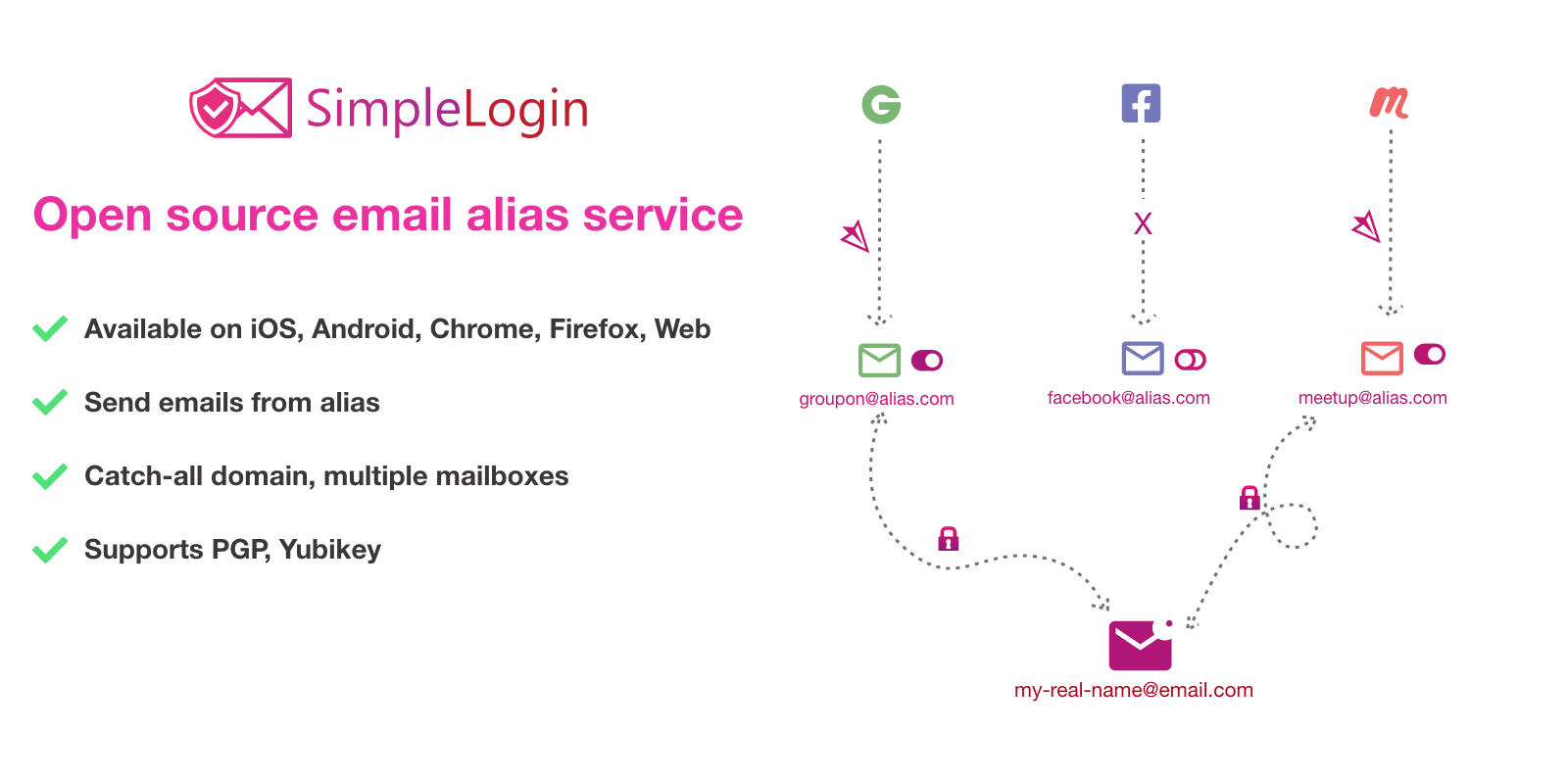
SimpleLogin is the dedicated aliasing service Proton acquired, and the standalone Android app is the fastest way to spin up a burner without opening a password manager. New alias generation takes two taps, mailbox routing supports multiple destination addresses, and PGP encryption on forwarded mail is available on the free tier.
The Premium plan removes the alias cap and unlocks custom domains, catch-all addresses, and the SL directory feature (unlimited aliases on a shared prefix like [email protected]). It is the tool to reach for when you want fine control over where each alias points and how it forwards.
Where it falls short: The Android app is functional rather than polished, and reply threading in Gmail can look odd because the alias sends through the SimpleLogin relay. Users on the free tier hit the 10-alias cap quickly.
Pricing: Free with 10 aliases. Premium $30/year unlocks unlimited aliases and custom domains.
Platforms: Android, iOS, web, browser extensions (Chrome, Firefox, Safari, Edge, Brave).
Download: Aptoide · Google Play
Bottom line: The right pick when the alias itself is the product and you want features Proton Pass keeps for its all-in-one card.
3. DuckDuckGo Email Protection, best for zero-effort setup
DuckDuckGo Email Protection ships inside the DuckDuckGo Privacy Browser and needs no separate app. You claim a @duck.com address, then generate a random @duck.com alias for every signup, and DuckDuckGo strips trackers from the forwarded email before it lands in your real inbox. That last part is unique on this list.
Setup is under two minutes if you already have the browser, and there is no dashboard to manage: everything happens from a share sheet or the autofill bubble. The service is free and unlimited.
Where it falls short: Aliases forward to whatever inbox you set once, no per-alias routing. Reply-from-alias works, but the tracker-stripping only runs on forwarded mail, not messages you send. Not open source.
Pricing: Free, unlimited aliases, no paid tier.
Platforms: Android, iOS, web, browser extensions. Requires DuckDuckGo Privacy Browser on Android.
Download: Aptoide · Google Play
Bottom line: The fastest way to start using aliases on Android, and free forever. The pick if you already trust DuckDuckGo for search and browsing.
4. Firefox Relay, best for Firefox and Mozilla users
Firefox Relay is Mozilla’s aliasing service, wired into Firefox on Android and the Firefox account you probably already have. The free tier gives you five aliases, and Premium adds a phone-number relay, unlimited email aliases, custom subdomains, and reply-from-alias.
Relay’s strength is Mozilla-scale deliverability and the fact that the browser can generate an alias inline at any signup form. If you use Firefox as your main Android browser, this is the low-friction default.
Where it falls short: Five free aliases is behind the pack, and Premium is regionally priced ($0.99 to $1.99/mo), which is cheap but requires you to be in a supported country. No custom domain support outside subdomains.
Pricing: Free with 5 aliases. Premium from $0.99/mo unlocks unlimited aliases and phone masking.
Platforms: Android (via Firefox), iOS (via Firefox Focus and Firefox), web, browser extensions.
Download: Aptoide · Google Play
Bottom line: The pick if Firefox is already your Android browser and you want aliasing paid annually for the price of a coffee.
5. addy.io, best for open source and self-hosting
addy.io (formerly AnonAddy) is the open-source aliasing service that self-hosters install alongside Bitwarden Vaultwarden and Nextcloud. The hosted service on addy.io is generous: unlimited aliases on the free tier under a shared domain, unlimited replies and sends, GPG encryption, and a decent Android app for creating and managing aliases on the go.
Paid tiers unlock custom domains and additional recipient inboxes. Because the source is on GitHub, you can run the whole thing on a VPS or home server and control the alias domain end to end.
Where it falls short: The mobile app is a wrapper around the web interface, so it feels less native than Proton Pass or SimpleLogin. Deliverability on shared free-tier domains varies more than on Proton or Fastmail because addy.io does not run a global relay of the same scale.
Pricing: Free with unlimited aliases on shared domains. Lite $12/year, Pro $36/year add custom domains and more inboxes.
Platforms: Android, iOS, web, browser extensions. Self-hostable Docker image.
Download: Aptoide · Google Play
Bottom line: The pick if you already self-host services or want an open-source audit trail, at a price the closed competitors cannot match.
6. Fastmail Masked Email, best for Fastmail subscribers
Fastmail Masked Email is the aliasing feature inside a Fastmail account, jointly built with 1Password. Every alias lives on a domain you own or a Fastmail domain, forwards to your real Fastmail inbox, and can be created from the 1Password Android autofill bubble at signup.
For people who already pay for Fastmail as their primary email, Masked Email is included at every tier and gives you unlimited aliases, per-alias filtering, and mail rules based on the alias.
Where it falls short: Requires a Fastmail subscription ($5/mo minimum), so it is not a standalone free option. The 1Password integration is the fastest path to alias-at-signup, meaning it is really useful when both services are already in your stack.
Pricing: Bundled with Fastmail from $5/mo Individual (annual). Unlimited aliases.
Platforms: Android, iOS, web. 1Password integration on Android, iOS, macOS, Windows.
Download: Aptoide · Google Play
Bottom line: The pick if Fastmail is already your inbox and you own a domain, because the price includes the mail service and the aliasing engine.
7. Bitwarden, best for password manager users
Bitwarden does not run its own aliasing service. Instead, it integrates with SimpleLogin, addy.io, DuckDuckGo, Firefox Relay, Fastmail, and ForwardEmail, and creates an alias in the linked service from inside the Bitwarden Android autofill bubble. If you already use Bitwarden as your password vault and one of those services for aliases, this stitches them together at the point of use.
The upside is fewer apps in the flow and the ability to swap the aliasing backend without changing password managers. Every alias ends up stored on the corresponding login card, with metadata that survives export.
Where it falls short: No aliases without an external service, so the free tier of Bitwarden alone does not give you aliasing. Integration setup is one-time but takes ten minutes to link the account and copy the API key.
Pricing: Free vault with alias integration. Premium $10/year adds 2FA hosting and file attachments; alias limits come from the linked service.
Platforms: Android, iOS, web, macOS, Windows, Linux, browser extensions.
Download: Aptoide · Google Play
Bottom line: The pick if Bitwarden is already your password manager and you want to keep it that way while adding aliases through a partner service.
How to pick the right one
- If you want one app that does passwords and aliases: Proton Pass. It is the closest replacement for the Apple Hide My Email plus Keychain combination on Android.
- If you want the strongest free tier and zero setup: DuckDuckGo Email Protection. Unlimited aliases, tracker stripping, no cap.
- If aliases are the core feature you use daily: SimpleLogin. The dashboard and routing controls beat every all-in-one.
- If you self-host or want open source: addy.io. The only pick that lets you own the alias domain end to end for free.
- If you already pay for Fastmail: Fastmail Masked Email. It is bundled at every tier and integrates cleanly with 1Password.
- If you already run Bitwarden: Bitwarden plus one of the services above. Do not switch password managers for aliasing alone.
FAQ
What is the best free email aliasing app for Android?
DuckDuckGo Email Protection gives you unlimited free @duck.com aliases and strips trackers from forwarded mail, no paid tier required. addy.io is a strong second if you want to keep options open with a custom domain later.
Is Proton Pass a good replacement for Apple Hide My Email?
Yes, for Android users. Proton Pass creates and stores aliases inside the same app that fills passwords, mirrors the Hide My Email workflow, and runs on the SimpleLogin backend that Proton owns. The free tier caps aliases at ten, so heavy users will need Pass Plus.
Can I reply to an email sent to an alias?
Every service on this list supports reply-from-alias, but some paywall it. SimpleLogin, DuckDuckGo, addy.io, and Fastmail Masked Email include it on free tiers. Proton Pass and Firefox Relay reserve it for their paid plans.
Do email aliases hide my real email from spam lists?
Yes, that is the point. If a service leaks or sells your alias, you deactivate that alias and your real address is untouched. Aliases do not encrypt the content of forwarded mail, so use PGP through Proton Mail or ProtonMail Bridge if you also need message confidentiality.
Can I self-host an alias service?
addy.io ships as a Docker image and is the practical open-source pick for self-hosting. SimpleLogin also publishes source and a self-hosted guide, though Proton has slowed community releases since the acquisition.
Which alias service has the best deliverability?
Fastmail, Proton, and Mozilla-run services (Firefox Relay) maintain the strongest inbound reputation, which reduces spam misclassification on forwarded mail. Open-source shared domains on addy.io free tier occasionally hit false-positive filters, especially on Microsoft 365 tenants.