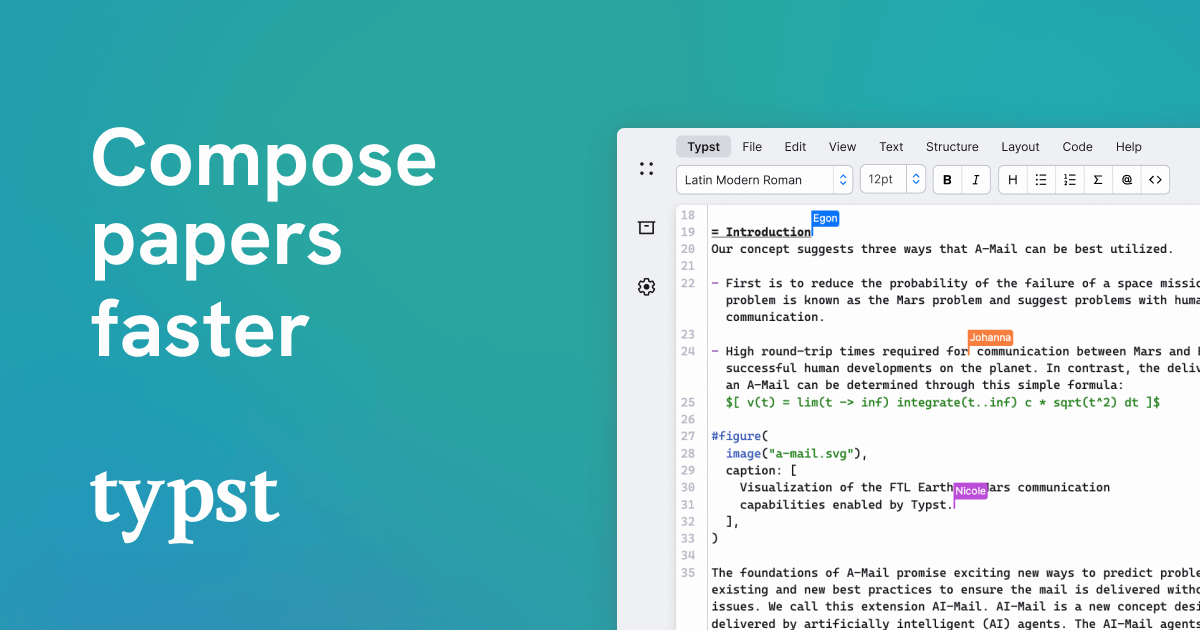
A recent XDA piece argued that Typst replaced Microsoft Word for a writer who finally gave up wrestling with footnotes and figure numbering. The case is real: Typst compiles a markup file into a paginated PDF in milliseconds, the syntax is friendlier than LaTeX, and the toolchain is one binary. If Typst still doesn’t fit, or you need export targets it doesn’t speak, the Typst alternatives below cover the full range of structured authoring on Windows, macOS, and Linux.
We compared seven Typst alternatives across pure-typesetting compilers, literate-document pipelines, and WYSIWYG editors. Each one trades a different part of Typst’s design for something a specific writing audience needs.
Why writers reach past Typst in 2026
Typst is a polished project, but it doesn’t fit every workflow:
- Journal and conference templates lag. Most academic publishers still ship LaTeX class files. Typst templates are catching up, but the long tail of journal-specific styles is years behind.
- Bibliographies and citation styles are narrower. Hayagriva is improving, but BibLaTeX and biber still cover more obscure CSL variants and have decades of community-maintained citation databases.
- Multi-format output isn’t the goal. Typst targets PDF. If your single source needs to ship to HTML, EPUB, DOCX, and PDF, you reach for Pandoc or Quarto instead.
- Live collaboration only exists on typst.app. The local compiler is free and offline, but real-time co-editing requires the hosted product, which adds a per-seat cost.
- Plugin maturity is uneven. Custom extensions land in WebAssembly modules, and the package registry has fewer entries than CTAN’s tens of thousands.
None of this kills Typst. But every alternative below addresses at least one of those gaps.
Quick comparison
| Tool | Best for | Free plan | Starting price | Standout feature |
|---|---|---|---|---|
| LaTeX (TeX Live) | Academic publishing with strict templates | Yes, fully | Free | Two decades of journal class files |
| Quarto | Mixed prose + code + figures | Yes, fully | Free | Single source to HTML, PDF, DOCX, slides |
| Pandoc | Any-to-any document conversion | Yes, fully | Free | Reads 30+ formats, writes 40+ |
| AsciiDoctor | Technical books and docs | Yes, fully | Free | Cleaner syntax than reST, ships books well |
| ConTeXt | Page-design-heavy print work | Yes, fully | Free | Fine control over layout, color, fonts |
| LyX | WYSIWYG over LaTeX | Yes, fully | Free | Visual editor with structured backend |
| SILE | Modern programmable typesetter | Yes, fully | Free | Lua-scriptable, Unicode-first, OpenType |
The 7 best Typst alternatives for desktop
LaTeX (TeX Live) — best for academic publishing
LaTeX through the TeX Live distribution is still the default for any submission with a strict template. Most journals, conferences, and university thesis offices ship a LaTeX class file and expect a .tex source. Output quality is excellent and predictable, and the package archive on CTAN covers nearly every typographic situation that exists. Modern editors like TeXstudio and Overleaf desktop sync soften the learning curve.
Where it falls short: Compile times are slow compared to Typst, error messages are famously cryptic, and the install footprint of a full TeX Live is multiple gigabytes. Debugging a runaway macro can swallow an afternoon.
Pricing:
- Free: TeX Live and MiKTeX are both free and open source
- Paid: Overleaf Premium starts at around $20 a month for cloud editing
- vs Typst: free, but slower and more verbose
Download: TeX Live
Bottom line: Pick LaTeX when you have to. If a publisher’s template is .cls, you stay with LaTeX whether you like it or not.
Quarto — best for prose plus code
Quarto is Posit’s open-source pipeline for technical documents that mix narrative, code, and figures. The source file looks like enriched Markdown with executable code blocks, and a single document renders to HTML, PDF (via LaTeX or Typst), Word, ePub, and reveal.js slides. The Typst backend means you can keep Quarto’s authoring model and use Typst as the PDF engine, which sidesteps LaTeX’s slowness.
Where it falls short: Quarto layers on top of Pandoc and one of two PDF engines, which means three things to debug when something breaks. Page-design precision is weaker than LaTeX or Typst alone.
Pricing:
- Free: the toolchain is fully open source
- Paid: Posit Connect hosting is per-seat for teams
- vs Typst: free and broader output targets, but more layered
Download: Quarto
Bottom line: The right tool when your document is a report or a book with executable analysis baked in, especially if R, Python, and Julia all need to live in the same source.
Pandoc — best for format conversion
Pandoc is the universal document converter and has been for over a decade. It reads Markdown, reStructuredText, Org mode, DOCX, HTML, EPUB, LaTeX, and more, and writes to roughly forty formats. The 3.x releases added native Typst output, so a Pandoc Markdown source can now produce a Typst file as one of its targets, which is useful when you want Markdown ergonomics with Typst-grade PDF.
Where it falls short: Pandoc is a converter, not a layout engine. Fine page design still requires whichever backend you target. The Lua filter API is powerful but has a learning curve of its own.
Pricing:
- Free: fully open source under GPL
- Paid: none
- vs Typst: free, format range is unmatched, layout depth depends on backend
Download: Pandoc
Bottom line: Reach for Pandoc when the source format and target format don’t match, or when you need a build pipeline that produces several formats from one file.
AsciiDoctor — best for technical books
AsciiDoctor is the Ruby-based toolchain for the AsciiDoc syntax, and it has been the workhorse for software documentation, O’Reilly books, and large technical manuals for years. The syntax is more expressive than Markdown for cross-references, callouts, and admonitions, and AsciiDoctor PDF produces clean print output without a TeX install. The Antora extension builds entire documentation sites from many AsciiDoc files.
Where it falls short: Fine typographic control is limited compared to Typst or LaTeX. The PDF backend uses a Ruby-based renderer that has fewer hooks for page furniture than the alternatives.
Pricing:
- Free: open source under MIT
- Paid: none
- vs Typst: free, far better for multi-file books and docs sites
Download: AsciiDoctor
Bottom line: The pick for a long-form technical manual or a versioned documentation site, especially if you already publish via Antora or O’Reilly’s pipeline.
ConTeXt — best for design-led print
ConTeXt sits on the same TeX engine family as LaTeX, but it was built for page design. Page furniture, grid alignment, color management, OpenType features, and microtypography all live as first-class settings rather than macro hacks. Designers who hand-lay a book in InDesign and then need a programmable backend often end up here.
Where it falls short: The user base is smaller, so questions outside the official mailing list and Pragma’s documentation can be hard to answer. The learning curve is steep even for LaTeX veterans.
Pricing:
- Free: open source, distributed via the ConTeXt Garden and TeX Live
- Paid: none
- vs Typst: free, deeper layout control, much smaller community
Download: ConTeXt
Bottom line: Pick ConTeXt when the project is a printed book or report whose layout matters more than its prose, and a designer is in the loop.
LyX — best for WYSIWYG over a structured backend
LyX is a visual editor that writes LaTeX behind the scenes. You work in a near-WYSIWYG window with sections, equations, and tables that look approximately like the output, and on export LyX produces a .tex file that any LaTeX engine can compile. Scientific writers who want LaTeX output without writing LaTeX have used LyX for two decades.
Where it falls short: The interface looks dated. Custom LaTeX is supported but requires diving into ERT (Evil Red Text) blocks. Collaboration is file-based, not real-time.
Pricing:
- Free: open source under GPL
- Paid: none
- vs Typst: free, more familiar for writers coming from Word, but exports to LaTeX rather than running on a modern engine
Download: LyX
Bottom line: A good pick when a co-author refuses to touch raw markup and the deliverable has to be LaTeX-compatible at the end of the project.
SILE — best for modern programmable typesetting
SILE is a typesetter written in Lua, designed from the start for Unicode, OpenType, and complex scripts. It can be driven by an XML-flavored input or by a Lua program, and it tackles non-Latin layout (Arabic, Devanagari, vertical Japanese) with less ceremony than LaTeX. Page layout is configured through Lua functions, so anything you can express programmatically you can compose.
Where it falls short: The package ecosystem is small, and templates for journals or books are mostly missing. Documentation has improved but still trails the larger tools.
Pricing:
- Free: open source under MIT
- Paid: none
- vs Typst: free, programmable in a real language, smaller community
Download: SILE
Bottom line: The right tool for multilingual book projects, especially when right-to-left and East Asian scripts need to coexist with Latin text in the same page.
How to choose
The decision usually comes down to what the document has to become at the end:
- Pick LaTeX when a publisher hands you a template. Fighting the system here costs more time than learning the macros.
- Pick Quarto when prose and executable code live together. The Typst backend gives you most of Typst’s speed without losing Word and HTML targets.
- Pick Pandoc when one source has to produce several formats. It is the glue, not the destination.
- Pick AsciiDoctor when the deliverable is a software manual or a versioned documentation site. The syntax pays for itself within a chapter.
- Pick ConTeXt when layout is the point. A designer who needs control over every page should not be writing macros to fight LaTeX.
- Pick LyX when a co-author cannot face raw markup but the output has to be LaTeX.
- Pick SILE for multilingual print, especially right-to-left or vertical scripts.
- Stay on Typst when speed matters, the templates that exist cover your work, and the document is going to PDF and nothing else.
FAQ
Is Typst better than LaTeX?
For most modern writing tasks, Typst compiles faster, has cleaner syntax, and produces near-equivalent PDF output. LaTeX still wins on package depth, journal templates, and the long tail of arcane typesetting features. Pick Typst for new work, LaTeX when you have to match an existing template.
Can I convert a LaTeX document to Typst?
Partially. The pandoc toolchain can read LaTeX and write Typst, and Typst’s own community ports exist for the common preamble idioms. Heavy macro packages and custom commands usually need a manual port. For a fresh document, starting in Typst is faster than converting.
What is the cheapest Typst alternative?
Every alternative on this list is free and open source for local use. The only money-on-the-table option is Overleaf Premium for cloud LaTeX collaboration, starting around $20 a month.
Does Typst support BibTeX?
Yes, through Hayagriva, Typst’s bibliography format, with an importer for .bib files. Coverage of niche CSL styles is narrower than BibLaTeX, so check that your target style exists before committing.
Can I use Typst for a book?
Yes, and several self-published authors already have. Multi-file projects, custom page numbering, and front matter all work. The friction shows up when a print-on-demand service expects a specific PDF profile (PDF/X) and your template doesn’t ship one.
What replaces Microsoft Word for technical writing?
Quarto, AsciiDoctor, and Typst are the three modern picks. Quarto wins when code and data live in the source, AsciiDoctor wins for long manuals, Typst wins for fast PDFs with clean syntax.