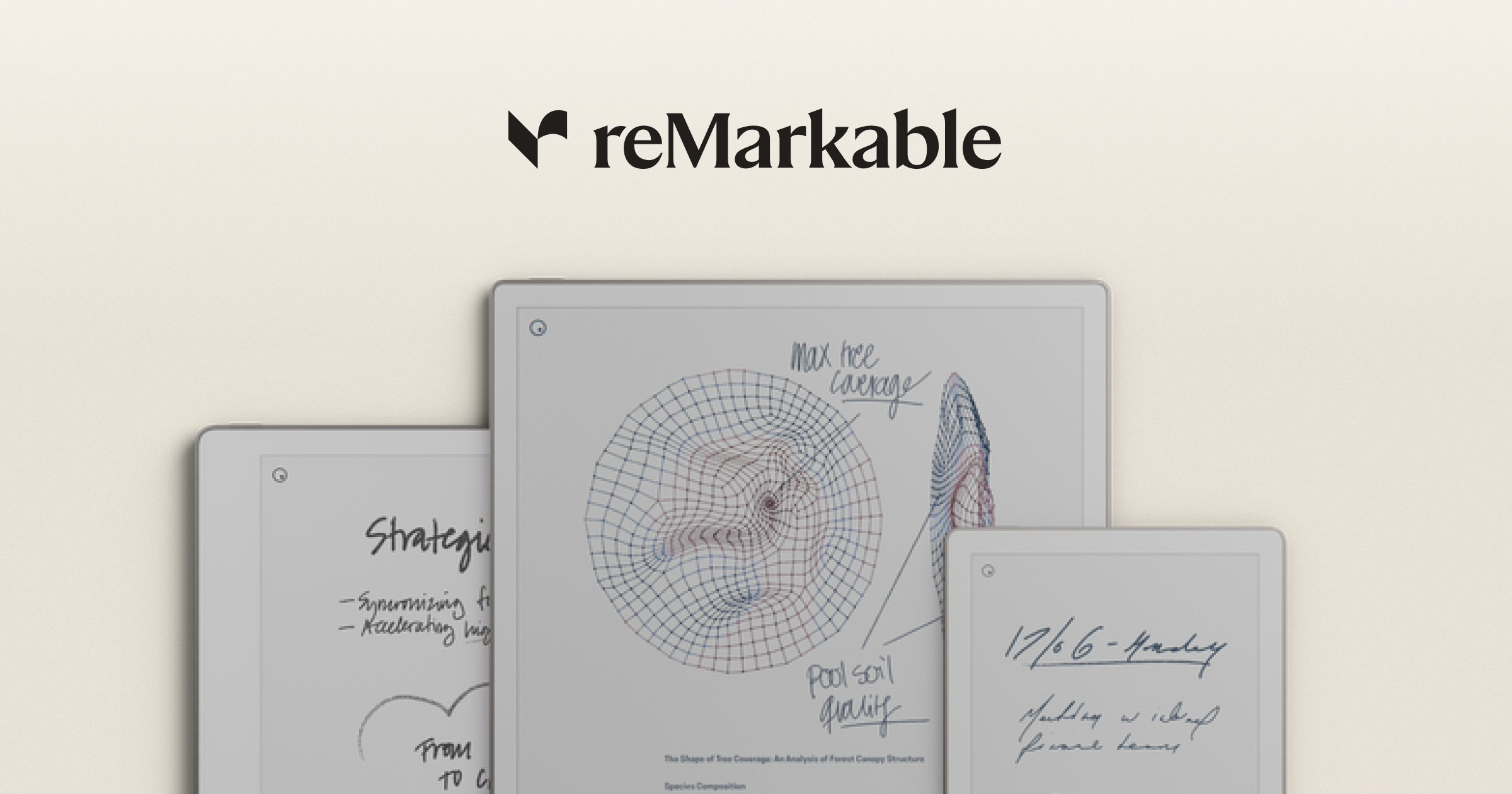
Smart notebooks moved from a niche category to a mainstream stationery purchase in the last two years, and alternative.me kept “smart notebook” in its trending lists for the same reason. reMarkable’s e-ink slate is no longer the only serious choice — Boox, Supernote, Amazon, Kobo, and the iPad-plus-stylus combo each take a different angle. We tested seven reMarkable alternatives for the writer who wants the desktop companion app, the handwriting recognition, and the cloud sync to actually work.
Quick comparison
| Device or app | Best for | Hardware price | Subscription | Standout feature |
|---|---|---|---|---|
| Boox Note Air 3 C | Colour e-ink Android tablet | $499 | None | Colour e-ink and Android apps |
| Supernote A6 X2 | Pure-writing experience | $299 | None | Best-in-class pen feel |
| Kindle Scribe | Reading-first e-ink notebook | $399 | Kindle Unlimited optional | Tied to Kindle library |
| Kobo Elipsa 2E | Reading-first with OverDrive | $399 | None | OverDrive library loans |
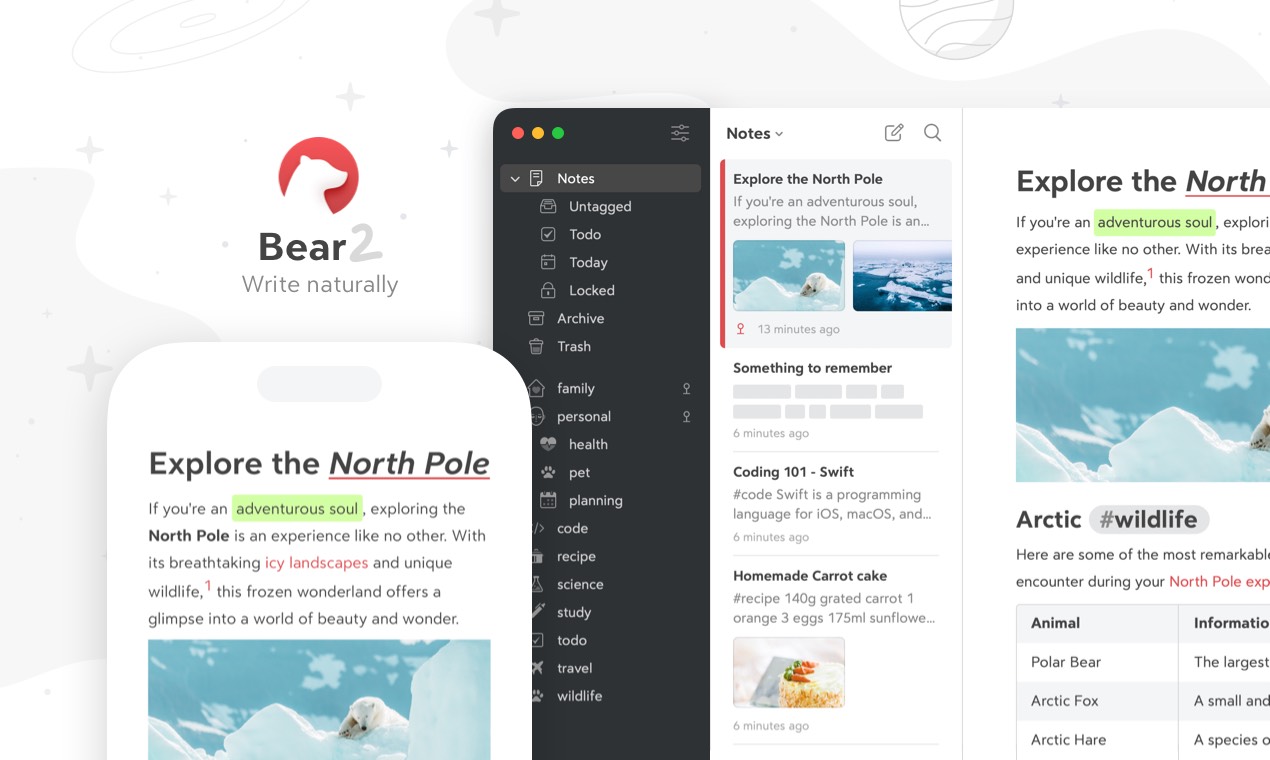
| iPad with GoodNotes | LCD with full app library | $329 iPad | $9.99/yr GoodNotes | Apple Pencil precision |
| Huion Note | Affordable handwriting tablet | $199 | None | Cheapest in this list |
| Notability for iPad | Long-form notes on LCD | $329 iPad | $14.99/yr Notability | Audio recording with notes |
Why reMarkable users are looking around
The pattern from r/RemarkableTablet, the Boox forum, and the Supernote subreddit:
- reMarkable’s Connect subscription is now required for handwriting conversion and cloud features
- E-ink is monochrome on the reMarkable 2 and Paper Pro; colour shifts buyers to Boox or Kobo
- App ecosystem is locked to reMarkable’s own apps; Boox runs Android
- Reading PDFs and books is fine but is not as tied to library systems as Kindle Scribe or Kobo
- Stylus replacement and case costs add up
Each pick below covers one of those.
The 7 best reMarkable alternatives
Boox Note Air 3 C, the colour e-ink pick
Boox Note Air 3 C is the closest e-ink tablet to a real Android tablet. Colour Kaleido 3 e-ink, full Android with the Google Play Store sideloaded, and a pen feel that has caught up to reMarkable’s. The 2026 release added improved refresh rates for colour reading.
Where it falls short: colour e-ink saturation is dimmer than LCD. Battery life is shorter than monochrome rivals.
Pricing: Around $499 for the Note Air 3 C. No required subscription.
vs reMarkable: colour, Android apps, no subscription. Less single-purpose-writer feel.
Migrating from reMarkable: export reMarkable notes to PDF, import via Boox’s PDF reader. Cloud sync is BooxDrop or a third-party Android app.
Download: boox.com
Bottom line: the pick if you want one device that handles colour reading and writing.
Supernote A6 X2, the pure-writing pick
Supernote A6 X2 is the device reMarkable owners switch to when handwriting feel is the only thing that matters. The pen feels closer to ballpoint-on-paper than the alternatives, the file system is exposed and editable, and the device runs without a subscription for handwriting features.
Where it falls short: smaller screen than the reMarkable Paper Pro. PDF zoom can feel cramped on A6 size.
Pricing: Around $299 for the A6 X2. No required subscription. Lemon pen at $69.
vs reMarkable: better pen feel and no subscription. Smaller screen.
Migrating from reMarkable: export reMarkable notes to PDF, transfer via USB or Supernote Cloud. Handwriting recognition is included.
Download: supernote.com
Bottom line: the pick if pen feel is your number-one criterion.
Kindle Scribe, the reading-first pick
Kindle Scribe is Amazon’s e-ink notebook tied to the Kindle library. The 2026 Scribe added Active Canvas for inline note-taking inside books and AI-assisted note summary. The pen is included.
Where it falls short: the writing app is thinner than reMarkable, Supernote, or Boox. Notes are stored inside Amazon’s cloud.
Pricing: $399 entry. Kindle Unlimited at $11.99/month optional.
vs reMarkable: stronger reading tie-in, weaker writing app.
Migrating from reMarkable: Kindle Scribe imports PDFs over USB or via Send to Kindle. reMarkable notes export as PDF first.
Download: amazon.com/kindle-scribe
Bottom line: the pick if you read more than you write.
Kobo Elipsa 2E, the library-card pick
Kobo Elipsa 2E is the e-ink tablet for readers tied to library systems. OverDrive and Libby integration is built in, the Stylus 2 is included, and Kobo Plus subscription is optional rather than required.
Where it falls short: the writing-focused features are thinner than reMarkable’s. Notebook export is limited compared to Supernote.
Pricing: $399 with Stylus 2.
vs reMarkable: library integration, no required subscription, ePub-native. Weaker handwriting export.
Migrating from reMarkable: export reMarkable notes to PDF, sideload via USB or Dropbox.
Download: kobo.com
Bottom line: the pick if you borrow ebooks from a library and take occasional notes.
iPad with GoodNotes, the LCD pick
iPad with GoodNotes is the LCD path that everything else compares against. The Apple Pencil 2 or USB-C Pencil gives precision the e-ink tablets cannot match. GoodNotes 6 added a colour AI assistant and improved handwriting recognition.
Where it falls short: glare and battery life are worse than e-ink. More distracting because the iPad runs every app.
Pricing: iPad (10th gen) from $329. Apple Pencil 2 at $129 or USB-C at $79. GoodNotes 6 free with paid upgrades at $9.99/year or $29.99 lifetime.
vs reMarkable: vastly more app flexibility, colour. Less paper-like feel.
Migrating from reMarkable: export PDFs from reMarkable’s app, import into GoodNotes via Files app.
Download: goodnotes.com
Bottom line: the pick if you want a tablet that does more than notes.
Huion Note, the budget pick
Huion Note is the entry-level e-ink notebook at half the reMarkable price. Pen feel is closer to a budget Wacom than to Supernote. The companion app handles export and basic OCR.
Where it falls short: the ecosystem is smaller than reMarkable’s. Software updates land slower.
Pricing: Around $199.
vs reMarkable: half the price. Less polish across the software side.
Migrating from reMarkable: export reMarkable notes to PDF, transfer via USB.
Download: huion.com
Bottom line: the pick if your budget is $200, not $400.
Notability for iPad, the audio-notes pick
Notability is the iPad note app with the best synchronised audio recording in the category. Tap any handwritten note and the audio jumps to the moment that line was written. The 2026 release added AI summary and multi-page export refinements.
Where it falls short: subscription pricing has been controversial. iPad-only.
Pricing: free with limits. $14.99/year or $49.99 once for the Lifetime tier.
vs reMarkable: audio playback synced to ink, far stronger app ecosystem. Less e-ink and less single-purpose.
Migrating from reMarkable: export reMarkable notes to PDF, import to Notability via Files.
Download: notability.com
Bottom line: the pick if class or meeting recording matters as much as the handwritten note.
How to choose
- Want colour e-ink with Android apps: Boox Note Air 3 C
- Want the best pen feel: Supernote A6 X2
- Read more than you write: Kindle Scribe or Kobo Elipsa 2E
- Want one tablet that does everything: iPad with GoodNotes
- Want under-$200 entry: Huion Note
- Want audio synced to your notes: Notability on iPad
- Stay on reMarkable if the single-purpose distraction-free writer is the part you actually use.
FAQ
Is the reMarkable worth the subscription? The Connect subscription unlocks handwriting conversion, cloud sync, and screen sharing. Without it the device still works as a local notebook. Supernote and Boox give similar features without a subscription.
Can I use the reMarkable as an ebook reader? Yes for PDFs and ePubs. It is not tied to a library system. For Kindle or Kobo books, use Kindle Scribe or Kobo Elipsa instead.
Which reMarkable alternative has the best handwriting recognition? Supernote, Boox, and the iPad+GoodNotes pair lead on handwriting recognition across major languages. reMarkable’s own conversion is subscription-gated.
Are there colour e-ink reMarkable alternatives? Yes. Boox Note Air 3 C and Boox Tab Mini C ship Kaleido 3 colour e-ink. reMarkable Paper Pro added a colour-tinted layer but is closer to monochrome with shading.
Can I use the iPad as a reMarkable alternative without GoodNotes? Yes. Apple Notes and Notability are both strong options. GoodNotes is the closest in pen feel and PDF annotation.