A recent XDA piece argued that the smartest AI code editors are extending VS Code rather than trying to replace it. JetBrains Fleet is the polite counter-example: a from-scratch editor that shares a codebase between “lightweight” and “smart” modes, keeps the workspace on a remote backend, and treats collaboration as a first-class feature. The vision is coherent. The lived experience in 2026 is a different story, especially for teams who compared Fleet’s plugin story to VS Code’s marketplace and found gaps.
We tested seven JetBrains Fleet alternatives across a Ryzen 7 desktop, a MacBook Pro M-series, and a Framework 16 running Fedora. Each takes a different swing at the same question Fleet asks: what should a modern code editor feel like when the backend can live anywhere?
Why teams look past Fleet in 2026
The Fleet subreddit and the JetBrains issue tracker keep circling the same complaints:
- Extension gap. Fleet’s plugin story lags VS Code’s marketplace by a wide margin. Niche language servers and debuggers that VS Code has today, Fleet may or may not add.
- Smart Mode wants a JetBrains backend. The best experience assumes IntelliJ engines running remotely or locally. That constrains where the editor is most useful.
- AI panel is a paid line item. JetBrains AI Pro exists, and comparing its per-seat price against Cursor Business or a bring-your-own-key setup is unfavourable for many teams.
- Linux packaging still lags. Wayland, tray behaviour, and file-picker quirks show up more here than on macOS or Windows.
- Native performance is close but not first. Zed and Helix start faster on the same box for many workloads.
None of this makes Fleet a bad choice for teams already deep in JetBrains. Each alternative below picks up one of the pieces Fleet does not yet nail.
Quick comparison
| Editor | Best for | Free plan | Paid starting | Standout feature |
|---|---|---|---|---|
| Visual Studio Code | Largest extension catalogue | Free | Copilot subscription optional | Marketplace no other editor can match |
| Cursor | AI-first VS Code fork | Free Hobby tier | Pro subscription | Composer agent for cross-file edits |
| Zed | Native speed with a modern AI panel | Free | Pro subscription | GPU-accelerated Rust editor |
| Windsurf | Cursor workflow at a lower price | Generous free tier | Pro subscription | Cascade agent with steerable scope |
| Neovim | Terminal-resident, endlessly extensible | Free | None | Lua config and decades of muscle memory |
| Helix | Modal editing with built-in LSP | Free | None | Tree-sitter and LSP out of the box |
| JetBrains IntelliJ IDEA | The classic full-fat JetBrains IDE | Community Edition free | Ultimate subscription | Full JetBrains inspections and refactors |
The 7 best JetBrains Fleet alternatives for desktop
Visual Studio Code — best all-round extension marketplace
Visual Studio Code is the obvious first stop when Fleet’s extension gap is the deal breaker. The marketplace has a template for every language server, database client, and debugger a team is likely to want. The editor itself has stayed relatively lean, and remote development over SSH or Dev Containers is production quality.
Where it falls short: The remote and multi-root workspace features are strong but do not match Fleet’s specific split of frontend from backend. Some teams find the extension sprawl a maintenance burden rather than a feature.
Pricing:
- Free: the editor and the vast majority of extensions.
- Paid: GitHub Copilot as an optional subscription.
- vs Fleet: friendlier extension story, less bespoke backend model.
Download: Visual Studio Code
Bottom line: The right pick when the missing feature is a specific extension.
Cursor — best AI-first VS Code fork
Cursor is a VS Code fork with AI at the centre. The Composer agent edits across files, the model picker exposes Claude, GPT, and open-weights, and the extension story from VS Code carries over. Teams who found Fleet’s AI panel underwhelming often land here.
Where it falls short: The Pro tier is a real subscription, and per-request caps surprise heavy users. Some teams find Cursor rewrites more than they wanted.
Pricing:
- Free: Hobby tier with limited requests per month.
- Paid: Pro monthly, Business per seat.
- vs Fleet: AI is the centre, not a side panel.
Download: Cursor
Bottom line: The right pick when AI is the primary tool, not an add-on.
Zed — best native-speed editor
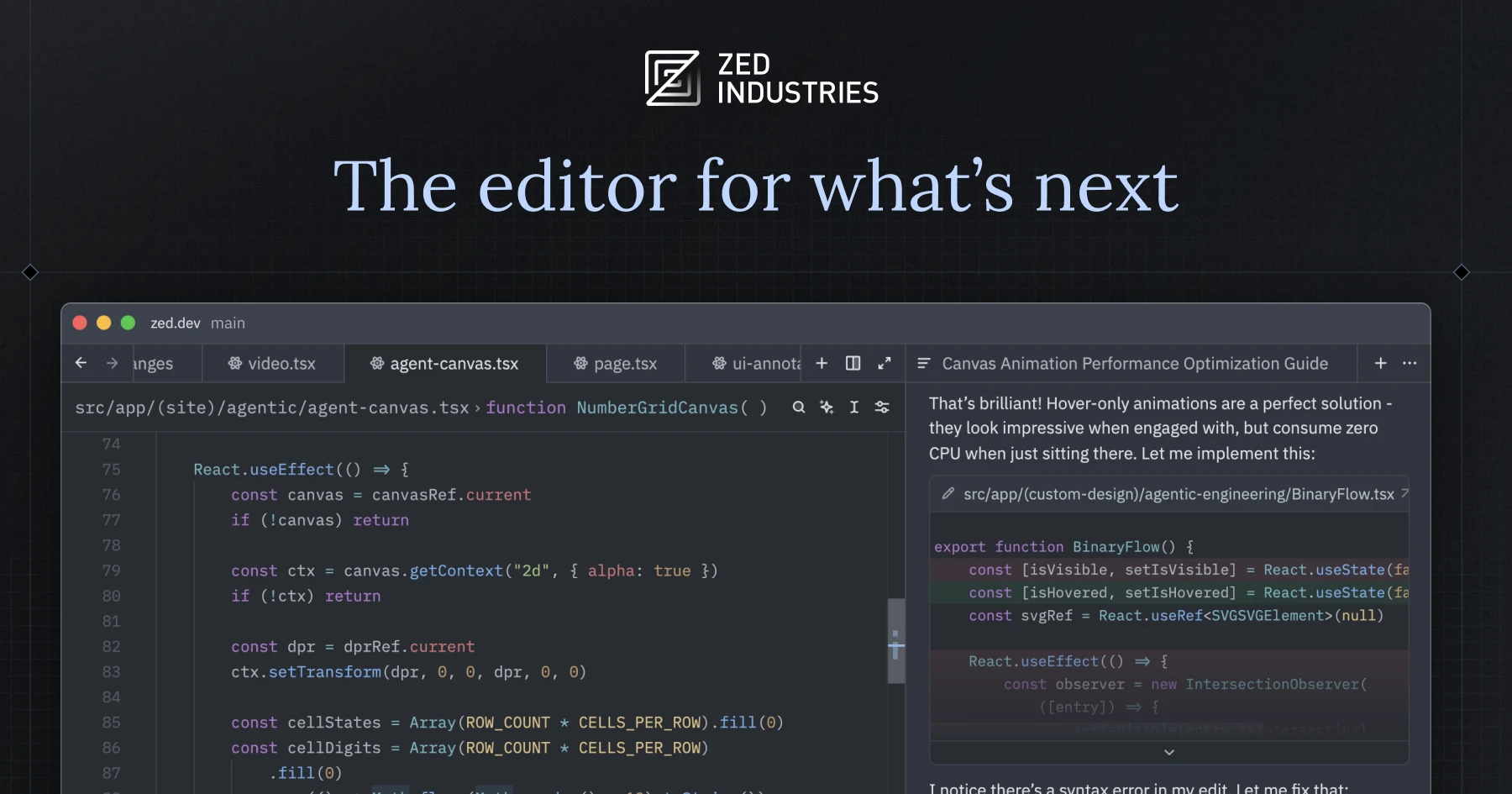
Zed is the GPU-accelerated Rust editor from the team behind Atom and Tree-sitter. It boots quickly, holds up on large repos, and ships a first-class AI panel. Fleet users who liked the “start fast” story but not the remote-backend assumption tend to like Zed.
Where it falls short: The extension ecosystem is young, and some Linux distributions still need Flatpak or AppImage builds. The Pro tier’s AI included quota is modest for heavy users.
Pricing:
- Free: full editor with local models and BYOK.
- Paid: Pro subscription for included frontier-model quota.
- vs Fleet: closer to Sublime feel, faster startup, no backend split.
Download: Zed
Bottom line: The right pick when native speed is the ask and the backend model does not fit your workflow.
Windsurf — best Cursor-style editor at a lower price
Windsurf is a Cursor-adjacent editor with a more forgiving free tier and a Cascade agent designed for steerable multi-file edits. Teams who want the Cursor experience but do not want to commit to the Pro tier tend to trial Windsurf first.
Where it falls short: The pace of updates has been uneven since the acquisition news cycle, and the AI panel has fewer polish points than Cursor.
Pricing:
- Free: generous tier.
- Paid: Pro subscription with higher limits.
- vs Fleet: AI-first, single desktop app, no backend model.
Download: Windsurf
Bottom line: The right pick when Cursor’s shape appeals but the price does not.
Neovim — best terminal-resident editor
Neovim is where the modal-editing crowd ends up when a GUI is not the point. Lua configuration, mature LSP support, and decades of muscle memory make it the editor a lot of infrastructure engineers keep coming back to.
Where it falls short: The setup is the price. Users who want a friendly UI out of the box will bounce off the first neovim distro they try. AI integration is community-driven and evolving.
Pricing:
- Free: everything.
- Paid: none.
- vs Fleet: terminal-first, GUI-optional, endlessly configurable.
Download: Neovim
Bottom line: The right pick when the editor should follow you into every terminal session.
Helix — best built-in LSP editor
Helix is a modal editor that ships with LSP, tree-sitter, and reasonable defaults with almost no configuration. Users who wanted Kakoune-style multi-cursor with an editor that “just works” often land on Helix.
Where it falls short: No plugin system in a formal sense yet, which caps some workflows. GUI users looking for a Zed-like experience will find Helix strictly terminal.
Pricing:
- Free: everything.
- Paid: none.
- vs Fleet: modal, terminal-resident, no configuration ceremony.
Download: Helix
Bottom line: The right pick when modal editing plus zero-config LSP is the ask.
JetBrains IntelliJ IDEA — best full-fat JetBrains IDE
IntelliJ IDEA is what a lot of Fleet users quietly go back to. The full-fat JetBrains IDE keeps every inspection, every refactor, and every debugger integration Fleet’s Smart Mode borrows. Community Edition is free for JVM languages, and Ultimate covers the rest.
Where it falls short: Startup is slower than any modern lightweight editor, the memory footprint is real, and the UI can feel dense next to Zed or Cursor.
Pricing:
- Free: Community Edition for JVM development.
- Paid: Ultimate subscription for the enterprise stack.
- vs Fleet: heavier, more capable, no remote-backend split.
Download: IntelliJ IDEA
Bottom line: The right pick when Fleet’s Smart Mode is what you actually wanted, minus the split.
How to choose your Fleet alternative
Pick VS Code if the missing feature is an extension the marketplace already has. Pick Cursor or Windsurf when AI is the primary tool rather than a panel. Pick Zed when native speed and a clean AI story matter equally.
Pick Neovim if the terminal is your editor by preference. Pick Helix if modal editing plus zero-config LSP fits your workflow. Pick IntelliJ IDEA when Fleet’s Smart Mode is the feature you wanted and you can spare the RAM.
Stay on JetBrains Fleet if the remote-backend split, the Smart Mode plumbing, and the collaboration story do work you cannot replicate elsewhere. That is a narrower fit today than JetBrains hopes, but a real one for specific teams.
FAQ
What is the best JetBrains Fleet alternative for AI coding? Cursor and Zed lead. Windsurf is the close third for teams comparing on price.
Is JetBrains Fleet still worth using? For teams already invested in JetBrains and running remote backends, yes. For teams choosing an editor fresh, VS Code, Zed, or Cursor cover more ground.
Can I move my Fleet plugins to another editor? No. Fleet plugins are Fleet-specific. LSPs and language extensions map to VS Code and Zed one-to-one; UI plugins do not.
Which Fleet alternative works best on Linux? VS Code and Neovim have the widest distribution coverage. Zed’s Linux story has improved substantially through 2026.
What do most Fleet users pick when they migrate? Anecdotally, VS Code and IntelliJ IDEA. Cursor and Zed are the modern picks when the team is starting fresh.