The XDA writeup on ditching Claude Projects for a self-hosted setup captured a shift many AI-power-users have been making for months. Projects works — the 200K-token context window, the per-project system prompt, the persistent file context — but the rival hosted services have caught up on the feature, and the self-hosted stack has matured to the point where a homelab box can deliver a Projects-shaped experience for free. The Claude Projects alternatives below cover both directions: hosted services that compete head-on, and self-hosted setups that buy you ownership.
We tested seven Claude Projects alternatives on Windows, macOS, and Linux desktops, weighing context capacity, document handling, sharing, model choice, and what happens to your data.
Quick comparison
| Tool | Best for | Free plan | Starting price | Standout feature |
|---|---|---|---|---|
| ChatGPT Custom GPTs | Sharing and the largest GPT store | Free with limits | $20/mo Plus | 20 knowledge files, 512 MB per GPT |
| Perplexity Spaces | Research with citation-first answers | Free with limits | $20/mo Pro | Search-grounded responses by default |
| Gemini Gems | Google Workspace integration | Free with limits | $19.99/mo Advanced | Gmail, Docs, Drive built in |
| Open WebUI | Self-hosted multi-model frontend | Free, self-hosted | Free | Bring your own API keys or local models |
| LibreChat | Mature self-hosted ChatGPT clone | Free, self-hosted | Free | Multi-user, role-based, plugins |
| AnythingLLM | Document-RAG-first workspace | Free, self-hosted | $50/mo Pro Cloud | Dedicated document workspace UI |
| NotebookLM | Long-document analysis with audio | Free | Free | Audio overview podcast generation |
Why people leave Claude Projects
Locked to Anthropic
Projects only runs on Anthropic’s Claude models. If you want to compare Claude’s output against ChatGPT, Gemini, or a local model for the same context, you need to copy files into each tool. That friction adds up.
Sharing is limited
Teams plan adds shared Projects, but the public-share story is thin compared to ChatGPT’s GPT store. Building a custom assistant for an audience is harder on Claude than on OpenAI.
File size caps and processing
Project knowledge accepts files but caps per-file size and total project storage tighter than ChatGPT’s Custom GPTs. Large reference libraries hit those limits faster than expected.
Cost creeps on heavy use
Pro plan at $20/mo is fine for light use. Power users who burn through context windows or run multi-step tasks find the rate limits and cost edge up against API-priced alternatives or self-hosted equivalents.
The alternatives
ChatGPT Custom GPTs — Best sharing and ecosystem
ChatGPT Custom GPTs are OpenAI’s answer to Projects, and they predate Anthropic’s feature. The biggest practical advantage is the GPT store — discoverable, shareable Custom GPTs that other ChatGPT users can use. The file limits are also more generous: 20 knowledge files per GPT with a 512 MB total cap, against Claude’s lighter per-file limit.
Where it falls short: Doesn’t load every document into context the way Projects does — uses retrieval over the file set, which sometimes misses relevant passages Claude would catch. Custom instructions feel less expressive than Claude’s project-level system prompt.
Pricing:
- Free: limited GPT creation and Custom GPT access
- Paid: $20/mo ChatGPT Plus, $25/user/mo Team, $30/user/mo Enterprise
- vs Claude Projects: bigger file caps, weaker context loading, much better sharing
Migrating from Claude Projects: Export project knowledge files, recreate the Custom GPT with the same instructions, upload files. Test the same prompts to see whether retrieval beats context loading for your case.
Download: ChatGPT Custom GPTs
Bottom line: Pick this when sharing matters and you want the largest assistant ecosystem.
Perplexity Spaces — Best research-grounded answers
Perplexity Spaces wrap web search and citation-first answers around project context. Upload reference files, set a system prompt, and every response cites web sources alongside your documents. It’s the option to pick when accuracy matters more than persona — research, due diligence, fact-checking.
Where it falls short: Personality and creative writing land worse than Claude. Citations are great when you want them, distracting when you don’t. The free tier limits search-heavy queries.
Pricing:
- Free: limited Pro searches per day
- Paid: $20/mo Pro, $40/mo Enterprise Pro
- vs Claude Projects: search-grounded by default, more research-focused
Migrating from Claude Projects: Create a Space, upload the same knowledge files, paste the project’s system prompt. Switch to Spaces for tasks where citations matter and back to Projects for writing-first tasks.
Download: Perplexity Spaces
Bottom line: Pick this when grounded, cited answers are the requirement.
Gemini Gems — Best Google Workspace integration
Gemini Gems is Google’s Custom GPT analog, with the same skill-builder model. The unique value is integration: Gems can pull from Gmail, Docs, and Drive without any plumbing if you’re a Workspace user. The free tier is the most usable of the major three.
Where it falls short: Document handling is shallower than Claude or ChatGPT — Gems are persona instructions, not document context. Google’s API rate limits hit faster than the others on heavy use.
Pricing:
- Free: substantial Gemini usage with Gems in the free tier
- Paid: $19.99/mo Gemini Advanced, Workspace plans bundle it
- vs Claude Projects: less document depth, much tighter Google Workspace integration
Migrating from Claude Projects: Recreate the system prompt as Gem instructions. Don’t upload reference documents as Gem files — link them from Drive instead, which gives Gemini access without duplication.
Download: Gemini Gems
Bottom line: Pick this when you live inside Google Workspace and the AI’s job is to plug into Gmail and Docs.
Open WebUI — Best self-hosted multi-model frontend
Open WebUI is the dominant self-hosted ChatGPT clone in 2026. Run it in a Docker container on a homelab box or local desktop, plug in an OpenAI key, an Anthropic key, an Ollama local-model endpoint, or all three. The Workspaces feature plays the Projects role — system prompts, knowledge files, persistent context.
Where it falls short: Self-hosted means you operate it: updates, backups, secrets management. UI is slick but settings are scattered. RAG (document retrieval) implementation has improved through 2026 but trails commercial RAG tools.
Pricing:
- Free: open source under BSD-3
- Paid: managed cloud version exists but the self-host story is the value
- vs Claude Projects: bring your own keys and your own data, more setup
Migrating from Claude Projects: Run Open WebUI in Docker, add your Anthropic API key, recreate the project as a Workspace, upload knowledge files. Same Claude under the hood, different frontend.
Download: Open WebUI on GitHub
Bottom line: Pick this when you want the Projects shape and bring-your-own keys, with full data ownership.
LibreChat — Best mature self-hosted clone
LibreChat is the older, more mature self-hosted ChatGPT clone. It supports multi-user accounts, role-based access, and a plugin system that lets you add tools. The 2026 release added Project-equivalent workspaces with file context.
Where it falls short: UI is more dated than Open WebUI. Document-RAG is functional but not best-in-class. Plugin development moves slower than the commercial tools.
Pricing:
- Free: open source under MIT
- Paid: none — pure self-host
- vs Claude Projects: multi-user out of the box, less polished UI
Migrating from Claude Projects: Use the Anthropic provider configuration, set up an organizational workspace, invite team members. The migration is the same shape as Open WebUI but with stronger multi-user support out of the box.
Download: LibreChat on GitHub
Bottom line: Pick this when self-hosting for a team and multi-user matters more than the latest UI polish.
AnythingLLM — Best document-RAG workspace
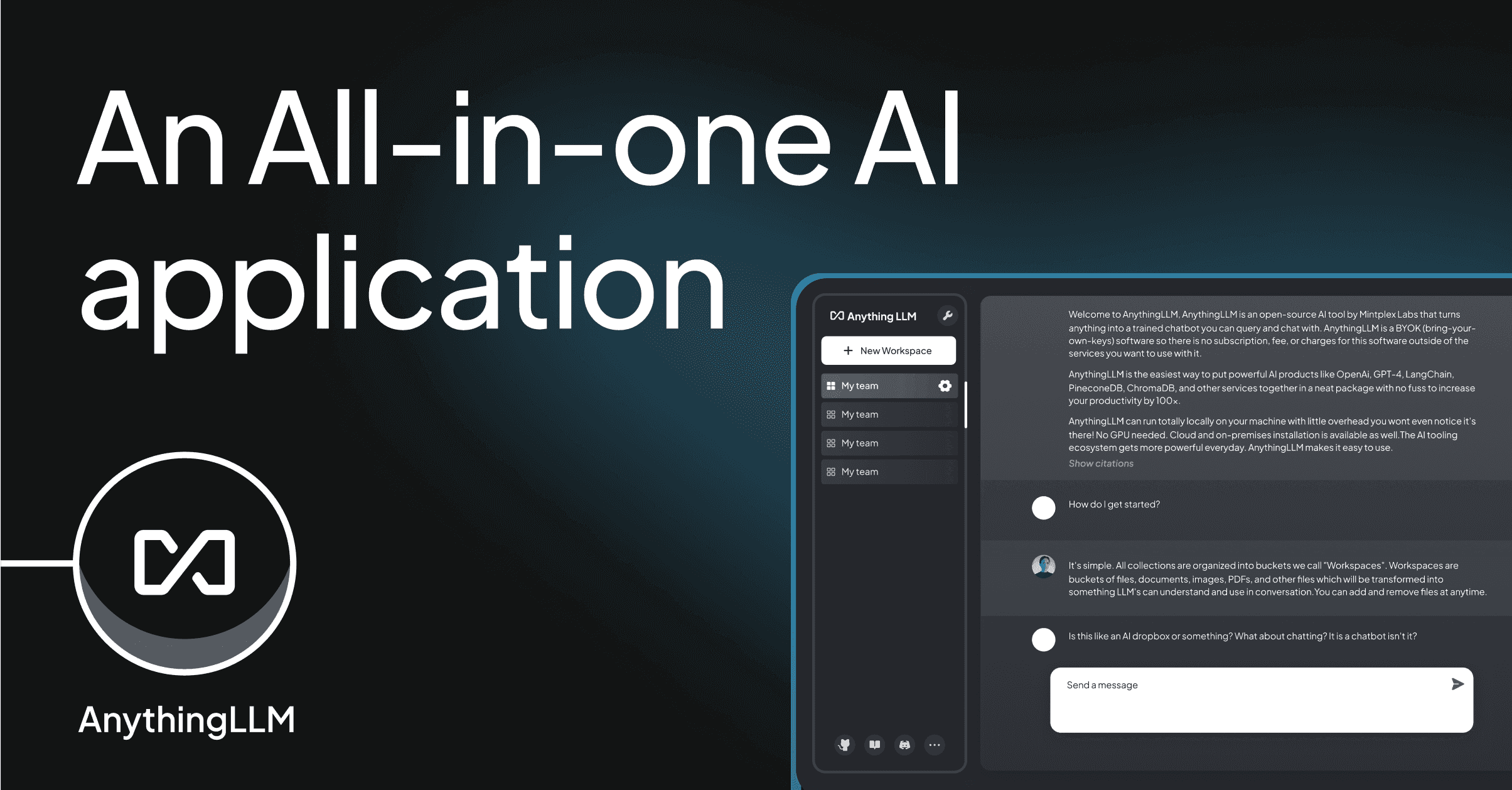
AnythingLLM is a self-hosted workspace built RAG-first. Drop files into a workspace, the platform chunks and embeds them, and chat over the corpus. Connectors pull in Notion, Confluence, GitHub, and web pages. Plays well as a knowledge base for a small team.
Where it falls short: Less general-purpose than Open WebUI — the focus is documents, less so freeform chat. Cloud Pro at $50/mo is fine but the value is mostly in self-hosting. Some connectors lag behind the providers’ API changes.
Pricing:
- Free: open source, self-hosted, MIT licensed
- Paid: $50/mo Pro Cloud
- vs Claude Projects: deeper document handling, less conversational depth
Migrating from Claude Projects: Export documents from Projects, create an AnythingLLM workspace, drop in the files, connect any live sources (Notion, GitHub) that aren’t static. Pick a model — local Llama or Anthropic via API.
Download: AnythingLLM
Bottom line: Pick this when the project is really a document base and chat is the interface, not the goal.
NotebookLM — Best long-document analysis
NotebookLM from Google specializes in long-document understanding. Upload research papers, transcripts, reference books, and the tool generates summaries, FAQs, and the unique Audio Overview — a two-host podcast walking through the material. The 2025 update added video overviews. Free to use without a Workspace subscription.
Where it falls short: Not designed for ongoing conversational projects — more “analyze this corpus” than “build a persistent assistant.” Less control over system prompts. Audio overviews are slick but occasionally hallucinate.
Pricing:
- Free: full feature set
- Paid: NotebookLM Plus at $19.99/mo for higher limits
- vs Claude Projects: better at long-doc analysis, weaker at custom assistants
Migrating from Claude Projects: NotebookLM isn’t a Projects replacement for assistant work — it’s a complement. Use it for the deep-document analysis tasks, keep Projects (or Open WebUI) for the persistent assistant.
Download: NotebookLM
Bottom line: Pick this when you have a large document corpus to interrogate and persistent-assistant features are secondary.
How to choose
Pick ChatGPT Custom GPTs if sharing and the GPT store ecosystem matter.
Pick Perplexity Spaces if you need cited, grounded research output by default.
Pick Gemini Gems if you’re a Google Workspace user and integration is the value.
Pick Open WebUI if you want to self-host, bring your own API keys, and pick the model per task.
Pick LibreChat if you self-host for a team and want strong multi-user support.
Pick AnythingLLM if the project is really a document base that you chat with.
Pick NotebookLM for long-document analysis with summaries and audio overviews.
Stay on Claude Projects if the 200K-token context loading is genuinely the feature you use — it’s still the deepest implementation of “load every document into context every time.” The Pro plan price is reasonable for the loop.
FAQ
What is the closest Claude Projects alternative?
ChatGPT Custom GPTs structurally. Open WebUI Workspaces if you self-host. Both replicate the “system prompt plus knowledge files” pattern.
Can I run Claude Projects locally?
Not directly — Projects is a Claude.com feature. But you can recreate the shape on Open WebUI or LibreChat by adding an Anthropic API key and setting up a workspace.
What is the best free Claude Projects alternative?
NotebookLM for analysis-heavy work. Open WebUI for self-hosting with your own API key. ChatGPT’s free tier supports limited Custom GPT use.
Does Claude Projects support sharing?
Within a Teams plan, yes. Public sharing is limited compared to the OpenAI GPT store. Anthropic has signalled improvements but hasn’t shipped a public marketplace.
Should I self-host or stay on Claude Projects?
Self-host if you have data sovereignty requirements, multiple models to compare, or strong homelab muscle. Stay on Projects if you want Anthropic’s models specifically and don’t want operational overhead.