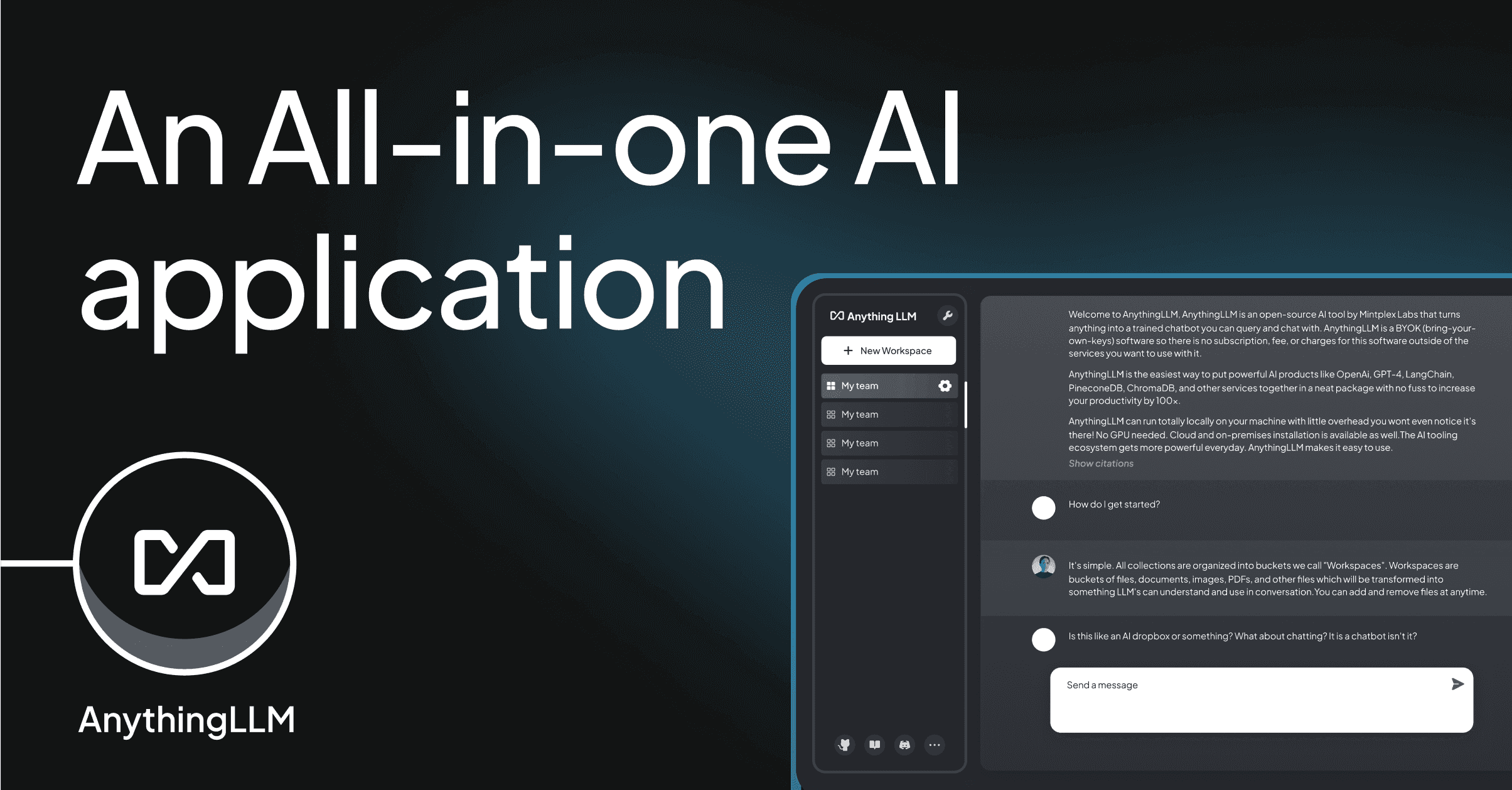
AnythingLLM sold a lot of homelab users on one promise: point it at a folder, get a workspace that reads those documents and lets a local model chat with them. The reality is closer to a Docker container that occasionally forgets which vector store it was configured with, a settings panel that keeps growing, and an agents feature that lands somewhere between demo and daily driver. If the friction is starting to add up, these AnythingLLM alternatives keep the “local models, my documents, my hardware” idea and drop the parts that get in the way.
We ran the 7 apps below across Windows, macOS, and Linux for a full week each. The list spans native desktop apps that install like normal software, browser-based UIs that self-host next to your Ollama server, and one power-user frontend that trades polish for depth.
Quick comparison
| App | Best for | Install | Open source | Local model support |
|---|---|---|---|---|
| Open WebUI | Team-scale self-hosted chat | Docker | Yes (BSD-3) | Native Ollama, OpenAI-compatible |
| LM Studio | Pick a model, click chat | Native installer | No (free) | Built-in llama.cpp / MLX |
| Msty | Multi-model split view | Native installer | No (free) | Ollama, LM Studio, remote APIs |
| Jan | Open-source LM Studio | Native installer | Yes (AGPL) | Built-in llama.cpp |
| LibreChat | ChatGPT clone with every provider | Docker | Yes (MIT) | Ollama bridge |
| GPT4All | Lightweight offline chat | Native installer | Yes (MIT) | Built-in |
| Text Generation WebUI | Tinkering with weights and samplers | Python | Yes (AGPL) | llama.cpp, ExLlama, Transformers |
Why people leave AnythingLLM
Users on Reddit and Hacker News flag the same rough edges: workspaces occasionally reset their embeddings after an update, the built-in agent tools are limited compared to a proper agent framework, and running it in Docker plus configuring GPU passthrough is more setup than a single-user chat app should need. A separate complaint is around telemetry defaults and pricing signals from the cloud version bleeding into the self-hosted README. None of it is fatal, but the friction adds up when the alternatives below install as a normal app.
Open WebUI — Best for a self-hosted team
Open WebUI is the closest structural match to AnythingLLM: browser-based, self-hosted, multi-user, first-class Ollama integration. It moves ahead on RBAC, pipelines, function calling, and a much larger community of add-ons. Docs cover Docker Compose, Kubernetes, and bare-metal Python.
Where it falls short: the settings surface is larger than AnythingLLM’s, and the Model Context Protocol integration is newer than the rest of the app.
Pricing:
- Free and open source under a BSD-3 license.
- No paid tier for the OSS build.
- vs AnythingLLM: comparable resource footprint; more mature multi-user story.
Migrating from AnythingLLM: documents need to be re-ingested. Prompt collections copy across as text. Vector stores do not carry over, plan a re-embed on move.
Download: openwebui.com
Bottom line: the strongest overall alternative if a team touches the workspace, not just one person.
LM Studio — Best for one-click local chat
LM Studio is a native desktop app for Windows, macOS, and Linux. It ships llama.cpp and MLX runtimes, a model catalogue that surfaces the right quant for the machine’s RAM, and a chat UI that just works. Recent versions added a local OpenAI-compatible server for tools that speak that API.
Where it falls short: the RAG story is basic, chat with a PDF works, workspace-style multi-doc search does not. Closed source.
Pricing:
- Free for personal use.
- Business use requires reaching out to the LM Studio team.
Migrating from AnythingLLM: point tools that were hitting AnythingLLM’s local server at LM Studio’s server, drop the workspace concept.
Download: lmstudio.ai
Bottom line: pick this if the goal is running a local model and chatting with it, not building a knowledge base.
Msty — Best for comparing models side by side
Msty is a native app whose signature is split-pane chat: send the same prompt to two or three models and read the answers in parallel. It supports local models via Ollama and LM Studio, remote APIs, and its own “Knowledge Stack” for document workspaces.
Where it falls short: closed source. The pricing model for Aura, the paid tier, has shifted since launch.
Pricing:
- Free tier covers most solo workflows.
- Aura subscription for sync, teams, and premium features.
Migrating from AnythingLLM: the Knowledge Stack accepts folders directly. Chat history stays local by default.
Download: msty.app
Bottom line: the app to reach for when the answer depends on picking the right model, not just running any local model.
Jan — Best open-source LM Studio
Jan is what LM Studio would look like as an open-source project: native desktop app, built-in llama.cpp runtime, model hub, and a plugin system for extensions. The team ships weekly and now supports remote providers alongside local models.
Where it falls short: RAG is a beta feature. On older laptops it can be heavier than the tuned LM Studio build.
Pricing:
- Free and open source under AGPL.
Migrating from AnythingLLM: models re-download from Jan’s hub. Documents move over as folder-based context in the beta RAG plugin.
Download: jan.ai
Bottom line: the honest open-source pick when licensing matters more than absolute polish.
LibreChat — Best if every provider matters
LibreChat looks like ChatGPT and speaks to almost every provider that has an API: OpenAI, Anthropic, Google, Groq, plus local models through Ollama. Multi-user, self-hosted, and openly extensible.
Where it falls short: local-first workflows require the Ollama bridge, which is one more moving part. RAG is younger than Open WebUI’s.
Pricing:
- Free and open source under MIT.
Migrating from AnythingLLM: copy the model configuration, wire Ollama, upload documents into a LibreChat preset.
Download: librechat.ai
Bottom line: the pick when a team already juggles three or four providers and wants one inbox.
GPT4All — Best for lightweight offline chat
GPT4All is a native chat app from Nomic that runs entirely on the CPU when it has to. The model catalogue is smaller than LM Studio’s, but every model is picked for offline use. Recent builds added LocalDocs, a folder-based document chat feature.
Where it falls short: speed depends heavily on the CPU. The plugin ecosystem is quieter than Jan’s or Open WebUI’s.
Pricing:
- Free and open source under MIT.
- An optional Nomic account unlocks Atlas-style dataset features.
Migrating from AnythingLLM: LocalDocs handles the folder-of-PDFs case cleanly. Agent workflows do not carry over.
Download: gpt4all.io
Bottom line: the alternative for machines without a discrete GPU where AnythingLLM feels sluggish.
Text Generation WebUI — Best for tinkering
Text Generation WebUI (oobabooga) is the power-user frontend. It exposes samplers, prompt formats, LoRAs, characters, and every backend of interest: llama.cpp, ExLlama, Transformers, and more. Extensions land almost monthly.
Where it falls short: the setup is a Python environment first and a chat app second. Not for people who want to click and go.
Pricing:
- Free and open source under AGPL.
Migrating from AnythingLLM: treat this as a full reset. The audience for AnythingLLM and this app rarely overlaps.
Download: github.com/oobabooga/text-generation-webui
Bottom line: pick this when the interesting problem is the model, not the interface.
How to choose
Pick Open WebUI if more than one person uses the workspace, or if the workspace lives on a server. It is the closest structural swap for AnythingLLM.
Pick LM Studio if the goal is local chat with a good model catalogue and no Docker.
Pick Msty if the workflow benefits from comparing model output side by side.
Pick Jan or GPT4All if open source and lightweight installs matter more than polish.
Pick LibreChat if the daily driver is a rotating set of remote providers with local models on the side.
Stay on AnythingLLM if the current workspaces work and the built-in agent tools are already integrated with the rest of the stack. There is no reason to swap for the sake of it.
FAQ
Is Open WebUI better than AnythingLLM?
For team use, most likely yes. Open WebUI has stronger RBAC, more mature pipelines, and a larger add-on ecosystem. For a single-user document workspace, the two land close, and AnythingLLM’s native RAG UI is arguably tidier.
What is the best free AnythingLLM alternative?
Open WebUI and Jan are the strongest fully free picks. Open WebUI wins for self-hosted multi-user; Jan wins for native desktop.
Can I import my AnythingLLM workspaces into another app?
Documents move over as files. Vector embeddings do not, every alternative re-embeds on ingest, using its own model. Chat history typically has to be exported to Markdown or JSON and re-imported when the target app supports it.
Which alternative runs the same models AnythingLLM does?
All of the picks above accept the same GGUF and safetensors weights AnythingLLM does. Ollama is the common denominator; anything that talks to Ollama can serve the same models.
Do any of these run without a GPU?
GPT4All is the CPU-first pick. LM Studio, Jan, and Open WebUI all run on CPU with smaller quantised models but noticeably faster with a discrete GPU or Apple Silicon.