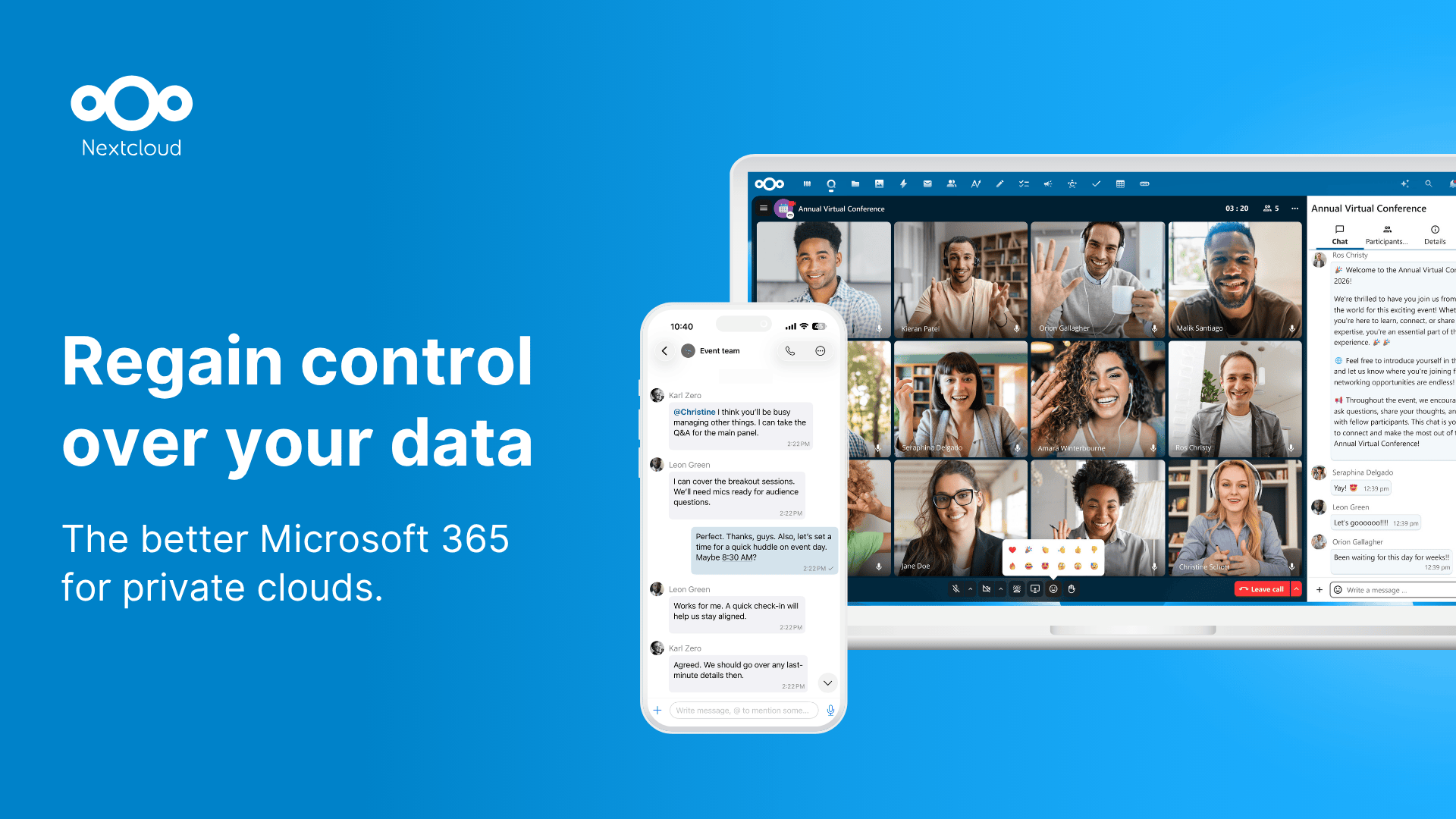
Microsoft has spent the last two years pushing customers toward 365 accounts as the only way to use Word and Excel without friction. Nextcloud’s new in-suite office release lands as a direct answer: edit docs, spreadsheets, and presentations from your own server, with real-time co-editing, without sending a single document through a Microsoft tenant. The best apps for self-hosted office suites on desktop now cover everyone from the solo writer who wants encryption to the org that needs Word-format fidelity for client deliverables.
We compared six self-hosted office options on document format support (.docx, .xlsx, .pptx round-trip quality), collaboration model, encryption, and admin effort to keep running.
What to look for in a self-hosted office suite
- Microsoft Office format compatibility. Round-trip a .docx with tracked changes through the suite and back into Word, then check formatting.
- Real-time co-editing rather than file-locked turn-taking.
- A native desktop client for offline work, not just a browser tab.
- Sensible default encryption at rest, with optional end-to-end encryption for shared documents.
- Reasonable hardware requirements. A 4-core 8GB-RAM VPS should be enough for a small team.
Quick comparison
| App | Best for | Co-editing | Office formats | Encryption |
|---|---|---|---|---|
| Nextcloud Office | Full collab on a Nextcloud server | Real-time | .docx/.xlsx/.pptx via Collabora | At rest + E2EE option |
| OnlyOffice | Best .docx fidelity | Real-time | Native .docx/.xlsx/.pptx engine | At rest |
| Collabora Online | Standalone deployment | Real-time | Strong LibreOffice-based | At rest |
| CryptPad | E2E-encrypted collab | Real-time | Limited .docx import | End-to-end |
| LibreOffice | Desktop-first workflow | File-locked (or via Collabora) | Strong | Local files |
| Etherpad | Plain-text collaboration | Real-time | Plain text only | At rest |
The suites worth running
1. Nextcloud Office — Best for full collaboration on a Nextcloud server
Nextcloud Office is the integrated editing surface inside Nextcloud Hub. It bundles Collabora Online as the engine, presents the editing UI as part of the Nextcloud Files app, and supports real-time co-editing with multiple users on the same .docx or .xlsx.
The setup adds a single Docker container or built-in app to an existing Nextcloud server. Files stay on your storage, shared links honour Nextcloud’s permission model, and end-to-end encryption is available for the most sensitive documents.
Where it falls short: You need a Nextcloud server running first. Adding Office to a Nextcloud Hub install is easy; standing up Nextcloud from scratch takes a weekend if you’ve never done it.
Pricing: Free under the AGPL license. Nextcloud Enterprise subscription starts around €37.50/user/year if you want vendor support.
Platforms: Server runs on Linux. Desktop clients for Windows, macOS, and Linux sync files; editing happens in the browser or via the desktop Nextcloud client’s office launcher.
Download: Nextcloud | Server install guide
Bottom line: The right answer for anyone already running Nextcloud or planning to.
2. OnlyOffice — Best for .docx fidelity
OnlyOffice Document Server is the strongest performer on Microsoft Office format round-trips. Tracked changes, comments, and complex tables in a .docx hold their formatting through the OnlyOffice engine in a way Collabora-based suites still don’t quite match.
OnlyOffice Workspace bundles the document server with mail, project tools, and a CRM. The community edition is free; the enterprise edition adds support and managed hosting.
Where it falls short: Resource-hungry. The Document Server wants 4GB of RAM minimum and benefits from 8GB+ on a busy server. Setup is more involved than Nextcloud’s bundled office.
Pricing: Community Edition free. Enterprise Edition from around $1,200/year for up to 50 users.
Platforms: Server on Linux (Docker). Editors run in browser; native desktop apps for Windows, macOS, and Linux.
Download: OnlyOffice | Desktop editors
Bottom line: The right pick when Word document fidelity is the requirement.
3. Collabora Online — Best for standalone deployment
Collabora Online is the underlying engine that powers Nextcloud Office and integrates with ownCloud, Seafile, EGroupware, and several other platforms. The standalone deployment lets you wire it into custom infrastructure without committing to Nextcloud as the frontend.
Co-editing is real-time, the document model is LibreOffice’s, and the same admin team can manage Linux servers without learning new tooling.
Where it falls short: The standalone install needs a host platform to handle file storage and permissions. Collabora doesn’t do that itself.
Pricing: Community edition free under MPL. Collabora Online subscription from €17/user/year for support.
Platforms: Server runs on Linux. Editing in browser; integrates with desktop clients of host platforms.
Download: Collabora Online
Bottom line: The right choice when you have a custom file platform and want a co-editing surface bolted on.
4. CryptPad — Best for end-to-end encrypted collaboration
CryptPad is built around encryption-first collaboration. Every document is encrypted client-side before it leaves the browser, and the server never holds plaintext or the keys to decrypt it. The editor supports rich text, spreadsheets, presentations, kanban boards, polls, and forms.
The self-hosted install is a single Docker container with sensible defaults. Performance scales to small teams without trouble.
Where it falls short: The .docx import path is limited to basic formatting; complex Word documents lose track changes and styling. Spreadsheet engine is closer to a notepad than a real Excel substitute.
Pricing: Free, AGPL licensed. CryptPad.fr hosted plans from €5/month if you don’t want to self-host.
Platforms: Server on Linux (Docker). Editor runs in any modern browser.
Download: CryptPad | Self-host guide
Bottom line: The right answer when threat model includes the server operator.
5. LibreOffice — Best for desktop-first workflow
LibreOffice remains the strongest desktop office suite outside Microsoft 365. The 24.x release line landed substantial improvements to .docx and .xlsx compatibility, and the suite covers Writer, Calc, Impress, Draw, Base, and Math.
For self-hosted collaboration, LibreOffice pairs with Collabora Online or Nextcloud Office on the server side, with desktop installs for individual users.
Where it falls short: No native real-time co-editing in the desktop client. You need Collabora Online or a third-party Nextcloud install to get multiple cursors on the same document.
Pricing: Free, LGPL licensed.
Platforms: Windows, macOS, Linux desktop. Browser editing via Collabora.
Download: LibreOffice
Bottom line: The desktop side of any self-hosted office strategy.
6. Etherpad — Best for plain-text collaboration
Etherpad does one thing: real-time collaborative editing of plain text and lightly formatted documents. The server is lightweight, the UI loads instantly, and it’s been the go-to for collaborative note-taking, meeting minutes, and lightweight drafting for over a decade.
Self-hosting Etherpad is genuinely simple. A 2GB-RAM container handles a small team without strain.
Where it falls short: Not an office suite in the Word/Excel sense. No spreadsheets, no real presentations, limited formatting. Use it as a complement, not a replacement.
Pricing: Free, Apache 2.0 licensed.
Platforms: Server on Linux/Docker. Editor in any browser.
Download: Etherpad
Bottom line: The right complement to a heavier suite when teams need a scratchpad.
How to pick the right one
- For a complete self-hosted productivity stack: Nextcloud Hub + Nextcloud Office.
- For best Microsoft Office fidelity on the server side: OnlyOffice Document Server.
- For custom integrations: Collabora Online as the engine, your own frontend.
- For encryption-first teams: CryptPad.
- For desktop-only users who occasionally need .docx: LibreOffice on every machine, with one of the server suites layered on when co-editing matters.
- Etherpad is the lightweight scratchpad to add alongside any of the above.
FAQ
Is there a self-hosted Microsoft 365 alternative?
Nextcloud Hub with Nextcloud Office or OnlyOffice integrated is the closest match. Together they cover file storage, sharing, real-time co-editing, mail, and calendar from your own server.
Which self-hosted office suite handles Word documents best?
OnlyOffice has the strongest .docx fidelity, including tracked changes and complex tables. Collabora-based suites (Nextcloud Office, Collabora Online) are close but slightly behind.
Can I encrypt documents end-to-end?
Yes. CryptPad encrypts everything client-side by default. Nextcloud supports end-to-end encryption on folders selectively.
Is LibreOffice good enough to replace Microsoft Office?
For most use cases, yes. The 24.x line closed many of the historical .docx compatibility gaps, and Writer, Calc, and Impress cover everything Word, Excel, and PowerPoint do for typical workflows.
What server specs do I need?
A 4-core, 8GB-RAM Linux server handles a small team on Nextcloud Office or OnlyOffice. CryptPad and Etherpad run comfortably on 2GB. Add storage as document volume grows.