Softonic’s June confirmation that the Klue hack pulled LastPass customer records out of a Salesforce instance lands four years on from the 2022 vault breach that defined the company’s last news cycle. Desktop users we hear from are mostly done waiting. They want a password vault that has not been in the news every other year, ideally one with a real free tier on Windows, macOS, and Linux, and they want the option to keep the master copy off someone else’s server if the appetite is there.
We tested 7 LastPass alternatives across Windows, macOS, and Linux in 2026. The list covers the open-source default, the privacy-first all-in-one, the polished family pick, the offline vault for users who want everything on disk, and three more that close specific gaps LastPass has never addressed.
What to look for in a desktop password manager
The category is mature enough that the difference between picks comes down to a few specific choices.
- Sync model — cloud-managed by the vendor, self-hosted on your own server, or local files you sync yourself.
- Browser integration — the desktop password manager experience is mostly the browser extension. Reliability across Chrome, Firefox, and Safari matters more than the standalone app.
- Cross-platform coverage — Windows, macOS, and Linux are the floor. Add iOS and Android if family devices are in the mix.
- Family sharing — role-based access, shared vaults, and a recovery path that does not require a customer support ticket.
- Open source — at least the client should be auditable. Server-side too if you want to self-host.
- Passkey support — every modern vault now stores passkeys, but the desktop browser-extension flow still varies in quality.
Quick comparison
| App | Best for | Platforms | Free plan | Starting price | Open source |
|---|---|---|---|---|---|
| Bitwarden | Cloud or self-hosted default | Windows, macOS, Linux | Unlimited devices | $1/mo Premium | Yes |
| Proton Pass | Privacy-first all-in-one | Windows, macOS, Linux | Generous free | $1.99/mo Plus | Yes |
| 1Password | Polished family workflow | Windows, macOS, Linux | Trial only | $3.99/mo Personal | No |
| KeePassXC | Offline open-source vault | Windows, macOS, Linux | Free, fully | Free | Yes |
| NordPass | Cloud UX with VPN ecosystem | Windows, macOS, Linux | 1 device only | $1.49/mo Premium | No |
| Dashlane | Built-in VPN bundle | Windows, macOS, Linux | 25 passwords | $2.75/mo Premium | No |
| Enpass | One-off lifetime pricing | Windows, macOS, Linux | 25 items | $99 lifetime | No |
Why people leave LastPass
The complaints we see across Hacker News, r/cybersecurity, and the LastPass subreddit through 2026 are the same handful, and they have grown louder.
- The breach record. Two material incidents in four years. The 2022 vault leak set the tone, and Softonic’s June confirmation of the Klue/Salesforce incident keeps the pattern intact.
- Free tier downgrade. LastPass Free has been device-locked since 2021. Choose mobile or desktop, not both. That is the single biggest barrier to recommending it.
- Premium pricing. $3 a month buys Bitwarden Premium roughly three times over with the same feature surface.
- No self-hosted option. The vault lives on LastPass infrastructure full stop. For users who already run a NAS or home server, this is the friction that pushes them to Bitwarden or KeePassXC.
The 7 best LastPass alternatives for desktop
1. Bitwarden — best open-source default
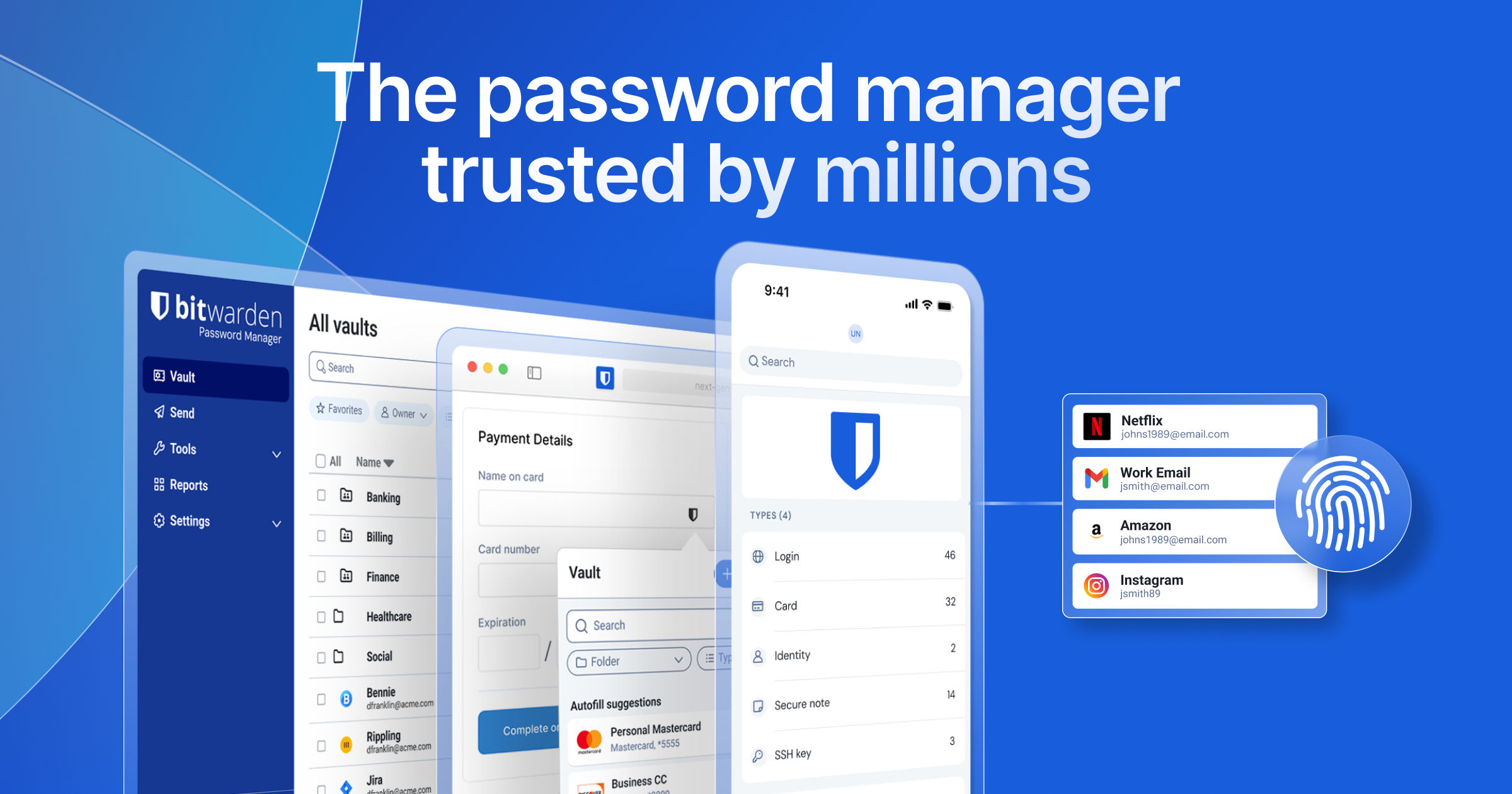
Bitwarden is the desktop LastPass alternative most users land on first, and most stay with. Native clients for Windows, macOS, and Linux, polished browser extensions across Chrome, Firefox, Safari, Edge, and Brave, and the option to point all of them at a Vaultwarden server running on your own hardware instead of Bitwarden’s cloud. The free tier covers unlimited devices and unlimited passwords. Bitwarden Send shares files with a one-time link. Bitwarden vs LastPass on desktop in 2026 is no contest at the feature surface and the price drop is large.
Where it falls short: The interface is functional, not delightful. A few advanced family workflows (template-based onboarding, fine-grained sharing inside a single vault) are more polished on 1Password’s side.
Pricing:
- Free: Unlimited devices, unlimited passwords, basic 2FA.
- Paid: Premium $10/year, Families $40/year for 6 users.
Platforms: Windows, macOS, Linux, browser extensions, CLI.
Migrating from LastPass: Export to CSV, import in Bitwarden via the web vault. Folders, secure notes, custom fields, and TOTP transfer. Attachments need to be re-uploaded individually. Passkeys do not migrate between providers and need to be re-registered.
Download: Bitwarden for Windows, macOS, and Linux
Bottom line: The default pick. Pick this if you want open-source code and the option to take the vault off the cloud later.
2. Proton Pass — best privacy-first all-in-one
Proton Pass is the desktop vault Proton shipped once Mail, Drive, VPN, and Calendar were stable. The Windows, macOS, and Linux apps include native 2FA codes, email aliases via Hide My Email, end-to-end-encrypted vault sharing, and the Proton Sentinel high-risk monitoring layer. The browser extension is among the most reliable for autofill in the category. Proton Pass vs LastPass on desktop in 2026 is comparable on features for an individual and meaningfully better for anyone whose objection to LastPass is the breach record.
Where it falls short: Family sharing requires Proton Family, which bundles other services. The breach scanner is thinner than 1Password’s Watchtower. CLI is still on the roadmap.
Pricing:
- Free: 50 vault items, 10 email aliases, 1 user.
- Paid: Pass Plus $1.99/month, Proton Unlimited $9.99/month.
Platforms: Windows, macOS, Linux, browser extensions.
Migrating from LastPass: Import the LastPass CSV directly in the Proton Pass web vault. Folders, secure notes, custom fields, and TOTP transfer cleanly. Email aliases are created fresh on the Proton side.
Download: Proton Pass desktop
Bottom line: Pick this if you care about a clean track record and want the same vendor for mail, VPN, and password.
3. 1Password — best polished family pick
1Password is the polished desktop vault households adopt and stick with. The Windows, macOS, and Linux apps have the most reliable browser extension in the category, the cleanest family administration, and the smoothest Watchtower breach reporting. Travel Mode lets you mark vaults as off-device when crossing borders, which is a niche feature that occasionally turns into the killer feature. 1Password vs LastPass on desktop in 2026 is mostly about price, since the feature parity is otherwise close.
Where it falls short: No free tier beyond the 14-day trial. Cloud-only, so the master copy sits on 1Password’s servers. The Linux client is solid but receives features slightly later than Windows and macOS.
Pricing:
- Free: 14-day trial only.
- Paid: Individual $3.99/month, Families $7.99/month for 5 seats.
Platforms: Windows, macOS, Linux, browser extensions, CLI, SSH agent.
Migrating from LastPass: 1Password’s setup wizard imports LastPass CSV or the JSON export directly. Folders, attachments, custom fields, TOTP, and secure notes transfer. Shared family folders are recreated on the 1Password side.
Download: 1Password for Windows, macOS, and Linux
Bottom line: The pick when family adoption matters more than price.
4. KeePassXC — best offline open-source vault
KeePassXC is the cross-platform desktop client for the KeePass database format. The vault is a single encrypted .kdbx file you keep wherever you choose: local disk, a USB key, Syncthing, Nextcloud, or your own private cloud. No account, no servers, no telemetry, no breach exposure surface. The native apps on Windows, macOS, and Linux feel almost identical, and the browser extension handles autofill across Chrome, Firefox, and Edge. KeePassXC vs LastPass in 2026 is the biggest break with the cloud model on this list, and the most resilient against a future incident for the same reason.
Where it falls short: Sync is your problem. There is no cross-device syncing built in unless you set up Syncthing, Nextcloud, or a similar workflow yourself. Sharing with family members involves giving them access to the vault file, which is awkward. Recovery from a lost master password is impossible.
Pricing:
- Free, open-source.
- No premium tier.
Platforms: Windows, macOS, Linux, browser extensions.
Migrating from LastPass: Export to CSV, use the KeePassXC importer to convert to .kdbx. Folders, custom fields, and TOTP transfer with manual review.
Download: KeePassXC for Windows, macOS, and Linux
Bottom line: Pick this if you want the vault entirely under your own control and you are willing to handle sync yourself.
5. NordPass — best cloud UX on a budget
NordPass is the password manager from the parent company behind NordVPN. The Windows, macOS, and Linux apps are clean, the browser extension handles autofill reliably, and the price drops on the two-year plan are aggressive. Passkey support, breach scanning, and an emergency-access workflow are all present. NordPass vs LastPass on desktop in 2026 is a roughly even feature trade with a noticeably cheaper Premium tier.
Where it falls short: Free tier is locked to one active device, which mirrors LastPass’s worst current restriction. Family plan limits sharing to specific items rather than full vaults. CLI is missing for power users.
Pricing:
- Free: One active device, unlimited passwords.
- Paid: Premium $1.49/month (two-year plan), Family $2.79/month for 6 users.
Platforms: Windows, macOS, Linux, browser extensions.
Migrating from LastPass: Export to CSV, import in NordPass via the web vault. Folders, custom fields, and TOTP transfer. Attachments do not.
Download: NordPass for Windows, macOS, and Linux
Bottom line: Pick this if you want a cheap cloud vault and you are already in the Nord ecosystem.
6. Dashlane — best VPN bundle
Dashlane keeps polished desktop apps for Windows and macOS and a strong web vault for Linux users. The Premium plan bundles a Hotspot Shield VPN, dark-web monitoring, and a breach alert engine that is among the more reactive in the category. Dashlane vs LastPass on desktop in 2026 is comparable in features for the standalone vault, with a wider bundle if the VPN matters.
Where it falls short: No native Linux app, web vault only. Free tier is capped at 25 passwords, which is impractical for daily use. The bundled VPN is fine for casual streaming but is not a substitute for a serious privacy VPN.
Pricing:
- Free: 25 passwords on one device.
- Paid: Premium $2.75/month, Friends & Family $4.99/month for 10 users.
Platforms: Windows, macOS, web (Linux supported via the web vault), browser extensions.
Migrating from LastPass: Dashlane has a direct LastPass importer for CSV and JSON. Folders, custom fields, TOTP, and attachments transfer.
Download: Dashlane for Windows and macOS
Bottom line: Pick this if you want a single bill for a vault and a basic VPN.
7. Enpass — best one-off purchase
Enpass is the desktop vault that still sells a real lifetime licence in 2026. The Windows, macOS, and Linux apps look like one app across all three platforms, and they sync vaults via your own cloud account (Google Drive, Dropbox, OneDrive, iCloud, WebDAV) rather than Enpass’s servers. The company does not hold a copy of your data, which removes the breach exposure entirely. Enpass vs LastPass on desktop in 2026 trades a thinner sharing workflow for genuine sovereignty over the master copy.
Where it falls short: Sharing is limited to the Family plan and is less polished than 1Password’s. The interface is a generation behind Bitwarden and Proton Pass. The browser extension’s autofill is reliable but slightly slower than the polished cloud competitors.
Pricing:
- Free: 25 items per vault, single device.
- Paid: Individual $1.99/month, Family $3.99/month for 6 users, Lifetime $99 one-off.
Platforms: Windows, macOS, Linux, browser extensions.
Migrating from LastPass: Export to CSV, import in Enpass on desktop. Folders, custom fields, and TOTP transfer. Set the cloud sync target during the first run.
Download: Enpass for Windows, macOS, and Linux
Bottom line: Pick this if you want a real lifetime licence and prefer storing the vault in your own cloud account.
How to choose
Pick Bitwarden if you want the safest default for most desktop users, with the option to self-host the vault on a home server later.
Pick Proton Pass if your concern is the breach track record rather than the price, and you want one vendor for mail, VPN, and the password vault.
Pick 1Password if you are paying for the whole family and want the smoothest shared workflow on desktop.
Pick KeePassXC if you want the vault entirely off the cloud and you are willing to handle sync yourself.
Pick NordPass if you already pay for NordVPN and want a cheaper Premium plan.
Pick Dashlane if the bundled VPN actually matters and you are on Windows or macOS.
Pick Enpass if you want a lifetime licence and prefer storing the vault in your own cloud account.
Stay on LastPass only if you have a corporate plan you cannot leave, and even then turn on every additional account-level protection LastPass exposes.
FAQ
Is the LastPass desktop app safe to keep using after the 2026 breach?
The Klue/Salesforce incident exposed customer support data, not master vaults directly, but it is the second confirmed material incident in four years. If your LastPass master password is short or reused anywhere else, rotate it and export your vault to a different manager.
Can I import my LastPass vault into Bitwarden, Proton Pass, or 1Password on desktop?
Yes. All three import the LastPass CSV export directly via their web vaults. Folders, secure notes, custom fields, and TOTP secrets transfer. Attachments transfer cleanly from the LastPass JSON export.
Is there a free LastPass alternative that works on Windows, macOS, and Linux at the same time?
Bitwarden’s free tier covers unlimited devices across all three platforms. KeePassXC is fully free and cross-platform if you do not need automatic sync. Proton Pass Free covers one user across all three desktops.
What is the cheapest paid LastPass alternative for desktop?
NordPass Premium on the two-year plan lands at $1.49 a month. Bitwarden Premium at $10 a year is similar. Enpass at $99 lifetime is the cheapest over a five-year horizon.
Which LastPass alternative supports self-hosting?
Bitwarden via Vaultwarden, KeePassXC via your own file sync, and Proton Pass via Proton’s infrastructure (not self-hosted but outside the major U.S. cloud providers).