An XDA-Developers writer spent a weekend wiring their Docker server to a stack of local LLMs and walked away with a workstation that now manages itself. The lesson the piece quietly makes is the one that matters: Docker is the right unit of work for local AI. Pull a model server, pull a UI, glue them together with a compose file, and the whole thing is reproducible across machines and reboots. No more Python virtualenv archaeology after the next CUDA update.
We tested the best apps for self-hosted LLM workflows that fit that pattern. Every pick on this list ships an official image, persists state through a named volume, and slots into a compose file alongside Postgres, Redis, and a reverse proxy without surprises. We rated the boring stuff: how fast a fresh docker compose up reaches a working chat, how cleanly GPU passthrough works, whether the image plays well with rootless Docker and Podman, and how much each container leaks when a model crashes.
What to look for in a self-hosted LLM stack
A few traits separate the containers that earn a permanent slot in your compose file from the ones that get torn out after a week:
- OpenAI-API compatibility. The de facto wire format. If a container speaks it, every existing client (editor extension, agent framework, notebook) works without code changes.
- Official Docker image. Maintainer-built images get rebuilt on CVE disclosures and tagged against upstream releases. Community forks lag and drift.
- GPU passthrough. NVIDIA Container Toolkit on Linux, ROCm where supported, Apple Silicon via host inference. The strongest images document the exact
--gpus allinvocation and ship sane defaults. - Persistent volume conventions. Models are large. A predictable mount point (
/root/.ollama,/app/backend/data) keeps yourdocker-compose.ymlshort and your backups straightforward. - OpenTelemetry and structured logging. Anything that runs in production needs traces and JSON logs out of the box, not just stdout chatter.
- Multi-user auth. A home lab outgrows single-user mode the moment a second person wants in. SSO, OIDC, or at least real password hashing matters.
Quick comparison
| App | Layer | Free plan | Paid tier | Docker image |
|---|---|---|---|---|
| Ollama | Model server | Yes (open source) | None | ollama/ollama |
| Open WebUI | Chat UI | Yes (open source) | None | ghcr.io/open-webui/open-webui |
| LocalAI | Model server (multimodal) | Yes (open source) | None | localai/localai |
| LiteLLM | Gateway / proxy | Yes (open source) | Enterprise | ghcr.io/berriai/litellm |
| vLLM | Production inference | Yes (open source) | None | vllm/vllm-openai |
| Text Generation WebUI | Tinkerer UI | Yes (open source) | None | atinoda/text-generation-webui |
| AnythingLLM | Full-stack workspace | Yes (open source) | Hosted plan | mintplexlabs/anythingllm |
The 7 best apps for self-hosted LLM with Docker in 2026
1. Ollama — best model server for the home lab
Ollama is the closest the category has to “Docker for LLMs”. The official image is small, the daemon exposes an OpenAI-compatible API on localhost:11434, and a single docker exec ollama ollama pull llama3.2 is all it takes to add a model. The library covers 4500+ tagged builds across the popular families with sensible default quants, and the GPU story is well documented for both NVIDIA and AMD hosts.
Where it falls short: Ollama is a runtime, not a chat app. The image ships no UI, so you pair it with Open WebUI or another front end. The Modelfile format is powerful but introduces a build step when you want a customised system prompt.
Pricing:
- Free: open-source, no licence fee
- Paid: none
Platforms: Linux container; runs on Windows, macOS, and Linux hosts via Docker.
Download: ollama.com
Bottom line: Pick Ollama as the model-server layer of any self-hosted stack. Nothing else is this easy to slot into a compose file.
2. Open WebUI — best chat UI to put in front of Ollama
Open WebUI is the front end the Ollama community has standardised on. The container ships a polished ChatGPT-style interface with multi-user accounts, per-conversation model switching, RAG over uploaded documents, MCP tool support, and an extensions system that adds image generation, web search, and code interpretation. The official image works out of the box behind a reverse proxy with HTTPS and OIDC.
Where it falls short: It assumes a separate backend, so it never works alone. The settings surface is wide, which can overwhelm first-time admins who just want a chat box.
Pricing:
- Free: open-source, no licence fee
- Paid: none
Platforms: Linux container; runs on Windows, macOS, and Linux hosts via Docker.
Download: openwebui.com
Bottom line: Pick Open WebUI as the chat-UX layer for a household or small-team setup. It is the cleanest browser-based interface in the category.
3. LocalAI — best multimodal drop-in for OpenAI
LocalAI is a drop-in replacement for the OpenAI API that handles text, image, audio, and embeddings through one endpoint. The single container can serve a Llama chat completion, a Whisper transcription, a Stable Diffusion image, and a sentence-embedding call without juggling separate services. Model bundles install with a one-liner, and the project ships GPU images for both CUDA and ROCm.
Where it falls short: The breadth costs throughput. A workload that hammers one modality often runs faster on a dedicated server (vLLM for text, a separate diffusion container for image). Configuration is YAML-heavy, which trips up beginners.
Pricing:
- Free: open-source, no licence fee
- Paid: none
Platforms: Linux container; runs on Windows, macOS, and Linux hosts via Docker.
Download: localai.io
Bottom line: Pick LocalAI when one container needs to serve multiple modalities behind a single OpenAI-compatible URL.
4. LiteLLM — best gateway for a mixed stack
LiteLLM is a lightweight proxy that maps 100+ providers (OpenAI, Anthropic, Vertex, Bedrock, Ollama, vLLM, LocalAI) to one OpenAI-compatible API. Drop it in front of your local backends and your remote API keys, point every client at the proxy, and you get unified logging, budgets, per-user keys, rate limits, and routing rules in one place. The container is small and the admin UI is competent.
Where it falls short: The free image has everything most home labs need, but SSO, audit logs, and some advanced routing sit behind the Enterprise tier. Configuration via config.yaml grows fast once you add more than a couple of models.
Pricing:
- Free: open-source self-host
- Paid: Enterprise plan with SSO, audit logging, and support
Platforms: Linux container; runs on Windows, macOS, and Linux hosts via Docker.
Download: litellm.ai
Bottom line: Pick LiteLLM the moment your stack has more than two backends. The gateway pattern is what keeps the rest of the system sane.
5. vLLM — best inference engine for production load
vLLM is the high-throughput inference server most teams reach for when traffic gets real. PagedAttention and continuous batching push tokens-per-second well past naive servers on the same hardware, and the OpenAI-compatible API means existing clients work unchanged. The official vllm/vllm-openai image is the one to pull, and the project documents the exact NVIDIA driver and CUDA combinations that work.
Where it falls short: The image is large. The server expects an NVIDIA GPU with reasonable VRAM, so it is not a fit for laptops or CPU-only hosts. Configuration leans toward “production engineer” rather than “weekend tinkerer”.
Pricing:
- Free: open-source, no licence fee
- Paid: none
Platforms: Linux container; runs on Windows, macOS, and Linux hosts via Docker with NVIDIA Container Toolkit.
Download: vllm.ai
Bottom line: Pick vLLM as the model server when concurrency and throughput matter more than five-minute setup time.
6. Text Generation WebUI — best playground for tinkerers
Text Generation WebUI (the project most people still call oobabooga) is the kitchen-sink option. The container bundles multiple backends (Transformers, llama.cpp, ExLlamaV2), every sampler under the sun, character cards, LoRA training hooks, and an extensions system that adds RAG and voice. Researchers who care about sampler tuning, contrastive decoding, or obscure quant formats land here.
Where it falls short: The official image is bigger than the rest, the first-boot dependency dance takes longer, and the UI surface area is dense. None of this matters if you came for the knobs, but it does matter if you just want a chat box.
Pricing:
- Free: open-source, no licence fee
- Paid: none
Platforms: Linux container; runs on Windows, macOS, and Linux hosts via Docker.
Download: github.com/oobabooga/text-generation-webui
Bottom line: Pick Text Generation WebUI when you want every dial exposed and an evening to play with them.
7. AnythingLLM — best one-container workspace tool
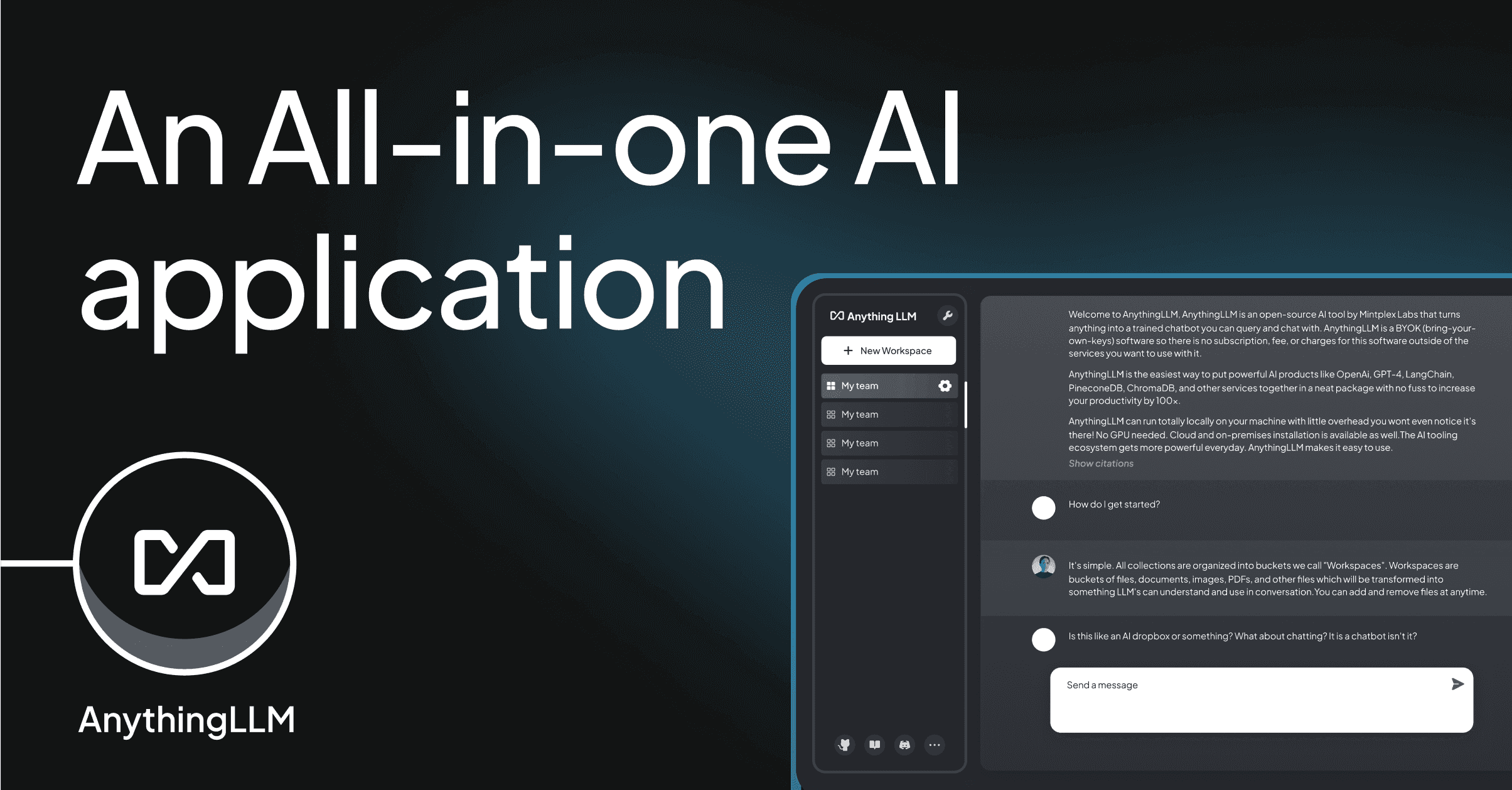
AnythingLLM is the rare full-stack pick: one image, one volume, and the result is a multi-user workspace with RAG, agents, workspace-scoped permissions, and a bring-your-own-LLM model picker that targets Ollama, LocalAI, vLLM, OpenAI, and Anthropic. The container handles the vector database, the document ingestion pipeline, the chat UI, and the agent runtime in one process. For a team that wants an “internal ChatGPT with documents” without assembling four services, this is the shortest path.
Where it falls short: The all-in-one approach trades flexibility for simplicity. Heavy RAG workloads benefit from a dedicated vector DB, and very large user counts will outgrow the bundled stack. A hosted plan exists for teams that prefer not to operate the container themselves.
Pricing:
- Free: open-source self-host
- Paid: hosted plan with managed updates and storage
Platforms: Linux container; runs on Windows, macOS, and Linux hosts via Docker.
Download: anythingllm.com
Bottom line: Pick AnythingLLM when one team needs a private GPT-with-documents and “one container” is the operational budget.
How to pick the right one
If you run a solo home lab and want the simplest stack, run Ollama plus Open WebUI behind a reverse proxy. Two containers, one network, full chat with documents.
If your team has more than two backends or a budget you actually want to enforce, put LiteLLM in front of everything and point clients at the proxy.
If the workload is production-grade (real concurrency, real latency targets), serve text with vLLM behind LiteLLM, and let Ollama or LocalAI handle developer machines.
If the stack needs more than text (transcription, image generation, embeddings) on one endpoint, LocalAI keeps the surface area small.
If the goal is “a team-internal ChatGPT with our documents” and the operational budget is one container, AnythingLLM is the shortest line between A and B.
If you came for the knobs and an evening of sampler experimentation, Text Generation WebUI is built for you.
FAQ
Do I need a GPU to self-host an LLM with Docker?
For comfortable inference on 7B and 14B models, yes. CPU-only containers work for smaller quants and casual use. NVIDIA hosts are the smoothest path; AMD ROCm support is real but narrower; Apple Silicon usually runs the model on the host (via Ollama or LM Studio) rather than inside the container.
What is the minimum compose file for a working self-hosted LLM?
Two services: an Ollama container with a named volume mounted at /root/.ollama and a port published on 11434, and an Open WebUI container with OLLAMA_BASE_URL set to the Ollama service. The whole thing fits in around 25 lines of YAML.
Which container should I put in front of all the others?
A gateway like LiteLLM, behind a reverse proxy (Caddy, Traefik, or nginx) that handles HTTPS. Clients hit the proxy with one base URL and one key. LiteLLM routes to Ollama, vLLM, or any remote provider based on the model name.
Can I share one self-hosted LLM with multiple people?
Yes. Open WebUI and AnythingLLM both support multi-user accounts with role-based access and per-workspace permissions. Pair either with LiteLLM if you also want per-user API keys for programmatic access.
How do I persist models and chat history across container restarts?
Mount named volumes at the documented paths: /root/.ollama for Ollama models, /app/backend/data for Open WebUI state, /app/server/storage for AnythingLLM. Back those volumes up like any other data dir; the model files are the largest piece by an order of magnitude.
Is self-hosting an LLM with Docker really cheaper than using an API?
It depends on volume. A used RTX 3090 plus electricity beats hosted API pricing once your team makes more than a few hundred thousand tokens per day. Below that, hosted APIs are usually cheaper than the amortised hardware. Self-hosting wins on privacy and predictability before it wins on cost.