XDA-Developers ran a piece this month with a quietly alarming headline: ChatGPT now rewrites its memories of you, and you don’t fully control what it keeps. The feature has a friendly framing. Memory persists across chats so the model “knows you better”. The flip side is that an opaque profile of your prompts, opinions, and writing tics lives on a server you do not own, and OpenAI decides when and how it reshapes itself. For anyone who treats a chatbot like a private notebook, that is the moment to look at what runs on your own laptop instead. We tested the best apps for private AI chat on desktop, the ones where prompts stay on disk, memory is a folder you can delete, and no telemetry leaves the machine unless you ask it to.
What to look for in a private AI chat app
Private is a loaded word in this category, so the criteria need to be specific:
- Telemetry default. The honest apps either ship with telemetry off, or surface the toggle on first launch. A “we collect anonymous usage” buried in a settings menu is not the same as off.
- On-device inference. Every token should be generated on your CPU or GPU. No cloud round-trips for the model itself, even when the app offers an optional remote API.
- Chat logs on disk. Conversations should live in a folder you can open in Finder or Explorer. Cloud sync is fine if it is off by default and the format is something you can read.
- Persistent memory you control. If the app builds a profile of you across chats, you should be able to inspect it, edit it, and wipe it.
- Open source weight. Auditability is the only real defence against quiet behaviour changes. Closed-source apps are not automatically untrustworthy, but they earn extra scrutiny.
Quick comparison
| App | License | Telemetry default | OpenAI-API server? | Best for |
|---|---|---|---|---|
| Jan | MIT (open source) | Off | Yes, localhost:1337 | Privacy-first daily driver |
| GPT4All | MIT (open source) | Opt-in only | No (chat client only) | Total beginners, document Q&A |
| LM Studio | Closed source | On (one toggle to disable) | Yes, local server | Polished GUI and model discovery |
| Ollama | MIT (open source) | None | Yes, localhost:11434 | Developers who want a backend |
| AnythingLLM | MIT (open source) | Off | Yes, embedded | Workspaces with documents and agents |
| Msty | Closed source (free tier) | Anonymous, toggleable | Yes (via Ollama) | Side-by-side local vs cloud chats |
| Llamafile | Apache 2.0 (open source) | None | Yes, embedded | Portable, USB-stick offline use |
The 7 best private AI chat apps for desktop in 2026
1. Jan — Best for a privacy-first daily driver
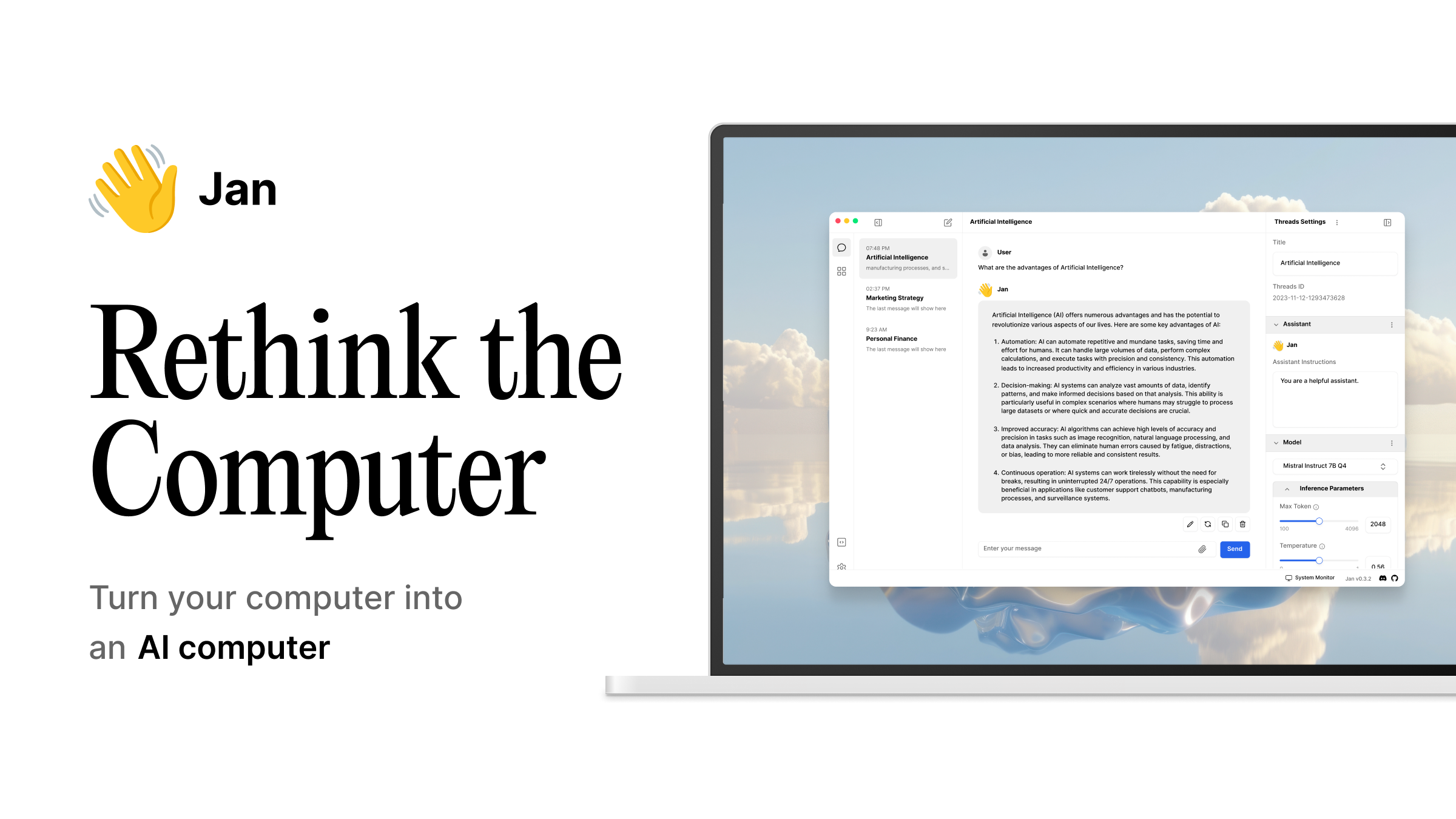
Jan is the rare app where privacy is a stated product principle, not a marketing line. The MIT licence covers the desktop client and the server, telemetry is off by default, and the settings panel tells you in plain language which switches touch the network. An OpenAI-compatible API runs locally on port 1337, so any tool that speaks OpenAI talks to Jan with one URL change. Optional cloud fallbacks exist, but you wire them up yourself.
Where it falls short: Performance trails LM Studio by a small margin on the same hardware, and the model catalogue is smaller than what you get when you browse Hugging Face directly. Newer features like agents and tool-use lag the closed-source competition.
Pricing: Free (open source, no paid tier)
Platforms: Windows, macOS, Linux
Download: jan.ai
Bottom line: Pick Jan if “private” is a hard requirement and you want one app that is honest about every network call it makes.
2. GPT4All — Best for beginners and offline document Q&A
GPT4All is the easiest on-ramp on this list. One installer, no terminal, telemetry opt-in only, and a curated model list tuned for laptops without a discrete GPU. The LocalDocs feature points at a folder on disk and gives you a private RAG setup without any of the usual plumbing. Chats live in a SQLite file you can back up or delete.
Where it falls short: Power-user features (custom samplers, fine-grained quant control, an OpenAI-compatible server) are not the focus. The UI is functional rather than polished.
Pricing: Free (open source, no paid tier)
Platforms: Windows, macOS, Linux
Download: nomic.ai/gpt4all
Bottom line: Pick GPT4All if you want a private chatbot you can hand to a non-technical friend, with offline document search built in.
3. LM Studio — Best for model discovery and GUI polish
LM Studio is the most polished native app in the category. The Hugging Face integration filters by quant level and shows whether a model will actually fit in your VRAM, MLX runs on Apple Silicon with first-class support, and the recent MCP additions let local models call tools. A local server mode exposes an OpenAI-compatible endpoint. The catch is that the app is closed source and anonymous analytics are on by default. One toggle in settings turns them off.
Where it falls short: The closed source plus default-on analytics is the obvious one. The licence allows free personal use but requires a paid Work plan for business contexts, which is worth checking before you put it on a company laptop.
Pricing: Free for personal use. Work plan for business.
Platforms: Windows, macOS, Linux
Download: lmstudio.ai
Bottom line: Pick LM Studio if you want the best GUI for finding, sizing, and running local models, and you are willing to flip one toggle on first launch.
4. Ollama — Best for developers who want a private backend
Ollama is the closest thing to a default backend in this space. A single installer drops a CLI and a background service, then ollama run llama3.2 pulls a quantised model and starts chatting. The daemon exposes an OpenAI-compatible REST API on localhost:11434, the licence is MIT, and there is no telemetry to disable because there is none in the first place. Chat history is whatever your client saves to disk.
Where it falls short: The first-party UI is essentially a terminal. Ollama is a backend, not a chat client, so you pair it with a separate front end (Msty and Open WebUI both work well). Custom prompts live in Modelfiles, which is powerful but adds a step.
Pricing: Free (open source, no paid tier)
Platforms: Windows, macOS, Linux
Download: ollama.com
Bottom line: Pick Ollama if you want a private server you can also chat with, and you are happy to bring your own UI.
5. AnythingLLM — Best for workspaces with documents and agents
AnythingLLM treats chat as a workspace rather than a single window. Each workspace has its own model, its own documents, its own agents, and its own permissions. Everything runs locally by default, or you self-host the server and reach it from a browser. RAG is built in. Agents can call tools, scrape pages, and run scripts inside the workspace boundary.
Where it falls short: It is more app to learn than a plain chat client. The multi-user and agent features are powerful but introduce concepts (workspaces, threads, embeddings) that a casual user does not need.
Pricing: Free (open source). Optional paid cloud version for teams.
Platforms: Windows, macOS, Linux
Download: anythingllm.com
Bottom line: Pick AnythingLLM if you want to wire documents, agents, and chats into private project spaces instead of one long conversation.
6. Msty — Best for comparing local and cloud models side by side
Msty is a native chat client that can talk to a local Ollama instance and a remote API at the same time, with a real split-pane UI. Send a prompt once, see two answers, decide which model earned the work. Knowledge stacks let you attach folders or URLs for retrieval, and the app keeps local and remote conversations clearly separated so you do not accidentally leak a prompt to the cloud side.
Where it falls short: The app is closed source. Anonymous analytics are toggleable but on by default. A few power features sit behind the paid Aurum plan.
Pricing: Free tier (feature-rich). Aurum plan for advanced features.
Platforms: Windows, macOS, Linux
Download: msty.app
Bottom line: Pick Msty if you want a clean way to compare a local model against a cloud one without juggling two apps.
7. Llamafile — Best for portable, USB-stick offline use
Llamafile is Mozilla’s clever trick: a model and the llama.cpp runtime packed into a single executable that runs on Windows, macOS, and Linux from the same file. Download one binary, double-click, and a chat UI opens in your browser pointed at a local server. Drop it on a USB stick and a private AI chat travels with you. No installer, no Python, no telemetry.
Where it falls short: No model browser, you manage models as files on disk. Updates mean swapping the executable. Some antivirus tools flag the cross-platform binary trick, which is a recurring complaint on the GitHub issues.
Pricing: Free (open source, no paid tier)
Platforms: Windows, macOS, Linux
Download: github.com/Mozilla-Ocho/llamafile
Bottom line: Pick Llamafile if you want the absolute lowest-ceremony way to carry a private chatbot between machines.
How to pick the right one
If privacy is the headline requirement and you want one app that does not phone home, install Jan.
If you are setting this up for a non-technical friend or family member, install GPT4All and point its LocalDocs feature at their documents folder.
If you want the best GUI for finding and running models and you are comfortable flipping one analytics toggle, install LM Studio.
If you want a private backend that any editor, notebook, or script can talk to, install Ollama and pair it with a chat client you like.
If your work splits into projects with their own documents and tools, install AnythingLLM and use workspaces.
If you actively compare local and cloud models and want to see them in the same window, install Msty.
If you want a private chatbot on a USB stick, download a Llamafile for the model you want and copy it over.
FAQ
Are local AI chat apps really more private than ChatGPT?
Yes, if you pick one with no telemetry and run inference on-device. The prompts never leave your machine, there is no central server building a profile of you, and chat logs are files on disk that you can delete. The honest caveat: a closed-source app could still misbehave, which is why open-source options (Jan, GPT4All, Ollama, AnythingLLM, Llamafile) carry less long-term risk than closed-source ones (LM Studio, Msty), even when both ship with telemetry off.
Do I need a powerful GPU to run a local AI chat?
No. Quantised 3B and 7B models run on integrated graphics or pure CPU, slowly but usefully. GPT4All and Llamafile both ship small models tuned for low-RAM machines. If you have an Apple Silicon Mac with 16 GB of unified memory or a recent PC with 16 GB of RAM, you have enough.
Can I wipe a local AI chat app’s memory of me?
Yes. Every app on this list stores chat history in a folder on disk. Delete the folder and the model has no idea who you are next time you launch it. This is the structural advantage over hosted services where memory lives on a server you do not control.
Can local AI chat apps replace ChatGPT for daily use?
For most prompts, yes. Quantised 7B and 14B models are good enough for code review, summarisation, drafting, and routine writing. For frontier-level reasoning on long documents, the gap is narrower than it was a year ago but still real. A common pattern is to use a local model for the private 80% of work and a cloud API for the rest, which is exactly the setup Msty was built for.
What about voice and image generation?
The apps on this list are text-first. LM Studio, Jan, and AnythingLLM all have growing support for vision models, so you can drop in an image and ask questions about it. Voice input and output are usually handled by a separate local tool (Whisper for speech-to-text, Piper for text-to-speech) wired into the chat client. None of that requires the cloud.