MyRadar is a quick way to pull a US weather radar onto a Windows desktop. The animated NEXRAD overlay, the hurricane tracks, and the wildfire layer load fast and the app launches faster than most browser-based options. Two things push people off it. The free tier carries ads in the corner of the radar pane, which is not great when the storm is moving on screen, and the genuinely useful features like severe weather alerts and the longer animation loops sit behind a Pro subscription. On macOS the desktop story is thinner still, with the iPad app on Apple Silicon doing the heavy lifting.
We tested seven MyRadar alternatives across desktop, focused on the people who actually pull a radar up: storm chasers, pilots and outdoor workers, and households in tornado or hurricane country who want a forecast and a quick alert without a paywall.
Quick comparison
| App | Best for | Free option | Paid starting price | Platforms |
|---|---|---|---|---|
| Windy.com | Best free desktop radar and forecast | Yes | Premium subscription | Web, Windows, macOS, Linux |
| RadarScope | Pro radar work for chasers and meteorologists | Trial | Subscription | Windows, macOS |
| WeatherBug | Lightning detection and citizen data | Yes | Premium | Windows, macOS, web |
| AccuWeather | Polished forecast across devices | Yes | Premium | Web, Windows, macOS |
| Weather Underground | Personal weather station network | Yes | Premium | Web, Windows, macOS |
| Ventusky | Beautiful global model visualisation | Yes | Premium | Web, Windows, macOS, Linux |
| Carrot Weather | Sharp tongue and customisable layout | Trial | Subscription | macOS |
Why people leave MyRadar
The first reason is the ads. The free tier overlays a banner on the radar pane and a pre-roll on some videos. Users on r/Weather and r/StormChasers point out that an ad on a radar app at the exact moment a warning fires is the worst place for it.
The second is the Pro paywall. The 24-hour loop, hurricane forecast cones, and severe alert push gating sit behind a recurring fee. The price is reasonable, but stacking a small subscription on top of an existing AccuWeather or Apple Weather subscription pushes people to look for one tool that does everything.
The third is the macOS story. There is no first-class macOS app. The iPad MyRadar runs on Apple Silicon Macs but the windowing and radar resolution are tuned for a tablet, not a desktop display.
The 7 best MyRadar alternatives for desktop
Windy.com — best free desktop radar and forecast
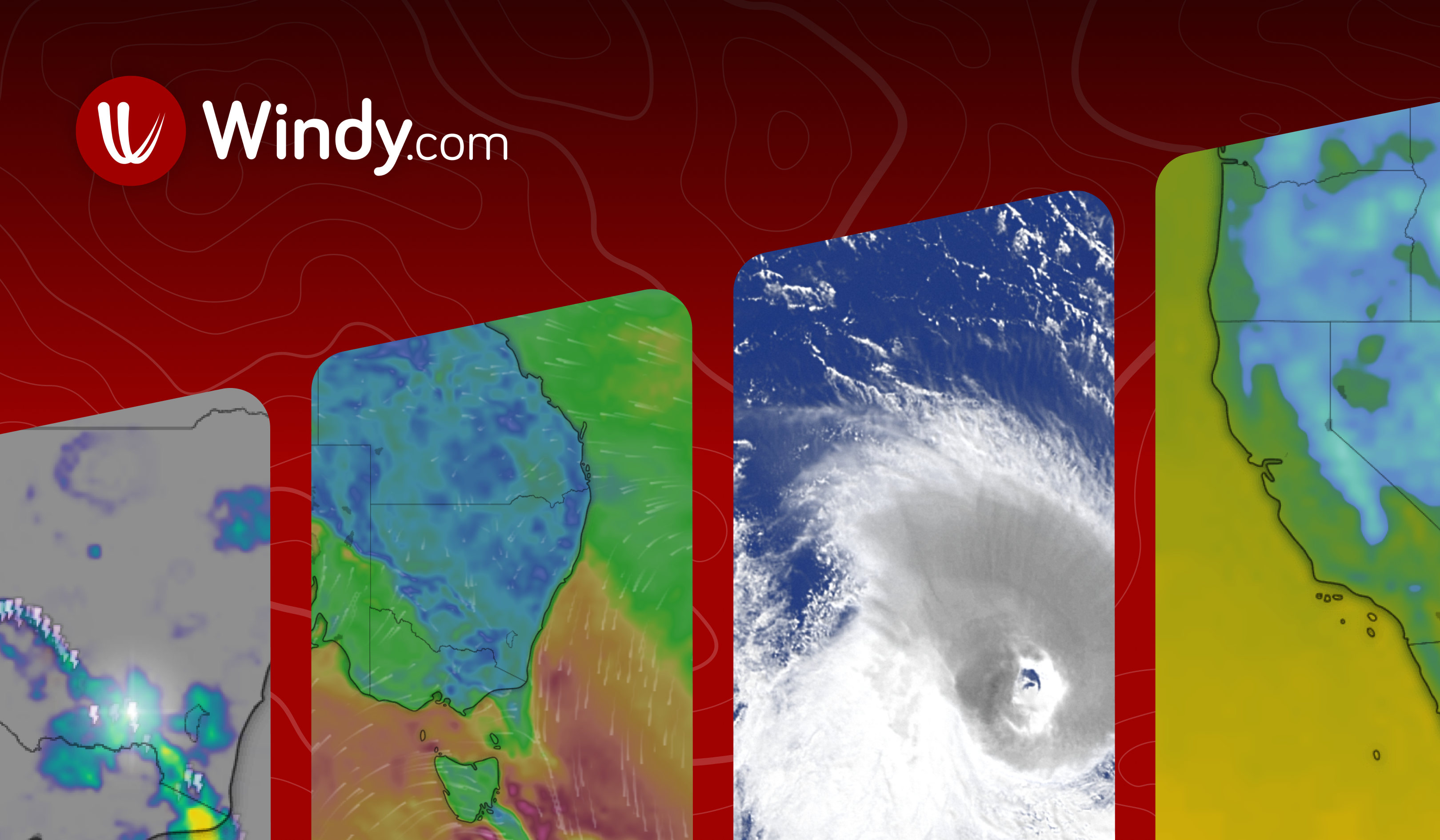
Windy.com is the cleanest free desktop weather tool today. The browser app runs on any OS, and the Windows, macOS, and Linux desktop builds wrap the same engine in a native window. The radar, lightning, satellite, and global weather model layers are all in one map, the colour palettes are tasteful, and the free tier includes everything except the highest-resolution model.
Where it falls short: Severe weather alerts are notifications via the desktop, not the buzzy push MyRadar delivers. The radar in the US is great; in some other countries the data is thinner.
Pricing:
- Free: most layers and models
- Paid: Premium for ECMWF detail and faster refresh
- vs MyRadar: free tier is materially better, paid tier is roughly comparable
Migrating from MyRadar: Bookmark the locations you watch. Windy’s favourite menu replaces MyRadar’s saved cities.
Download: Windy.com
Bottom line: Pick Windy if you want the best free desktop radar and weather model viewer.
RadarScope — best for storm chasers
RadarScope is the radar tool that real meteorologists and chasers use. The Windows and macOS apps connect to the same Level III and Level II radar feeds as a National Weather Service workstation, with super-resolution velocity, dual-polarisation products, and lightning overlays. The interface is dense and assumes you already know what a hook echo looks like.
Where it falls short: Subscription only after the trial. No long-range forecast view, since RadarScope is a radar tool, not a weather app.
Pricing:
- Free: trial
- Paid: Pro and Pro Tier Two subscriptions
- vs MyRadar: paid only, far deeper radar data
Migrating from MyRadar: Recreate your favourite radar sites in RadarScope’s location manager.
Download: RadarScope
Bottom line: Pick RadarScope if you read radar for a living or chase storms in the field.
WeatherBug — best for lightning and citizen data
WeatherBug runs the largest citizen-owned weather station network in the US and a dedicated lightning detection grid. The desktop app pulls hyperlocal observations from the station nearest your address and reports lightning strikes within a few hundred metres of accuracy. The radar is solid and the alerts arrive quickly.
Where it falls short: The desktop app’s interface is older than Windy’s. Some features need an account login.
Pricing:
- Free: with ads
- Paid: WeatherBug Premium to remove ads and unlock layers
- vs MyRadar: similar model, stronger lightning detection
Migrating from MyRadar: Re-add your saved locations.
Download: WeatherBug
Bottom line: Pick WeatherBug if lightning strike accuracy and citizen-station data are what you came for.
AccuWeather — best polished forecast
AccuWeather runs the most polished general forecast app on the desktop. The Windows app puts a tidy 15-day forecast next to a competent radar, the MinuteCast precipitation timing is unusually accurate, and the macOS web app is the cleanest of the browser-based options. The premium tier removes ads and unlocks a 90-day outlook.
Where it falls short: Radar depth is shallower than RadarScope or Windy. Severe weather alerts are sometimes broader than the actual warning area.
Pricing:
- Free: with ads
- Paid: AccuWeather Premium
- vs MyRadar: similar tier structure, better polish and forecast
Migrating from MyRadar: Re-add favourite cities.
Download: AccuWeather
Bottom line: Pick AccuWeather if you want the cleanest general-purpose forecast app rather than a radar-first tool.
Weather Underground — best personal weather station network
Weather Underground, now owned by IBM, runs on a network of tens of thousands of personal weather stations. The desktop web app and Windows companion show the station closest to your block, which is often more accurate than the airport readings most other tools pull. The radar is solid and the forecasts blend station data into the model.
Where it falls short: Recent UI redesign reduced some power-user features. Premium tier is needed to remove ads and unlock the better historical data.
Pricing:
- Free: with ads
- Paid: Premium subscription
- vs MyRadar: similar pricing, gains hyperlocal personal-station data
Migrating from MyRadar: Bookmark your local PWS as the default.
Download: Weather Underground
Bottom line: Pick Weather Underground if a neighbour with a weather station gets you a better reading than the airport.
Ventusky — best global model visualisation
Ventusky is the prettiest global weather model viewer on the desktop. Wind, pressure, temperature, precipitation, and snow layers animate smoothly across the globe. The Windows, macOS, and Linux apps mirror the browser app, which makes it easy to share a forecast loop with anyone.
Where it falls short: Aimed at model visualisation rather than US-style radar alerting. Severe weather push is not the focus.
Pricing:
- Free
- Paid: Premium for higher-resolution models and ad removal
- vs MyRadar: free tier far stronger, weaker on US severe alerts
Migrating from MyRadar: Drop pins for your saved locations.
Download: Ventusky
Bottom line: Pick Ventusky if you want to look at the weather model itself, not just one radar pane.
Carrot Weather — best sharp-tongued macOS app
Carrot Weather is the macOS desktop weather app with personality. The hourly, daily, and radar panes are customisable, the data sources include Apple Weather, AccuWeather, and the EU’s MeteoGroup, and the writing in the conditions summary is genuinely funny. The app sits in the menu bar so a glance gives the forecast.
Where it falls short: macOS-only, no Windows or Linux build. Subscription only after the trial.
Pricing:
- Free: trial
- Paid: Premium and Premium Ultra subscriptions
- vs MyRadar: macOS-only, better polish, no Windows option
Migrating from MyRadar: Re-add saved locations. Customise the layout to match what you had on MyRadar.
Download: Carrot Weather
Bottom line: Pick Carrot if you live on a Mac and want a weather app that does not look like everyone else’s.
How to choose
Pick Windy if you want the best free desktop weather and radar tool overall. Pick RadarScope if you read radar professionally. Pick WeatherBug for lightning detection. Pick AccuWeather for a polished general forecast. Pick Weather Underground if a neighbouring personal station beats the official reading. Pick Ventusky to look at the model directly. Pick Carrot on Mac. Stay on MyRadar if a US-focused radar with a quick alert push is the only thing you need and the ads do not bother you.
FAQ
Is MyRadar Pro worth it? If you watch severe weather often and want the long animation loops and the alert push, yes. If you mostly check the radar once a day, Windy’s free tier is hard to beat.
Is there a free MyRadar alternative without ads? Windy and Ventusky both keep their free tiers ad-light on the desktop. RadarScope has no free tier.
Which desktop weather app has the best radar? RadarScope is the deepest. Windy is the best free option. AccuWeather and Weather Underground are good enough for most people.
Do these apps work on macOS? Windy, AccuWeather, Weather Underground, Ventusky, and Carrot are all native or first-class on macOS. RadarScope has a strong macOS build. WeatherBug is browser-based on Mac.
Can I get severe weather alerts on the desktop? Windy, AccuWeather, Weather Underground, and Carrot all support desktop notifications. RadarScope’s alerts focus on radar-triggered warnings rather than NWS pushes.