
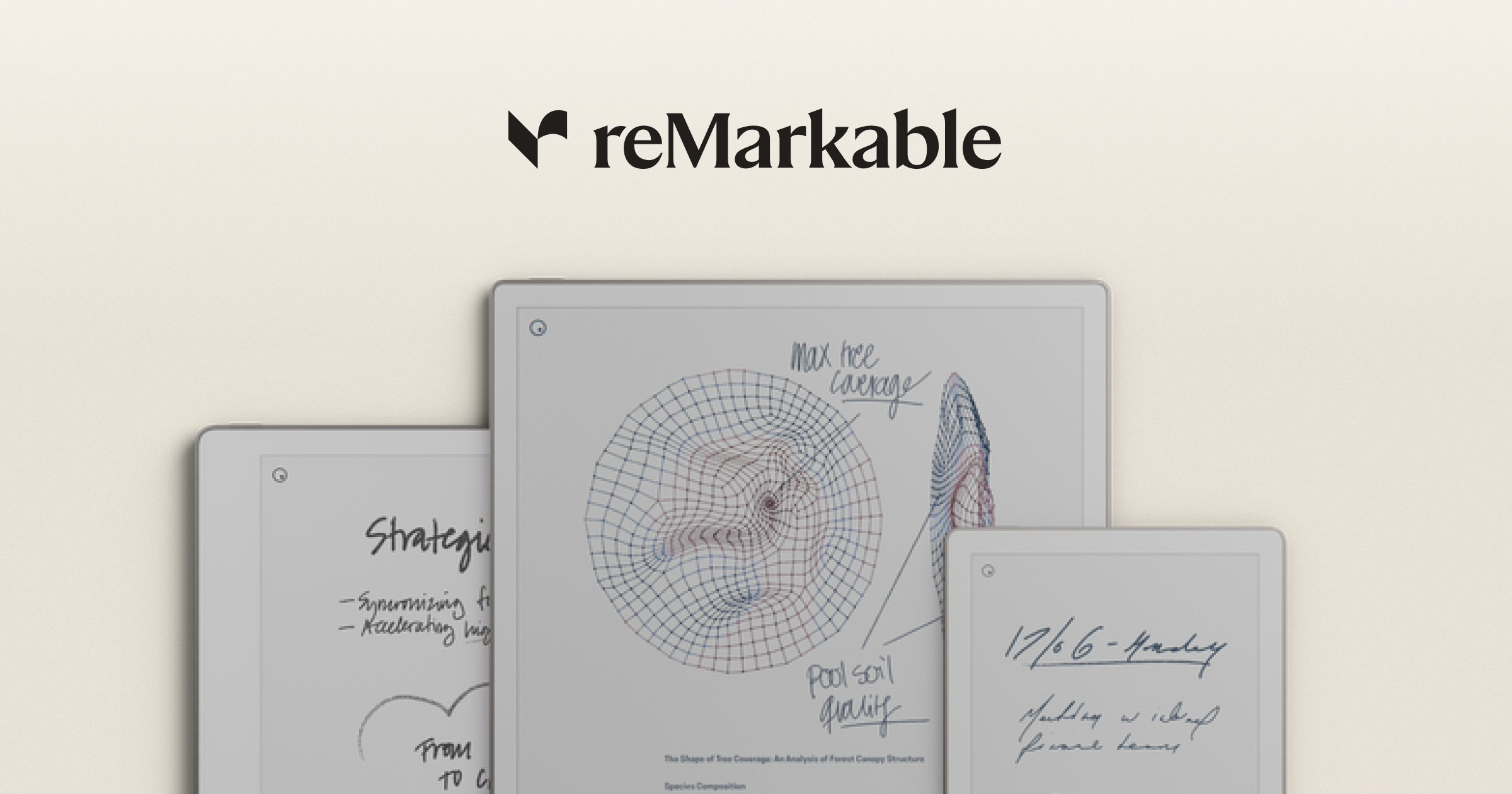
A smart notebook is only as useful as the software that catches the notes after they leave the device. Buy a reMarkable or a Rocketbook and you’ll spend more hours in its companion app than in the notebook itself. We tested eight desktop tools that pair with smart notebooks, sync handwriting, run OCR, and let you actually work with the captured pages. Some come bundled, some replace the bundled apps, and one or two work across vendors.
What to look for in a smart notebook desktop app
Sync reliability comes first. A notebook tool that loses pages or drops sync after an OS update is worse than no app at all. Test the round-trip on the trial: scribble on the device, watch the desktop catch the page.
OCR quality matters next. Handwriting recognition that scores 95% is unusable; you spend more time correcting than typing. Look for vendor OCR plus the option to export to OneNote or Notion for second-pass recognition.
Cross-device editing is a third lever. Some apps treat the desktop as a read-only viewer; others let you mark up pages with a Wacom or mouse and push the edits back. Finally, export options: PDF is table stakes, but searchable PDF, plain text, and Markdown all matter for long-term use.
Quick comparison
| App | Best for | Platforms | Free plan | Starting price | Rating |
|---|---|---|---|---|---|
| reMarkable Desktop | reMarkable owners | Windows, macOS, Linux | Yes | Free with device | 4.4 |
| Rocketbook | Rocketbook reusable notebooks | Windows, macOS | Yes | Free | 4.6 |
| BOOX Notes | BOOX e-reader notes | Windows, macOS | Yes | Free | 4.2 |
| Supernote Partner | Supernote A5X/A6X | Windows, macOS, Linux | Yes | Free | 4.3 |
| Goodnotes for Windows | Cross-device handwritten notes | Windows | Yes | $9.99/year | 4.7 |
| Microsoft OneNote | Universal ingestion target | Windows, macOS, Web | Yes | Free | 4.5 |
| Concepts | Vector sketching | Windows | Yes | $4.99/mo | 4.7 |
| Notability | iPad-first, Mac companion | macOS | Yes | $14.99/year | 4.6 |
The apps
1. reMarkable Desktop — Best companion for reMarkable owners
reMarkable Desktop is the official companion for reMarkable 2 and Paper Pro. The app receives pages over Wi-Fi via Connect or via USB, organizes them into the same folders as the device, and exports to PDF or PNG. Pages opened on desktop sync edits back to the tablet.
Where it falls short: Connect costs $2.99/month after the trial, and a lot of features lock behind it. OCR runs in the cloud only.
Pricing:
- Free: Yes, base desktop app
- Paid: Connect from $2.99/month for handwriting search and cloud sync
Platforms: Windows, macOS, Linux.
Download: remarkable.com
Bottom line: Required if you own a reMarkable. Treat Connect as optional.
2. Rocketbook — Best for reusable-paper notebooks
Rocketbook is the companion for the reusable wet-erase notebooks of the same name. Scan a page with your phone, the app reads the destination icons at the bottom (Google Drive, Evernote, OneNote, email), and pushes the page to that target. The desktop version handles the destination management and OCR cleanup.
Where it falls short: Captures happen on phone, not on desktop directly. People expecting desktop scanning will be disappointed.
Pricing:
- Free: Yes
- Paid: Free across the board
Platforms: Windows, macOS (web-based desktop).
Download: getrocketbook.com
Bottom line: The right pick if you want the cheapest possible “digital notebook” workflow on $20 of paper.
3. BOOX Notes — Best for BOOX e-reader notes
BOOX Notes runs on BOOX e-readers and pushes notes to a desktop companion via BOOX Drop. Markup happens on the tablet; the desktop app stores PDFs, syncs notes back to Onyx Cloud, and exports to OneNote or Evernote.
Where it falls short: Onyx Cloud’s storage caps are tight on the free tier. Account creation is required even for local-only use, which annoys some buyers.
Pricing:
- Free: 5 GB Onyx Cloud
- Paid: Cloud storage upgrades
Platforms: Windows, macOS.
Download: boox.com
Bottom line: The required companion if your BOOX is your daily notebook. Skip if you’re using a BOOX as a pure e-reader.
4. Supernote Partner — Best for Supernote owners
Supernote Partner is the companion for Ratta’s Supernote A5X and A6X. It mirrors the device folder tree on desktop, lets you transfer files, and runs a serviceable OCR over handwritten notes. The Linux build is a rarity in this space.
Where it falls short: Pace of updates is slow. The UI lags behind reMarkable’s polish.
Pricing:
- Free: Yes
- Paid: None
Platforms: Windows, macOS, Linux.
Download: supernote.com
Bottom line: Required for Supernote. The Linux build alone makes it stand out.
5. Goodnotes for Windows — Best cross-device handwritten notes
Goodnotes is the iPad notes standard, and the Windows app brings the same UX to a PC. Import PDFs, annotate with stylus or mouse, run handwriting search, and sync via Google Drive or iCloud across devices. The 2026 release added Goodnotes Marketplace integration on desktop.
Where it falls short: Best with a stylus or pen display. Editing with a mouse is technically possible and practically unpleasant.
Pricing:
- Free: Yes, with three-document cap
- Paid: $9.99/year or $29.99 lifetime
Platforms: Windows.
Download: goodnotes.com
Bottom line: The best handwriting-first notes app on Windows if you have a Surface or a pen tablet.
6. Microsoft OneNote — Best universal ingestion target
Microsoft OneNote is the universal target. Almost every smart notebook app supports “send to OneNote.” On the desktop side, OneNote handles ink-to-text, audio sync, and OCR on imported images. Free with a Microsoft account, included with Office.
Where it falls short: UI is a maze if you’ve used a more focused tool. Sync still occasionally trips on enterprise accounts.
Pricing:
- Free: Yes
- Paid: Bundled with Microsoft 365 Family ($9.99/mo) for desktop features
Platforms: Windows, macOS, web.
Download: microsoft.com/onenote
Bottom line: Pair every other tool on this list with OneNote as the long-term archive. It’s the only one with no risk of going away.
7. Concepts — Best for vector sketching
Concepts treats notebook pages as infinite vector canvases. Lines stay editable forever, you can scale, recolour, and reorganize without re-drawing. The Windows app supports active stylus, the file format is portable, and the export side covers PSD, SVG, PDF, and DXF.
Where it falls short: Less a notebook than a design tool. Costs more than a regular notes app.
Pricing:
- Free: Yes, basic
- Paid: Pro subscription $4.99/month
Platforms: Windows.
Download: concepts.app
Bottom line: Pick this if your “notes” are diagrams, plans, and sketches more than prose.
8. Notability — Best for macOS users with an iPad
Notability is the iPad-first heavyweight, and the Mac app makes the same notes available on the desktop. Audio recording with synced ink playback is the killer feature, and the desktop client supports it cleanly.
Where it falls short: macOS only. The Mac app is good but second-class compared to the iPad version. Notability Plus is required for unlimited notes.
Pricing:
- Free: Limited notes per month
- Paid: Plus tier $14.99/year
Platforms: macOS only on desktop.
Download: notability.com
Bottom line: Default choice in the Apple ecosystem. Ignore on Windows.
How to pick the right one
- If you bought a reMarkable: reMarkable Desktop, plus OneNote as a backup target.
- If you bought a Rocketbook: Rocketbook app, with OneNote or Google Drive as the destination.
- If you bought a BOOX: BOOX Notes desktop, plus OneNote.
- If you bought a Supernote: Supernote Partner. The Linux build is a real reason to consider Supernote in the first place.
- If you sketch more than write: Concepts.
- If you live in Apple ecosystem: Notability.
- If you only have a Surface or a pen display, no tablet: Goodnotes for Windows.
- If you want a universal archive that will outlast every other tool: OneNote.
FAQ
Which smart notebook app has the best OCR? Goodnotes and OneNote lead on accuracy with mixed-handwriting samples. reMarkable Connect catches up in 2026 but still runs OCR in the cloud only.
Can I use these apps without owning the matching notebook? Goodnotes, Concepts, OneNote, and Notability work standalone. The vendor-specific apps (reMarkable Desktop, Rocketbook, BOOX, Supernote) need the corresponding hardware.
Do any of these work on Linux? reMarkable Desktop and Supernote Partner both ship Linux builds. Everyone else is Windows and macOS only.
Is reMarkable Connect worth paying for? Worth it if you use handwriting search and cloud sync daily. Skip if you mostly export to PDF and edit on desktop.
Can I use Rocketbook with reMarkable? Not directly. You can scan a Rocketbook page on your phone, save it as a PDF, and import it into reMarkable Desktop, but there’s no integrated workflow.


