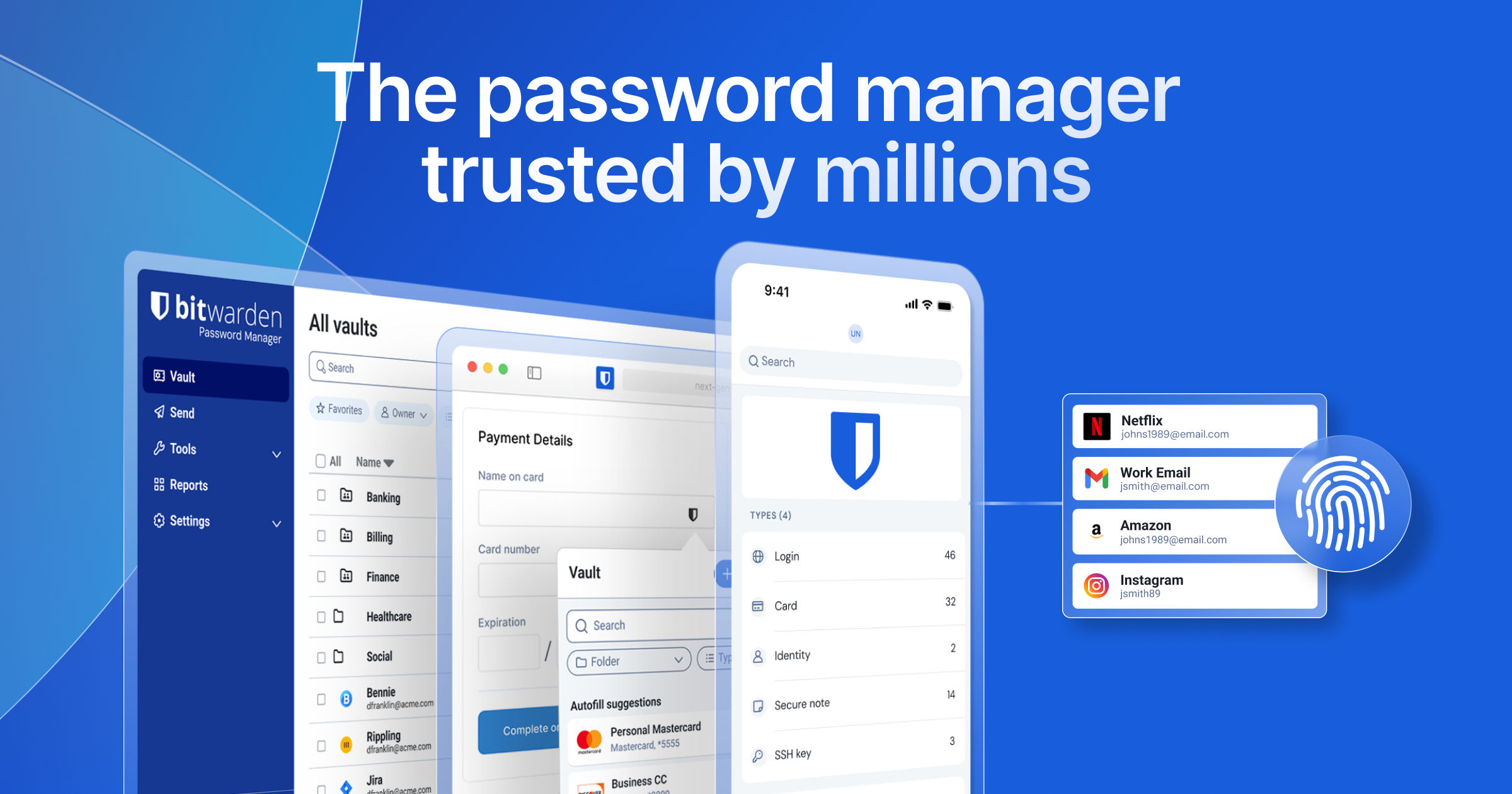
Softonic’s June confirmation of the Klue/Salesforce incident is the second material LastPass breach inside four years. For a category whose entire pitch is trust, two strikes is enough for a growing chunk of users to move the vault somewhere they can audit and own. The XDA piece earlier in the month on Vaultwarden running in a Docker container next to Jellyfin captures the obvious move: keep the same Bitwarden clients on every device, point them at a server on the home network or a cheap VPS, and never pay a password manager subscription again.
We tested the 7 best self-hosted password manager apps for desktop in 2026. The list spans the Vaultwarden-on-Docker default that most home setups land on, the official Bitwarden self-hosted release for users who want to stay on the original codebase, the team-focused choices that bring proper sharing and access policies, and the classic file-based vaults that need no server at all.
What to look for in a self-hosted password manager
Pick a self-hosted password manager that:
- Has a maintained Docker image with a known release cadence. Vaultwarden, the official Bitwarden release, Passbolt, and Psono all qualify; older projects without a recent release should be avoided.
- Works with first-party Bitwarden, KeePass, or browser-extension clients where possible. Custom client lock-in is the friction that pushes users back to cloud vendors.
- Supports proper backup and restore. The vault is the most important file on your server; the project should make backing it up obvious.
- Handles family or team sharing with role-based access if more than one person uses it.
- Has documented options for TLS, reverse proxy integration, and 2FA for the admin interface.
- Has an active community big enough to answer the question when something goes wrong.
Quick comparison
| App | Best for | Platforms | Free plan | Compatible clients |
|---|---|---|---|---|
| Vaultwarden | Default home-server pick | Linux, Docker | Yes, fully | Bitwarden mobile, desktop, browser |
| Bitwarden Self-Hosted | The official upstream | Linux, Docker | Yes for personal use | Bitwarden mobile, desktop, browser |
| Passbolt | Team-focused, GPG-based | Linux, Docker | Community Edition free | Passbolt browser extension, mobile |
| Psono | Privacy-first team vault | Linux, Docker | Yes, fully | Psono browser extension, desktop |
| Padloc | Polished UI, end-to-end encrypted | Linux, Docker | Yes for personal use | Padloc desktop, mobile, browser |
| KeePassXC | File-based, no server needed | Windows, macOS, Linux | Yes, fully | KeePassXC desktop, KeePassDX, Strongbox |
| Pass (passwordstore.org) | GPG and Git for power users | Windows, macOS, Linux | Yes, fully | Browserpass, Pass mobile clients |
The 7 best self-hosted password manager apps for desktop
1. Vaultwarden — best default home-server pick
Vaultwarden is the Rust rewrite of the Bitwarden server API, and it has been the default self-hosted password manager pick for home users since 2021. The container is small (single binary plus SQLite or Postgres), resource use is negligible, and the official Bitwarden mobile, desktop, and browser clients all talk to it without any modification. Pair it with a reverse proxy like Caddy or Traefik, point a DNS record at the home server, and the family is on the same vault inside an hour. Vaultwarden runs cleanly on Linux, in a Docker container on Windows or macOS, or on a tiny VPS for a few dollars a month.
Where it falls short: Not the official Bitwarden codebase, so security audits cover the upstream rather than the fork. Some enterprise features (SSO, organisations beyond the basics) are stubs. The admin panel is intentionally minimal.
Platforms: Linux, Docker. Clients: Bitwarden mobile, desktop, browser extensions.
Bottom line: The default. Pick this if you want to keep the Bitwarden client experience and run the server yourself.
2. Bitwarden Self-Hosted — best official upstream
Bitwarden Self-Hosted is the official Bitwarden server release. The container set is heavier than Vaultwarden (multiple services, MSSQL by default) and requires more memory to run, but the audit story is the strongest in the category and enterprise features (SSO, premium-tier sharing, identity policies) are all available. Bitwarden Self-Hosted is the right pick for organisations that want the upstream code, want the audit trail, and have the hardware to support it.
Where it falls short: Resource use is high enough to need at least 2 GB of memory for a comfortable single-user setup. The default MSSQL container is unusual on Linux; the unofficial Postgres branch is the friendlier option. Updates require care because the container set has more moving parts than Vaultwarden.
Platforms: Linux, Docker. Clients: Bitwarden mobile, desktop, browser extensions.
Bottom line: Pick this if you want the official codebase and you have the hardware for it.
3. Passbolt — best team-focused with GPG
Passbolt is the password manager built for teams from the start. The architecture uses GPG keys for client-side encryption, so each member of the team has a personal key and shared resources are encrypted to all the recipients. Role-based sharing, audit logs, and an extensible API are all first-class features. The Community Edition is free for self-hosting on Linux and runs in Docker without surprises. Passbolt is the right pick when more than three people share a vault.
Where it falls short: GPG key management is a real onboarding step for non-technical users. The browser extension is reliable but the mobile clients are younger than the headline cloud competitors. No support for passkeys yet.
Platforms: Linux, Docker. Clients: Passbolt browser extension, mobile.
Bottom line: Pick this if you are setting up a vault for a small team and you want GPG-based sharing.
4. Psono — best privacy-first team vault
Psono is a Berlin-based team password manager with a strong privacy story and a fully working free Community Edition. End-to-end encryption is the default, server-side telemetry is minimal, and the project supports the kind of audit-log and access-policy features that smaller teams actually use. The browser extension and desktop client are polished, and the optional Enterprise tier adds SSO, LDAP, and the polish larger orgs want. Psono vs Passbolt is mostly a question of GPG (Passbolt) vs symmetric key model (Psono).
Where it falls short: Smaller community than Vaultwarden or Bitwarden Self-Hosted. Mobile clients are functional but feel a generation behind. Customisation requires the Enterprise tier for some features.
Platforms: Linux, Docker. Clients: Psono browser extension, desktop.
Bottom line: Pick this if you want a privacy-first team vault and prefer a German-hosted-friendly stack.
5. Padloc — best polished UI
Padloc is the most polished open-source password manager UI in the self-hosted category. End-to-end encryption is built in, the desktop and mobile clients use the same modern design language, and the self-hosted server runs in a small Docker container with no external dependencies. Padloc’s catch is that the polish has historically come with a smaller community than Vaultwarden, which means support relies on the project’s own channels.
Where it falls short: Smaller ecosystem than the Bitwarden world. Free self-hosted tier limits some features intended for the paid hosted plan. Some advanced sharing requires the Padloc Family or Team licence even when self-hosted.
Platforms: Linux, Docker. Clients: Padloc desktop, mobile, browser extensions.
Bottom line: Pick this if you want the most polished open-source UI in the category.
6. KeePassXC — best file-based, no server needed
KeePassXC is the cross-platform desktop client for the KeePass database format. The “self-hosted” story here is the simplest possible one: the vault is a single encrypted .kdbx file you keep on your own disk, on Syncthing, on Nextcloud, on an SFTP share, or anywhere else. No server, no API, no surface to breach. The browser extension handles autofill, KeePassDX and Strongbox cover Android and iOS, and the file format has been stable for years. KeePassXC is the right pick for users who want to skip the server entirely.
Where it falls short: Sync is your problem. Sharing with family members involves giving them access to the file, which is awkward. Recovery from a lost master password is impossible.
Platforms: Windows, macOS, Linux. Clients: KeePassXC, KeePassDX (Android), Strongbox (iOS).
Bottom line: Pick this if you want the vault entirely off any network service.
7. Pass (passwordstore.org) — best for GPG and Git power users
Pass is the Unix command-line password manager that stores each credential as a GPG-encrypted file inside a directory tree, with Git for sync and versioning. Browserpass connects browsers, several mobile clients exist, and the design is the cleanest “everything is a file” approach in the category. Pass is the right pick for power users who already have a working GPG setup and want a vault that fits cleanly into existing tooling.
Where it falls short: Steepest onboarding on this list. No GUI by default. Family sharing requires running a small Git remote and managing GPG keys across recipients.
Platforms: Windows, macOS, Linux. Clients: Browserpass, Pass for Android, several iOS forks.
Bottom line: Pick this if you already use GPG and Git and you want a vault that fits into them.
How to pick the right one
Pick Vaultwarden if you want the smoothest path from LastPass to a self-hosted vault that keeps the Bitwarden client experience.
Pick Bitwarden Self-Hosted if you need the upstream code, the audit trail, and the enterprise feature set, and you have the hardware for it.
Pick Passbolt if you are setting up a vault for a small team and you want a GPG-based sharing model.
Pick Psono if you want a privacy-first team vault and prefer a Berlin-hosted-friendly stack.
Pick Padloc if you want the most polished open-source UI in the category.
Pick KeePassXC if you want the vault entirely off any network service and you are willing to handle sync yourself.
Pick Pass if you already use GPG and Git and want a vault that fits into them.
FAQ
Is Vaultwarden secure?
Vaultwarden is a Rust rewrite of the Bitwarden server API and uses the same client-side encryption as Bitwarden. The Bitwarden clients (mobile, desktop, browser) encrypt before anything leaves the device, so the server only ever holds encrypted blobs. The fork is widely audited by the self-hosted community.
Can I switch from LastPass to a self-hosted password manager?
Yes. Export your LastPass vault to CSV, import into the self-hosted target. Vaultwarden, Bitwarden Self-Hosted, Passbolt, and Psono all accept the LastPass CSV directly via their web vaults.
What is the easiest self-hosted password manager to set up?
Vaultwarden via Docker Compose is the easiest. A single container, a reverse proxy, a DNS record, and the official Bitwarden clients work without any further setup.
Do I need a domain name to self-host a password manager?
A domain makes TLS easier and is the recommended path, but a self-signed certificate on a LAN-only address works for personal use. The Bitwarden mobile clients require valid HTTPS to connect, so a free Let’s Encrypt certificate via a reverse proxy is the usual answer.
Which self-hosted password manager supports passkeys?
Vaultwarden and Bitwarden Self-Hosted both support passkeys through the Bitwarden client experience. Padloc supports passkeys natively. Passbolt has passkey support on the roadmap as of mid-2026.