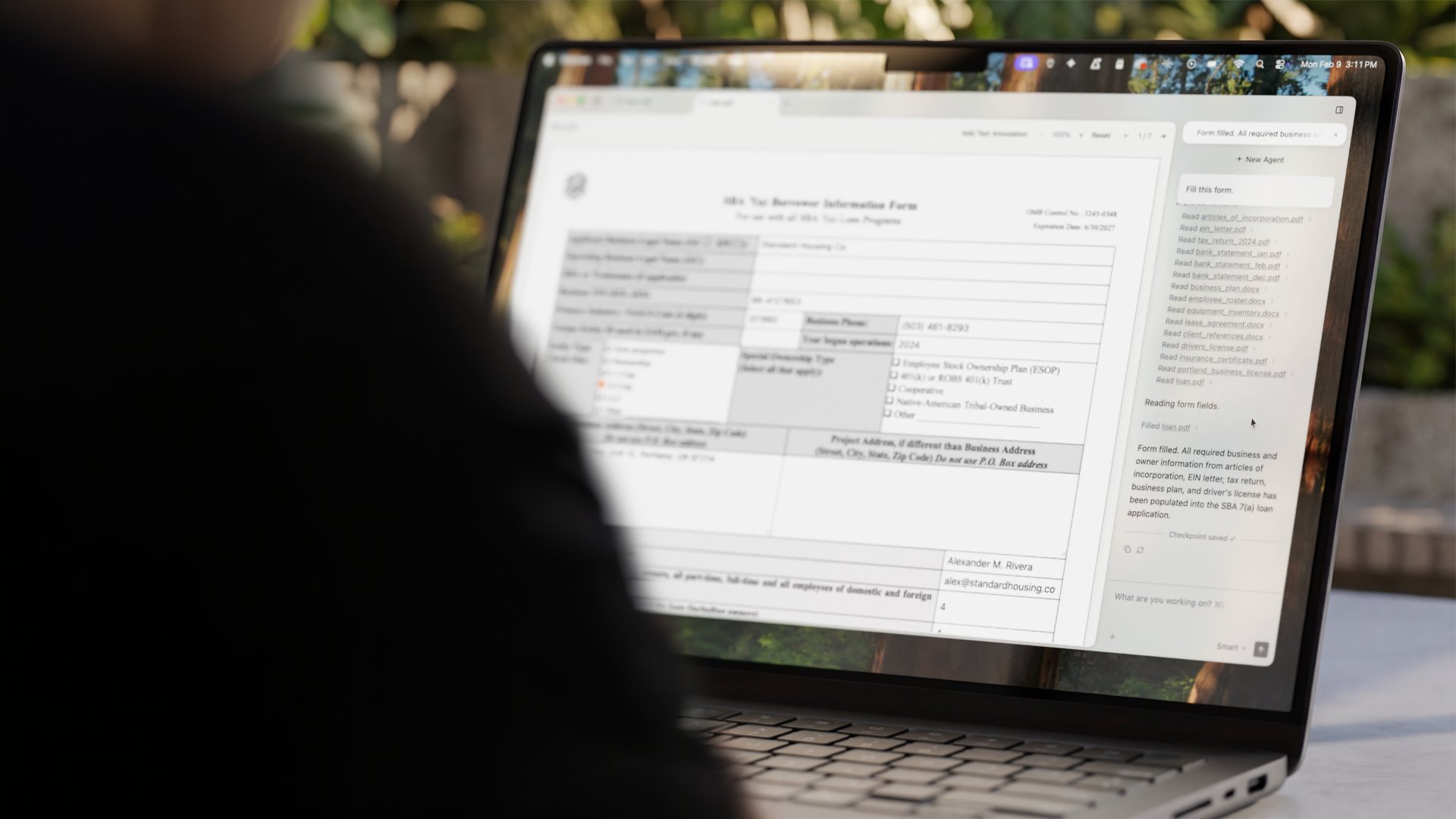
XDA’s piece on Hermes Agent named the gap that has been pulling at local-LLM enthusiasts for two years: a model in a chat window is not the same as a model that can actually do things. A 70B model running on your own GPU is impressive. A 7B model that can read your files, run a script, and write the output back is useful in a way the chat box is not.
We tested seven desktop apps that bolt agent capabilities onto local LLMs, running Ollama and LM Studio as the model backends on Windows, macOS, and Linux. The picks span the open-source frameworks that handle scripts, files, and shells, and the lighter tools that focus on one job well.
What matters in a local-LLM agent
- Backend flexibility. A useful agent works with whichever model server you already run. Ollama, LM Studio, llama.cpp, and OpenAI-compatible endpoints all show up here.
- Tool execution that you can audit. Agents that run shell commands need a confirmation step or a sandbox. Black-box tool runs on a real workstation are how local-LLM experiments end with damaged dotfiles.
- File access boundaries. “Read any file” is convenient but dangerous. The better tools let you scope an agent to a project folder.
- Memory across runs. Some tasks want a fresh conversation. Others want context from yesterday’s run. Tools differ on whether memory is opt-in.
- Cost of failure. A failed cloud agent is a wasted API call. A failed local agent that ran the wrong shell command is a recovery task. Pick tools that fail safely.
Quick comparison
| App | Best for | Backend support | Tool execution | License |
|---|---|---|---|---|
| Open Interpreter | Natural-language shell with code execution | Ollama, LM Studio, llama.cpp, OpenAI-compatible | Yes, with optional safe mode | AGPLv3 |
| OpenHands | Software-engineering agent for real codebases | OpenAI-compatible, Ollama | Yes, sandboxed in Docker | MIT |
| Hermes Agent | Lightweight runner tied to Hermes models | Ollama, LM Studio, llama.cpp | Yes, scripted tools | MIT |
| AutoGPT | Long-horizon autonomous task runner | OpenAI-compatible, Ollama via shim | Yes, plugin-driven | MIT |
| AgentGPT | Browser-hosted agent with self-hosted option | OpenAI-compatible, Azure, local proxy | Yes, in-browser | GPL-3.0 |
| Continue | In-editor coding agent | Ollama, LM Studio, OpenAI-compatible | Yes, scoped to IDE | Apache 2.0 |
| CrewAI | Multi-agent orchestration framework | Any OpenAI-compatible endpoint | Yes, via Python tools | MIT |
The apps
1. Open Interpreter — Best general-purpose shell
Open Interpreter is the closest thing to “a local LLM that can use your computer.” Install it from pip, point it at an Ollama or LM Studio endpoint, and ask it to summarize the contents of a folder, rename files by date, or query a SQLite database. It writes Python, asks before running, and pipes the output back into the conversation.
Where it falls short: The default mode runs code locally with confirmation; safe mode adds a sandbox but limits what tools can do. Smaller local models occasionally hallucinate function calls that fail at execution. The interactive REPL is great; the desktop GUI is newer and rougher.
Pricing:
- Free: AGPLv3 open source
- Paid: none
Platforms: Windows, macOS, Linux
Download: Open Interpreter | Source
Bottom line: Pick this when you want a single CLI that turns a local LLM into a working shell assistant.
2. OpenHands — Best for software engineering tasks
OpenHands (the project formerly known as OpenDevin) is built for codebase-scale work. The agent runs inside a Docker sandbox, gets a real shell, can use a browser, and can execute multi-step plans against a Git repository. It plugs into OpenAI-compatible endpoints, including local Ollama and LM Studio proxies, so the model stays on your hardware while the agent gets full development tooling.
Where it falls short: Heavier setup than Open Interpreter; you need Docker running and willing to give the container substantial resources. Smaller local models (under 13B) struggle with the multi-step planning OpenHands expects. The web UI is functional but not as smooth as the cloud-hosted version.
Pricing:
- Free: MIT open source
- Paid: none
Platforms: Windows, macOS, Linux (via Docker)
Download: OpenHands
Bottom line: Pick this when the agent needs to read a real codebase, run tests, and produce a pull request.
3. Hermes Agent — Best lightweight runner
Hermes Agent is the project XDA highlighted. It pairs a local LLM with a small, focused agent runtime that can run scripts and read files, designed around the Hermes family of fine-tuned models but compatible with any chat-tuned model served through Ollama or llama.cpp. The footprint is small and the configuration is short.
Where it falls short: Younger project; documentation and community knowledge base are thin. Best results come from running it with the Hermes-family models the runtime was tuned against; generic open models work but less reliably. Job orchestration is simpler than OpenHands.
Pricing:
- Free: MIT open source
- Paid: none
Platforms: Windows, macOS, Linux
Download: Hermes Agent on GitHub
Bottom line: Pick this when you want a small runner that gets out of the way and runs the scripts you already have.
4. AutoGPT — Best autonomous task runner
AutoGPT popularized the “give an LLM a goal and let it figure out the steps” pattern. The recent rewrite supports a graph-style agent builder, plugins for web search, file manipulation, and tool use, and a self-hosted backend that talks to local model endpoints through OpenAI-compatible proxies.
Where it falls short: Autonomous loops on small local models can spiral, racking up tool calls without making progress. The plugin ecosystem grew large during the 2023 hype cycle, then thinned out; vet plugins before granting them filesystem access. The interface is busier than the CLI alternatives.
Pricing:
- Free: MIT open source
- Paid: optional managed cloud
- vs OpenHands: broader goals, less structured execution
Platforms: Windows, macOS, Linux
Download: AutoGPT
Bottom line: Pick this when the task is broad and the goal is “see what the agent comes up with” rather than “execute this defined plan.”
5. AgentGPT — Best browser-first option
AgentGPT runs in a browser tab. It exposes a goal-based interface that decomposes a high-level objective into subtasks and runs them through a model endpoint. The self-hosted Docker build lets you point it at a local model server, which keeps the model on your hardware while giving you a usable web UI for non-technical users.
Where it falls short: Tool execution is more limited than Open Interpreter or OpenHands; it leans on search and reasoning over filesystem access. The hosted version is a paid SaaS; the self-hosted version is the free path.
Pricing:
- Free: GPL-3.0 self-hosted
- Paid: hosted plans starting around 40 USD per month for higher limits
Platforms: Windows, macOS, Linux (browser; backend via Docker)
Download: AgentGPT
Bottom line: Pick this when you want a web UI that non-technical teammates can use, pointed at your local model server.
6. Continue — Best in-editor agent
Continue is a VS Code and JetBrains extension that turns the editor into an agent UI. It plugs into Ollama, LM Studio, llama.cpp, and OpenAI-compatible endpoints, supports tool use scoped to the workspace, and handles autocomplete, chat, and multi-step edits without leaving the IDE.
Where it falls short: Agentic depth is shallower than OpenHands; it is excellent at “edit these files based on this prompt” and weaker at “explore this codebase end to end.” Tool surface is scoped to the IDE rather than the whole machine.
Pricing:
- Free: Apache 2.0 open source
- Paid: optional team features
Platforms: Windows, macOS, Linux (as a VS Code or JetBrains extension)
Bottom line: Pick this when the work happens in an IDE and you want the agent inside the editor, not in a separate window.
7. CrewAI — Best for multi-agent setups
CrewAI is a Python framework, not a polished app. The point of inclusion: when “one agent” is the wrong unit of work and you actually need a researcher, a writer, and a critic running in coordination, this is the friendliest path to set that up against a local model server. It targets the Python developer audience and produces orchestration code rather than a chat interface.
Where it falls short: Code-first, no GUI. Requires you to define the crew, tools, and tasks in Python. The learning curve is real and the documentation expects familiarity with LangChain-style patterns.
Pricing:
- Free: MIT open source
- Paid: optional CrewAI Enterprise
Platforms: Windows, macOS, Linux (as a Python library)
Bottom line: Pick this when one agent is not enough and you can write Python.
How to pick the right one
- If you want a single command-line tool that gets work done: Open Interpreter.
- If you want an agent that handles real software projects: OpenHands.
- If you want a small runner tied to the Hermes family: Hermes Agent.
- If you want broad autonomy and you accept the cost: AutoGPT.
- If you want a browser UI for non-technical users: AgentGPT.
- If the work happens in an IDE: Continue.
- If you need multiple coordinated agents: CrewAI.
FAQ
What is the difference between a local LLM agent and a chat model?
A chat model produces text. An agent runs in a loop: think, call a tool, observe the result, think again, call another tool, until the goal is met or the loop ends. Tools are scripts, file reads, web searches, shell commands, or anything else the framework exposes. The same model can be either depending on the runtime wrapper.
Can I run these on a Raspberry Pi?
Some can, with small models. Open Interpreter and Hermes Agent are light enough to start. OpenHands needs Docker resources beyond what a Pi delivers comfortably. Plan for at least 16 GB of RAM and a GPU or Apple Silicon for any agent built around a 13B model or larger.
Which one is safest to run on a real workstation?
OpenHands sandboxes everything inside Docker by default, which gives the strongest isolation. Open Interpreter has a safe mode that adds a sandbox layer. Treat the rest as you would any tool that runs arbitrary scripts: scope it to a project folder, do not run as root, and back up before letting it touch anything important.
Do I need a GPU?
Useful agents start to feel responsive around 13B models. Without a GPU, a 7B model on a modern CPU is workable for simple tasks. An Apple Silicon Mac with 32 GB unified memory runs surprisingly well. A discrete NVIDIA GPU with 16 GB+ is the most flexible setup.
Can I use these with OpenAI’s API instead of a local model?
Yes for most of them. The frameworks listed accept any OpenAI-compatible endpoint, so the same setup works against GPT-4o, Anthropic via a proxy, Groq, Together, or your local Ollama instance. The point of local is keeping the data on your hardware; the agent code does not care about the source.
What is the difference between OpenHands and Open Interpreter?
OpenHands is built for engineering tasks against a codebase, with strong sandboxing and a planning loop. Open Interpreter is built for “natural-language shell” use across the whole machine, with a lighter sandbox and a chat-first interface. Use OpenHands inside a repo; use Open Interpreter on the machine.